Evolve galaxy

AI Evolve

Make your AI better with every use

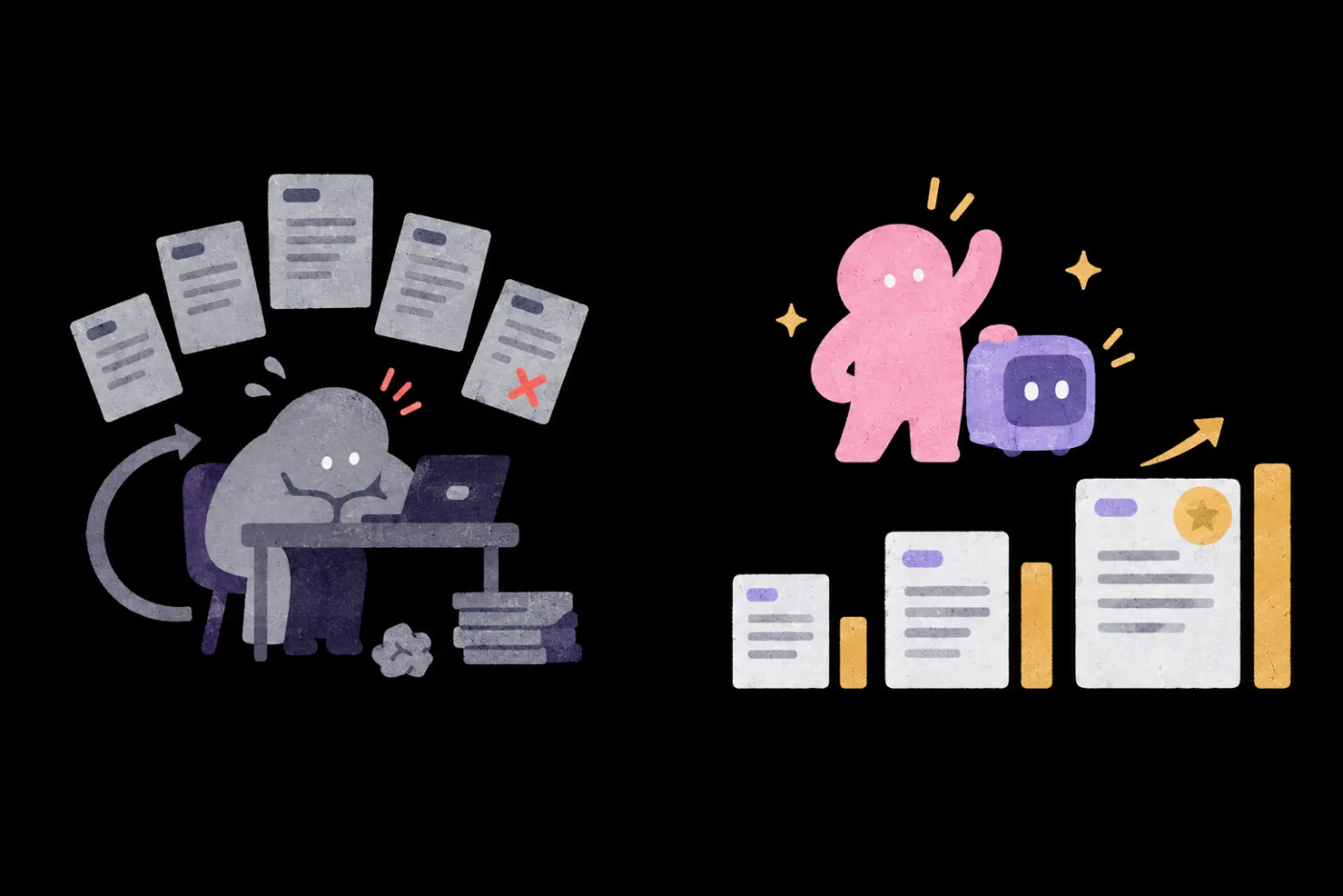
Turn every AI mistake into a better next version.

NT$ 5270 NT$ 11980
See plans
Starts2026/11/30
ForPeople whose AI results have stalled after months of use, and managers bringing their teams along
Courses7 courses
TeachersHai Tseng、Sean Liu、Carmen Hsueh、Wisely Chen、Sting Tao
POINT 1

Turn AI mistakes
into a better next version

For the AI you already use: set standards, keep records, find causes, revise and re-test

POINT 2

After all this time,
why is your AI no better?

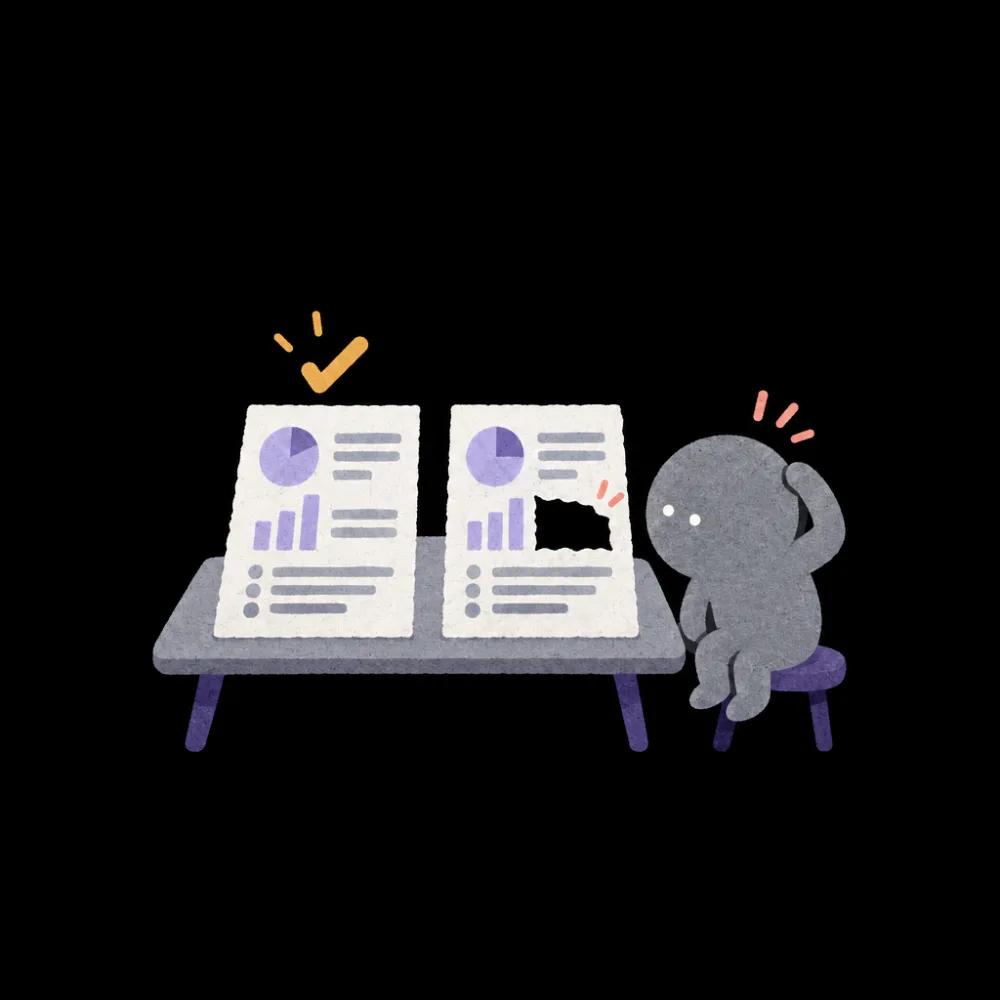
“It was fine last week”
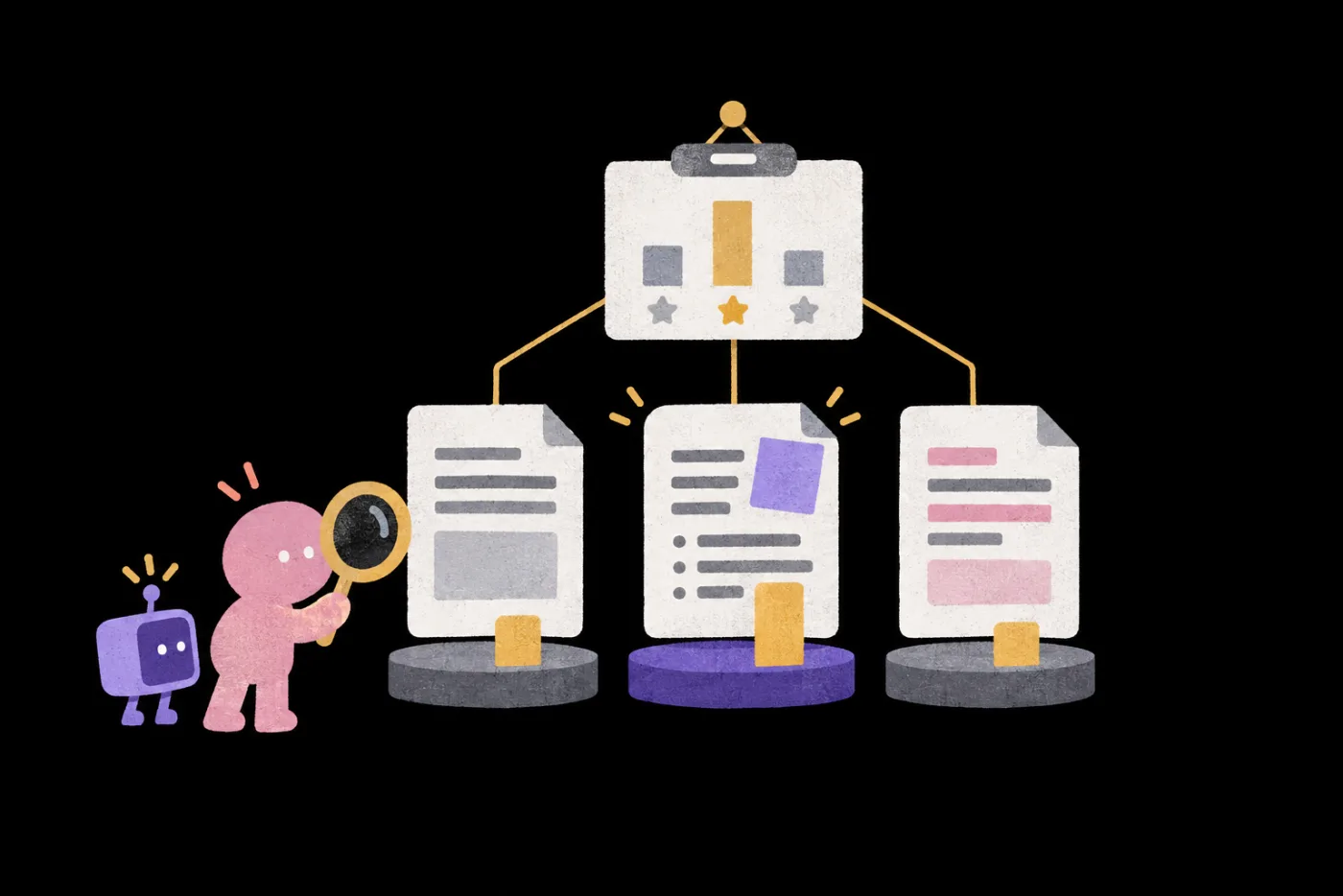
Two reports side by side on a desk: the left one checked, the right one missing a piece, and a person beside them scratching their head
Same Skill: a great report last week, key points missed this week
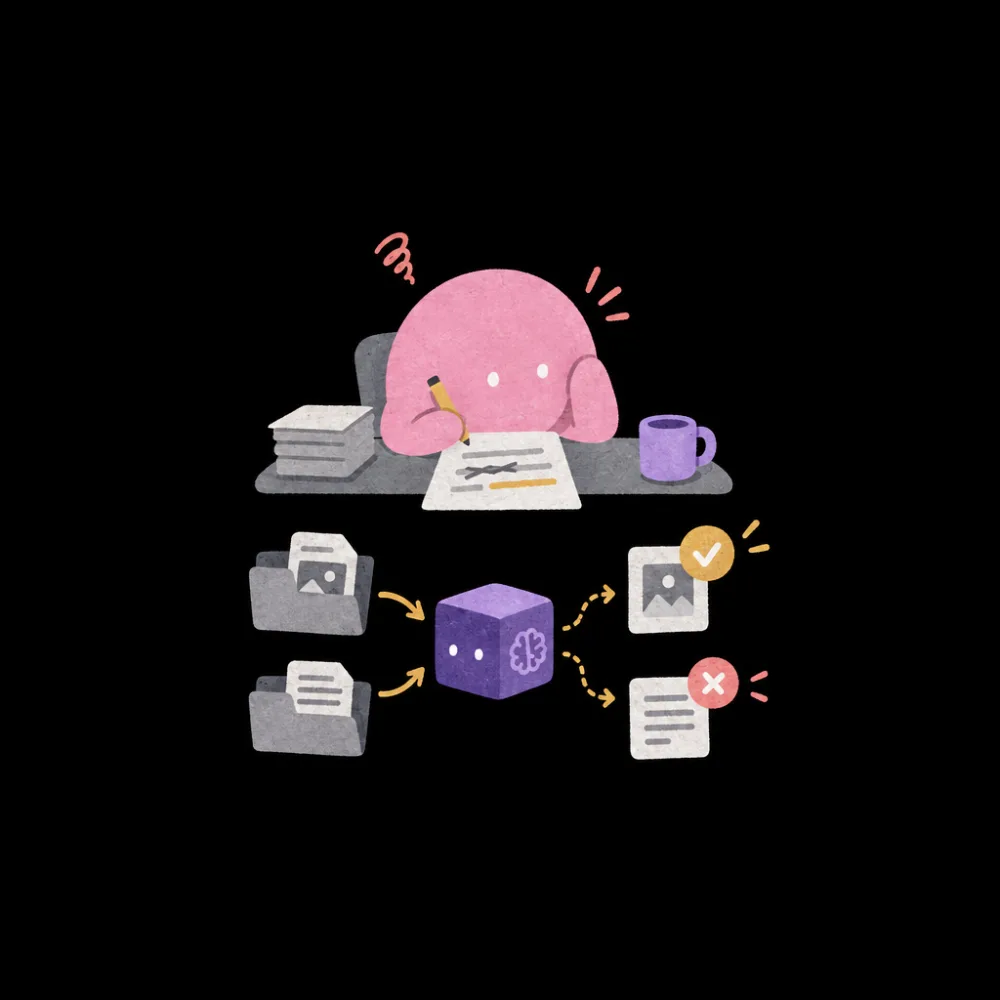
“Wrong again?”
Someone editing a Prompt and giving the AI two different documents: one checked, one crossed out
You fix the Prompt and it works, then new data breaks it again
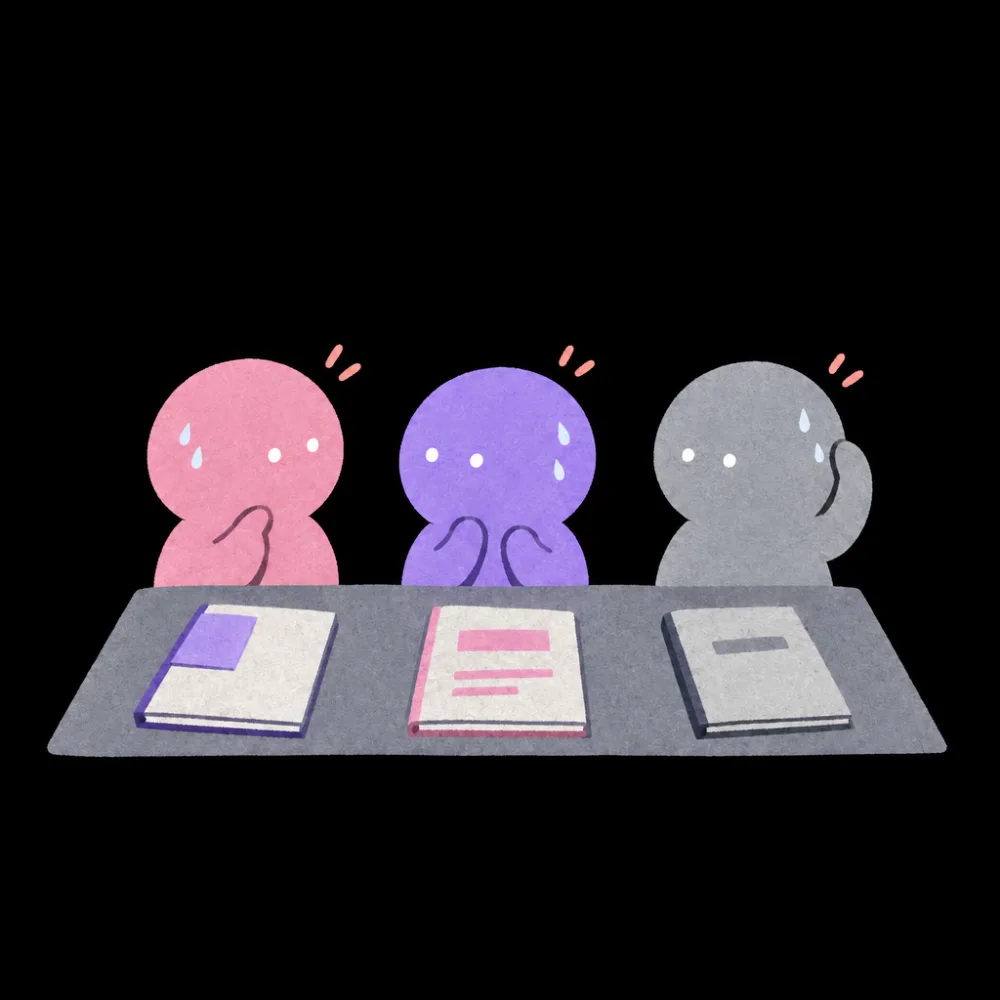
“Which version is better?”
Three people, each with a slightly different manual, glancing at one another and sweating
Colleagues each made their own version, and no one can say which is better
“Only he can use it?”
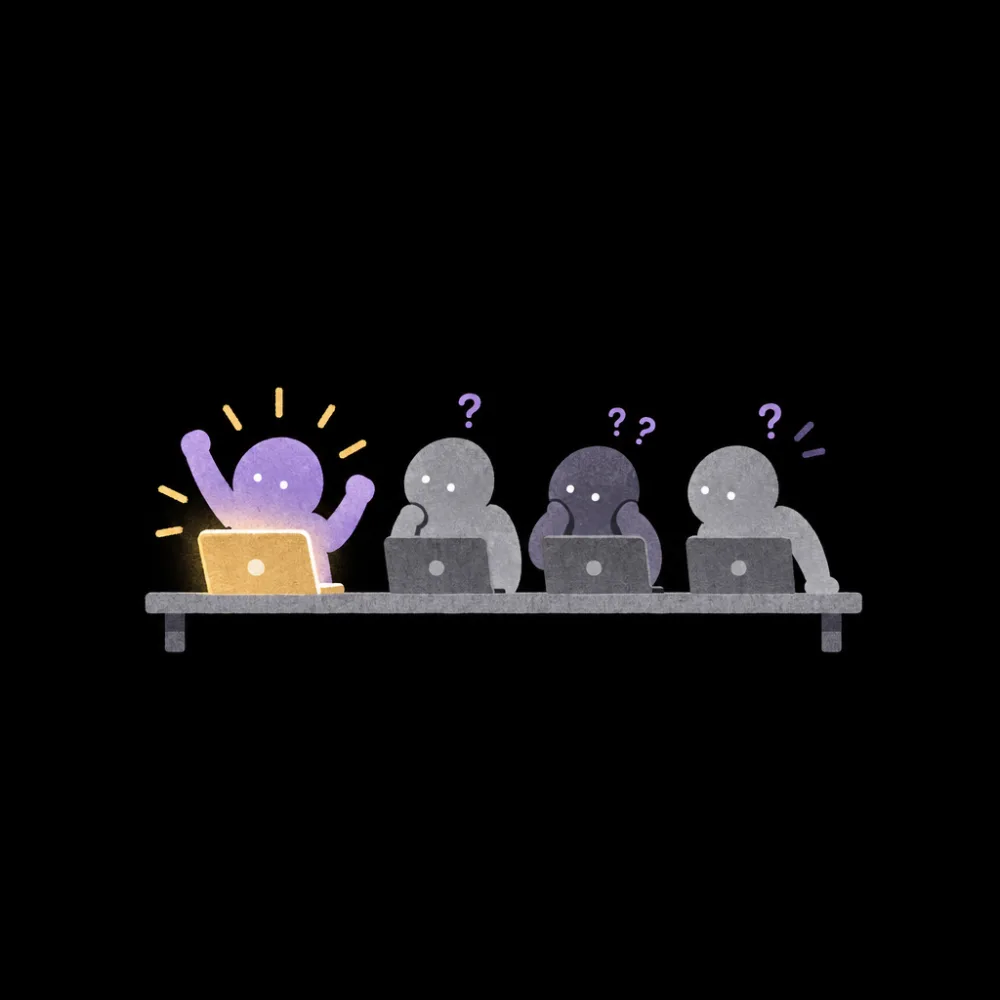
Four laptops in a row with only one lit up; the other three people stare at dark screens, puzzled
A colleague builds a brilliant AI setup, but only he knows how to use it, and no one else can

Every mistake vanishes when the chat ends

Keep the mistakes
so AI can improve

POINT 3

Set up scoring and checks
so the loop can turn

Turn how you judge good and bad into a scorecard
Every version is checked first, then you decide to adopt

POINT 4

Let AI run on its own
within limits you set

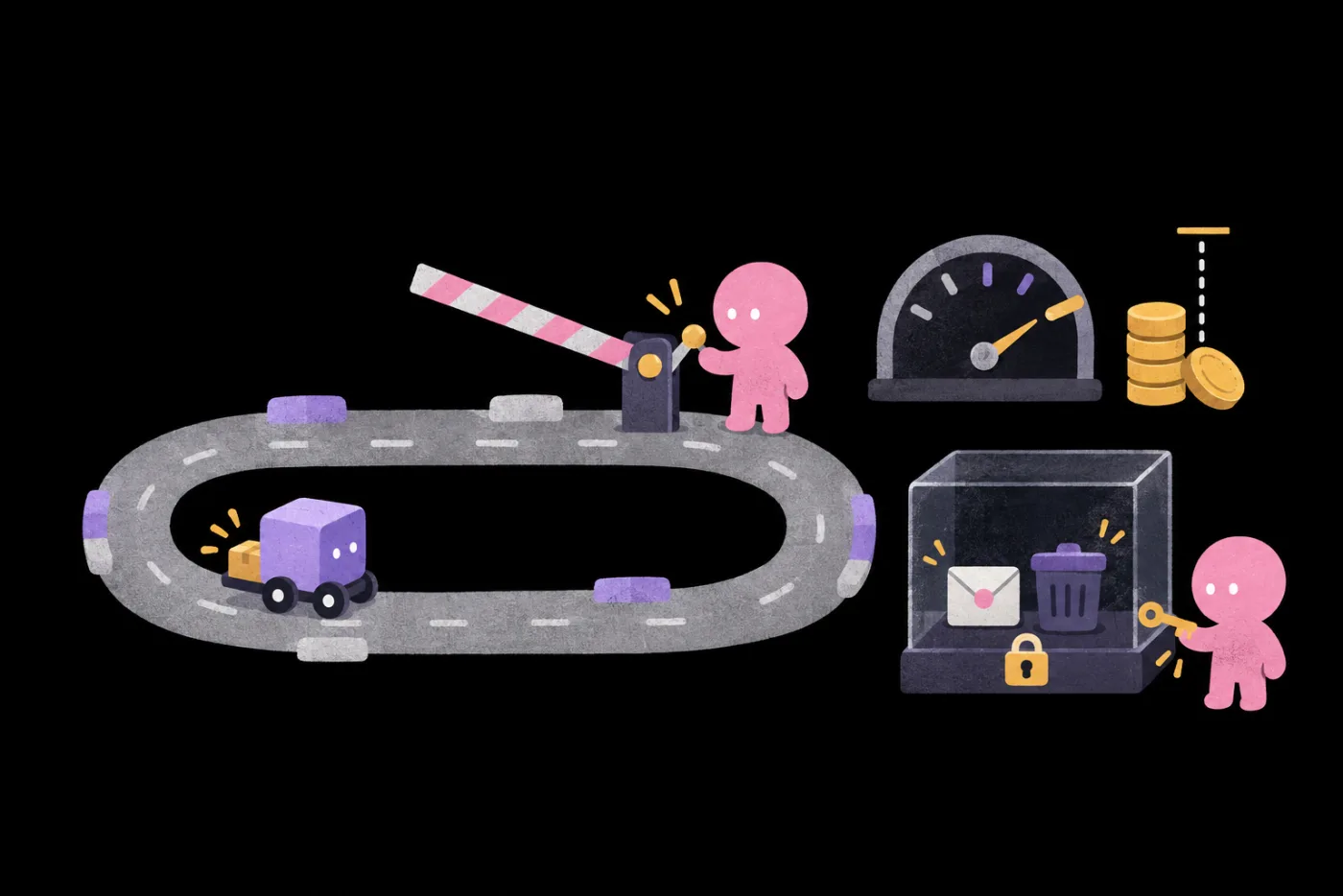
AI drives a small car around a track while a person holds the gate barrier; nearby are a lap counter, a stack of gold coins with a limit line, and an envelope and trash can locked in a glass case, with the key in the person's hand You give the go-ahead Round limit Spending cap People handle emails and deletions

Clear limits
make it safe to keep it running

POINT 5

When a whole team uses it,
do edits turn it into a mess?

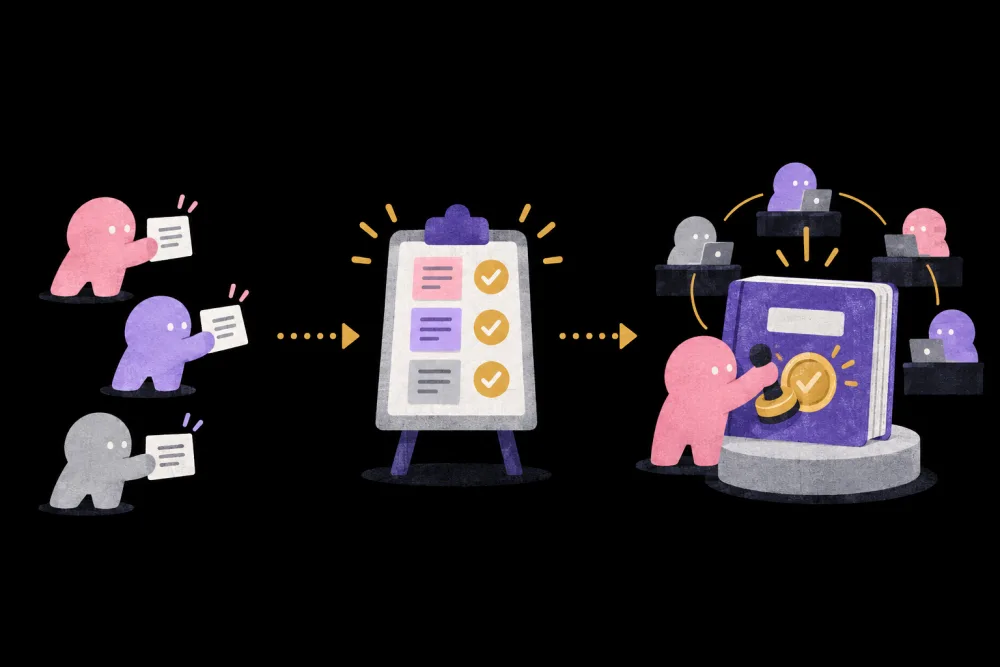
Everyone's fixes go back to one version and one scorecard
and the owner decides what to adopt

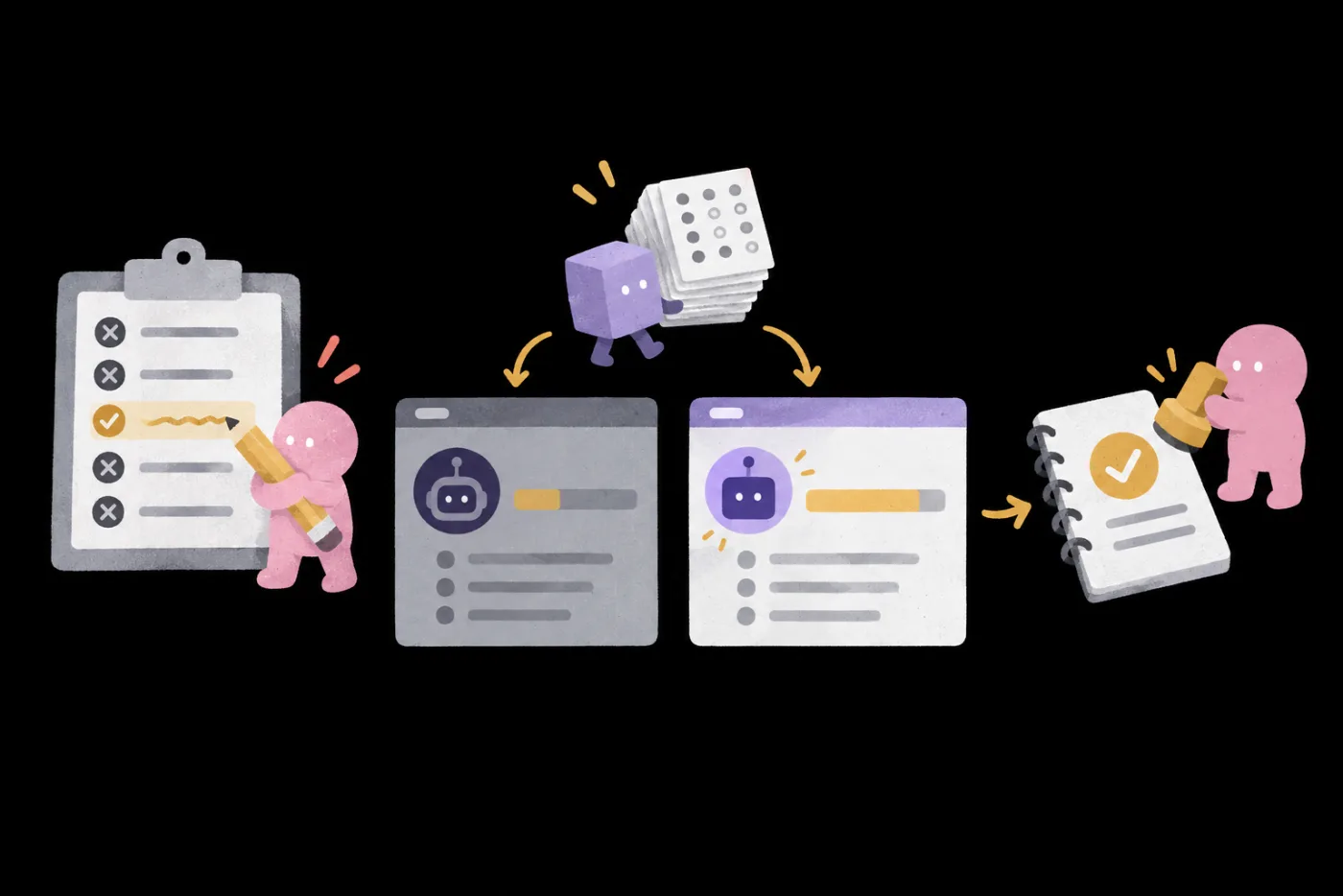
On the left, three people each hand over a correction card that travels along dotted lines to a scorecard in the middle, where all three items are checked; on the right, a large book receives a gold seal, with people from other departments linked to it by gold threads

One person's progress
becomes the whole team's

POINT 6

In class,
you'll do these three things

01Score three versions

1Same scorecard 2Original Skill 3Colleague's private edit 4Rewritten Prompt

02One evolution round

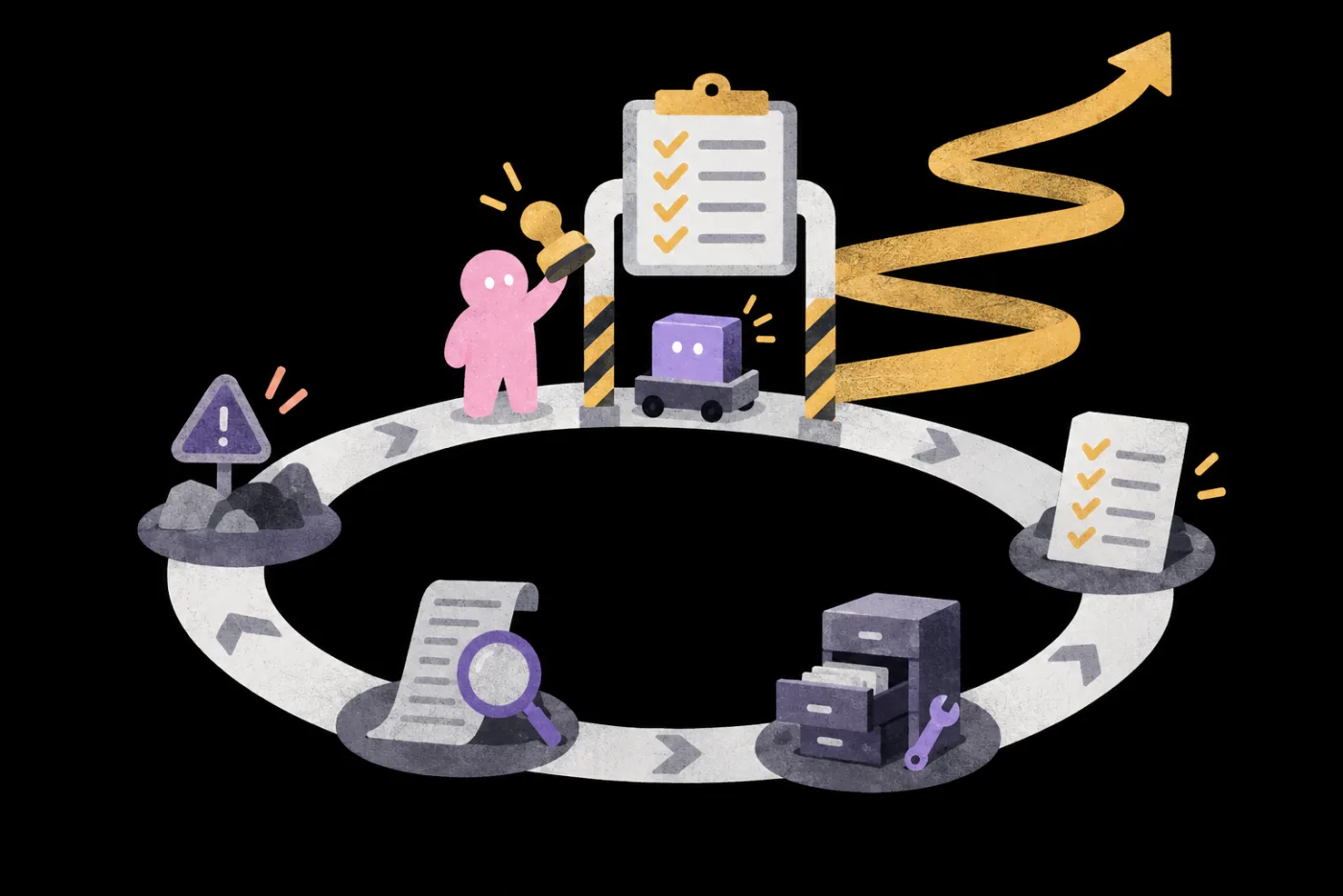
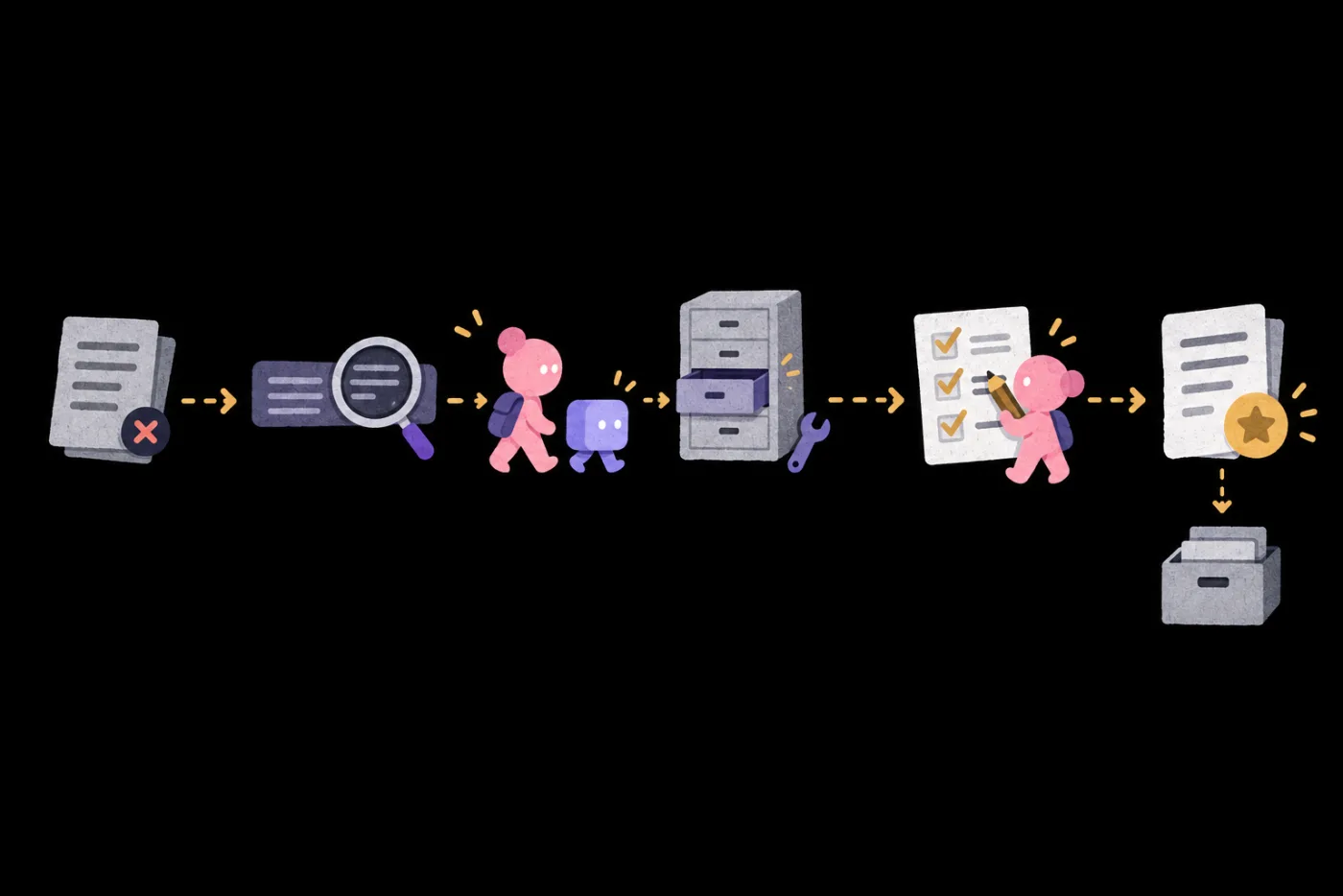
1Error 2Find the cause in the trace 3Fix only that layer 4Re-test the same batch 5Adopt 6Archive the old version

03Change criteria, re-test

1Change one criterion 2Same set of cases Before After 5Record why it was adopted
POINT 7

See Evaluation in action
Every video clears four checkpoints before it ships

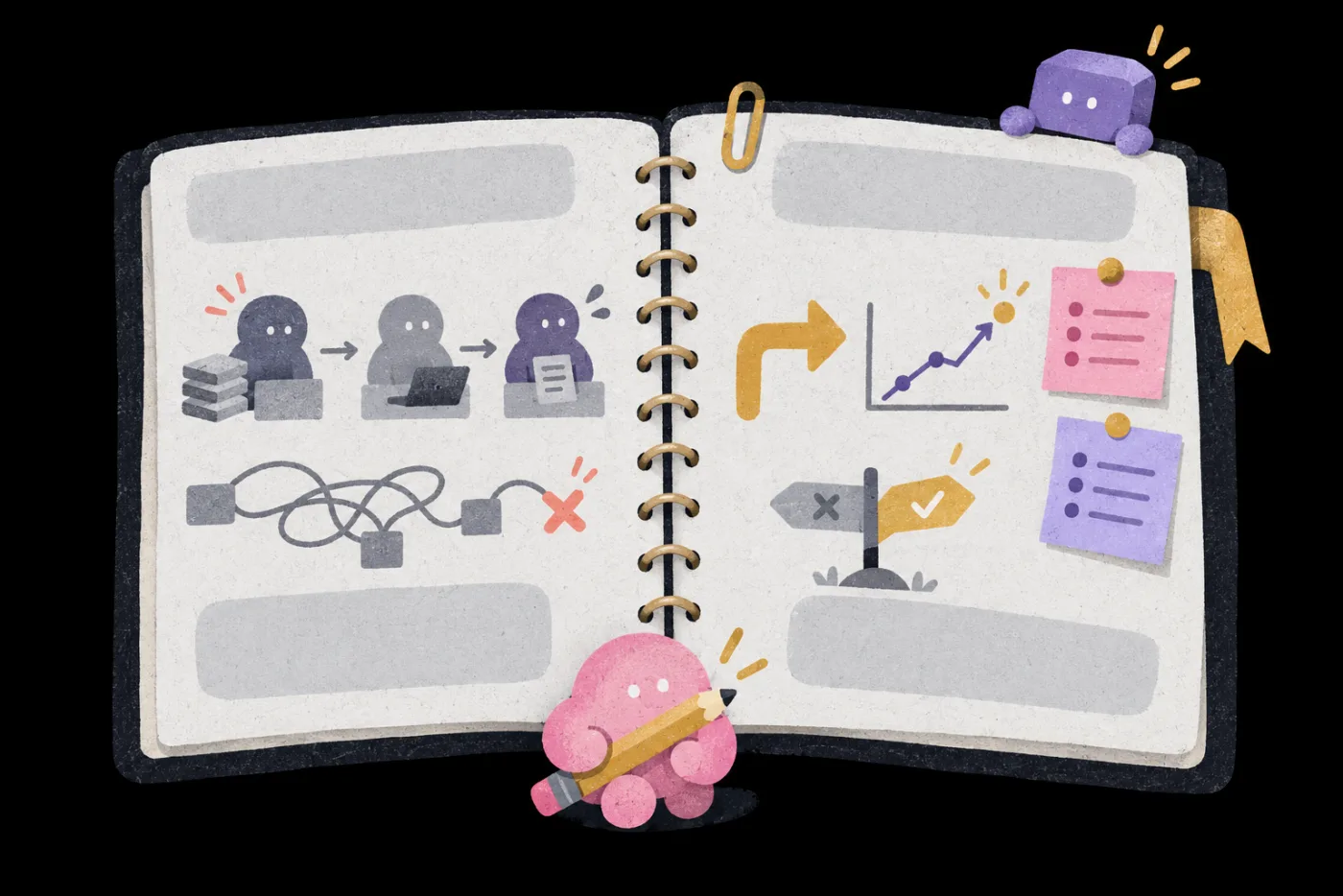
An open notebook: the left page shows a relay-style workflow and a knotted, crossed-out line; the right page shows a rising line chart, two sticky notes, and a checked signpost
Today's video 60sec
POINT 8

Follow along
and keep these six

  1. 01

    Scorecard

    Turn your taste into criteria AI can read

  2. 02

    Test case set

    A fixed test set
    re-run after every change

  3. 03

    Traces and incident reviews

    Which layer went wrong
    and how to fix it

  4. 04

    Version log

    What each version changed
    its score, adopted or rejected

  5. 05

    Guardrails

    Who can edit, cost caps
    when to stop, when to hand off to people

  6. 06

    One full evolution cycle

    One AI task
    through failure, fix, re-test, and adoption

POINT 9Extra · Decision talk

Training done, work unchanged?

Want to bring this
to your whole company?

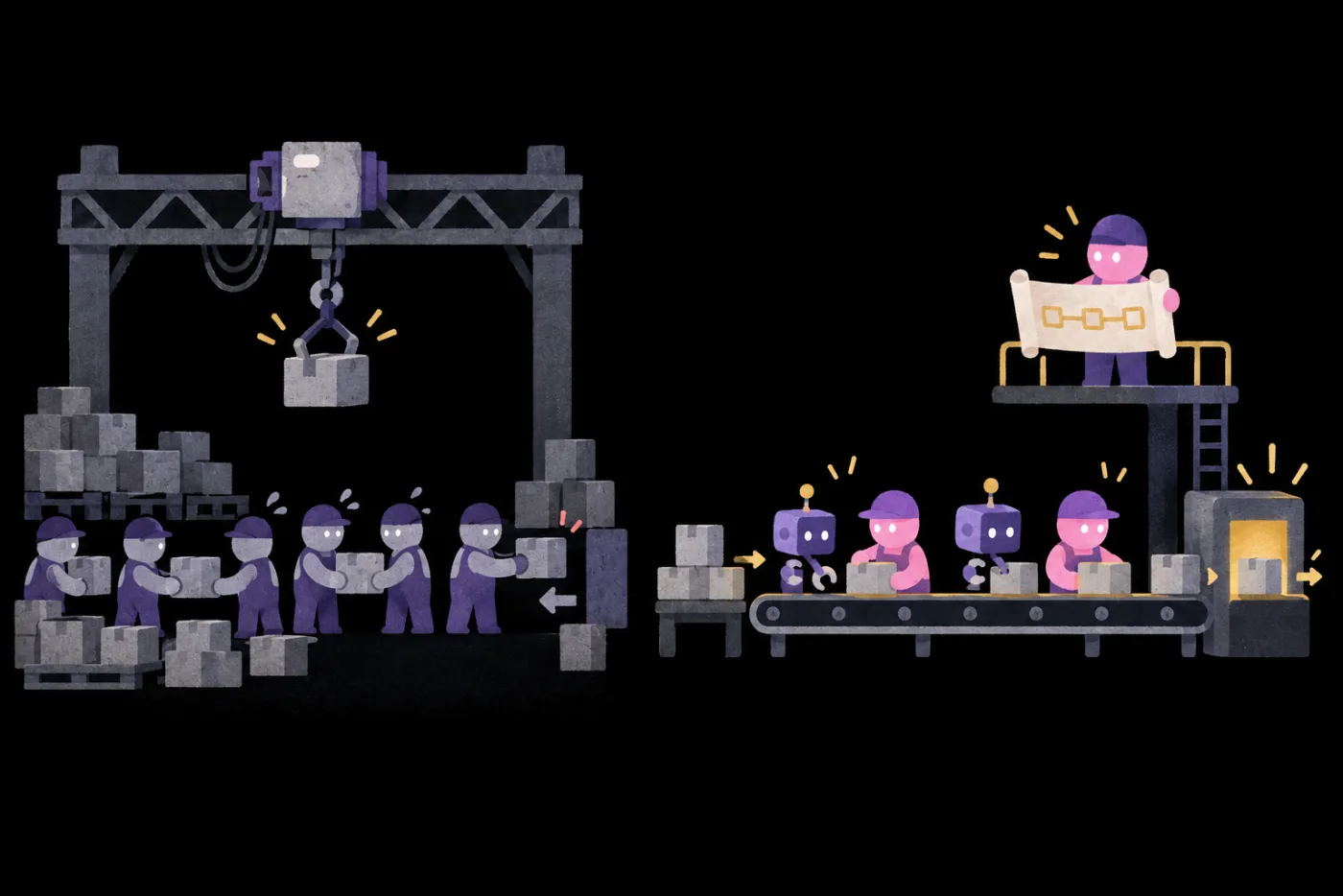
Left: an old factory where an overhead crane has a new motor while a row of people still pass boxes by hand. Right: a redesigned, shorter production line with AI and people working side by side, and the owner on a raised platform holding a new blueprint 1New tools 2Same old process 3Rebuild the whole process 4Owner's decisions first

New motor, same old crane

Sting Tao uses Shopify, Hoop, and Intercom
to show the five decisions owners make first

POINT 10

Five teachers
share their experience

Hai TsengDean, SAT Knowledge AI Academy
  • Lesson 1

    Loop Engineering: write acceptance criteria, let AI revise until it passes

    CriteriaGuardrails
  • Lesson 6

    Self-evolving AI systems: build your own upgrade system

    Re-test
Sean LiuCEO, Narsil AI
  • Lesson 2

    Turn your taste into Evals

    Criteria
  • Lesson 5

    Trace and incident reviews

    Log
Carmen HsuehCOO, SAT Knowledge
  • Lesson 3

    Better AI across your organization: shared knowledge, SOPs, and quality checkpoints

    FixRe-test
Wisely ChenAI Startup Executive
  • Lesson 4

    AI governance boundaries: permissions, cost, and human handoff

    Guardrails
Sting TaoFormer Managing Director, LINE Taiwan
  • Lesson 7 · Extra

    Five decisions for going all-in on AI

    Extend
POINT 11

Better AI with every use
comes from a method you control

7 recorded lessons · Starts Nov 30, 2026

NT$ 5270 NT$ 11980

Want several managers from your company to join? Learn about team plans →

COURSE7 lessons · 5 teachers
  1. 01

    Loop engineering: Write acceptance criteria and let AI iterate to pass

    Turn “good” into acceptance criteria, cap rounds and budget, and let AI revise until it passes.

    Hai Tseng
  2. 02

    Turn taste into evals: External signals and machine-readable criteria

    Use good and bad examples with a rubric to write your taste as criteria AI can read.

    Sean Liu
  3. 03

    Make your team's AI better with use: Shared knowledge, SOPs and quality gates

    When AI gets it wrong, find whether facts, SOP, Skill or settings caused it, fix that layer, and retest with the same scorecard.

    Carmen Hsueh
  4. 04

    AI governance boundaries: Permissions, cost and human handoff

    Separate read, write and irreversible permissions, cap costs, and hand high-risk actions to a person.

    Wisely Chen
  5. 05

    Traces and incident reviews: See it to fix it

    Trace a run to the step where it went wrong, and add that error to your test cases.

    Sean Liu
  6. 06

    Self-evolving AI systems: Build your own upgrade system

    Change one criterion, compare before and after on the same cases, then adopt or roll back.

    Hai Tseng
  7. 07

    Five decisions for going all-in on AI: Alignment, process, business model, pricing and budgetExtra · Decision talk

    Learn the five decisions to settle before bringing AI into a whole company.

    Sting Tao
Q&A
  1. 01

    Who is this for?

    Anyone who wants their AI to grow more reliable with use
    • Already using a Skill, Agent, or go-to Prompt
    • Leading a small team that should share one version
    • Leading AI adoption and need to show whether changes helped
  2. 02

    Can I join without a team?

    Yes.Scorecards, traces, and re-testing after changing criteria are all demonstrated on a single Skill. The shared team knowledge part works best with two or three people practicing together.

  3. 03

    Do I need other galaxies first, or deep AI expertise?

    No.The six galaxies are independent series, and no coding is required. Evals (scoring criteria) and Trace (execution records) are tools for checking AI quality.

  4. 04

    Running a company and want everyone working this way?

    Start with the five decisions for bringing AI into a company, then apply this method to one team first.

  5. 05

    How is Evolve different from the other galaxies?

    Twin builds you an assistant. Workflow makes one stream of work run reliably.Evolve makes them better the more you use them.

  6. 06

    Can I take the course on my phone? What computer do I need?

    Watch on your phone; practice on a computer.Your phone works for watching and checking what the AI hands back. Writing scoring criteria, reviewing traces and re-testing revisions mean organizing documents and Skills on a computer. An up-to-date browser is enough to follow along; Notion works on the web, and its desktop app needs macOS 13 or Windows 10 or later. To watch lessons, use Chrome 111, Safari 16.4 (iOS 16.4), Firefox 128 or later.

  7. 07

    Which AI tools will I use? Can I switch?

    Use your team's existing tools.You'll use a chat AI with Notion or another shared document tool. The method works with the tools your team already uses.

  8. 08

    Do I need to pay for anything else?

    Free to practice; paid for re-testing.On free plans you can use one Skill to practice scorecards, traces and re-testing after changing criteria; to use Skills in Claude, first turn on code execution. Re-testing many versions can use up the allowance, so we suggest a paid plan for more usage. When rolling this out in a company, the company provides model access, permissions and logging systems. Whenever a lesson uses a paid feature, we'll flag it.

Want several managers from your company to join?

Learn about team plans →

Plans

This price ends in 0d06:06:10
NT$5,270List priceNT$11,980
  • AI Evolve: 7 lessons
  • 12 months of access, counted per lesson
  • Includes 1 AI skills assessment
  • 0% interest installments: 3, 6 or 12 months (not available for foreign cards)

Multi-buy2 items 10% OFF · 3+ items 15% OFFSee multi-buy

Courses open 2026/11/30 17:00

This price ends in 0d06:06:10

All six galaxies, one price

  • All 6 galaxies, all 35 lessons unlocked
  • 12 months of access, counted per lesson
  • Includes 6 AI skills assessments
  • 0% installments over 3, 6 or 12 months (not valid for foreign cards)
NT$12,800Bought separately List priceNT$50,090 Save NT$9,000 vs. buying separately
NT$5,270List priceNT$11,980 See plans