Twin galaxy

Super AI Assistant
Training Program

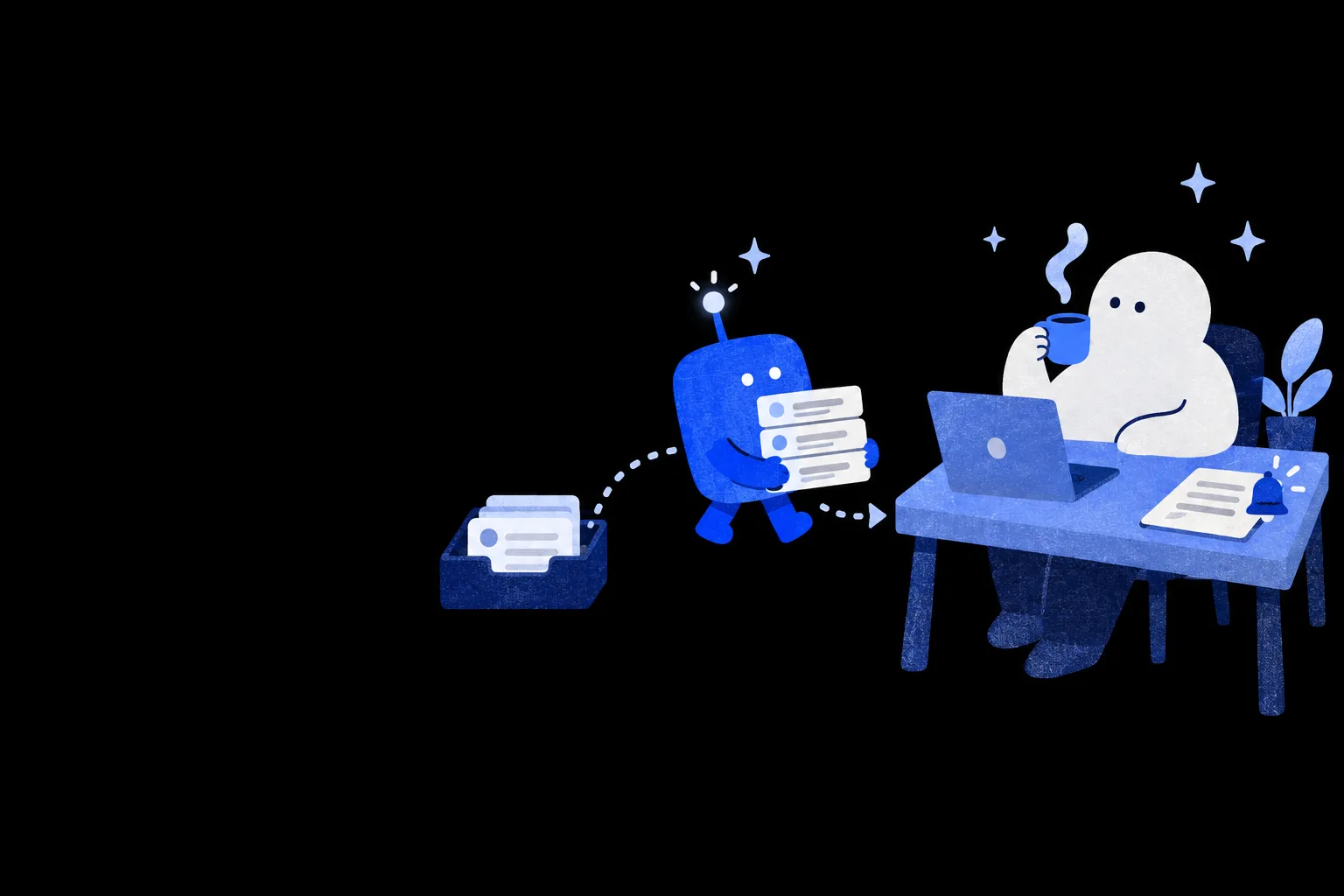
Build a digital twin that takes on your work

With an AI assistant that truly knows you, how much less would you do each day?

NT$ 3590 NT$ 7980
See plans
Starts2026/11/30
ForKnowledge workers, managers, and project and operations staff who already use ChatGPT or other AI but still drive routine work themselves
Courses4 courses
TeachersEugene Wang、Vivi Chen
POINT 1

You're still on your way.
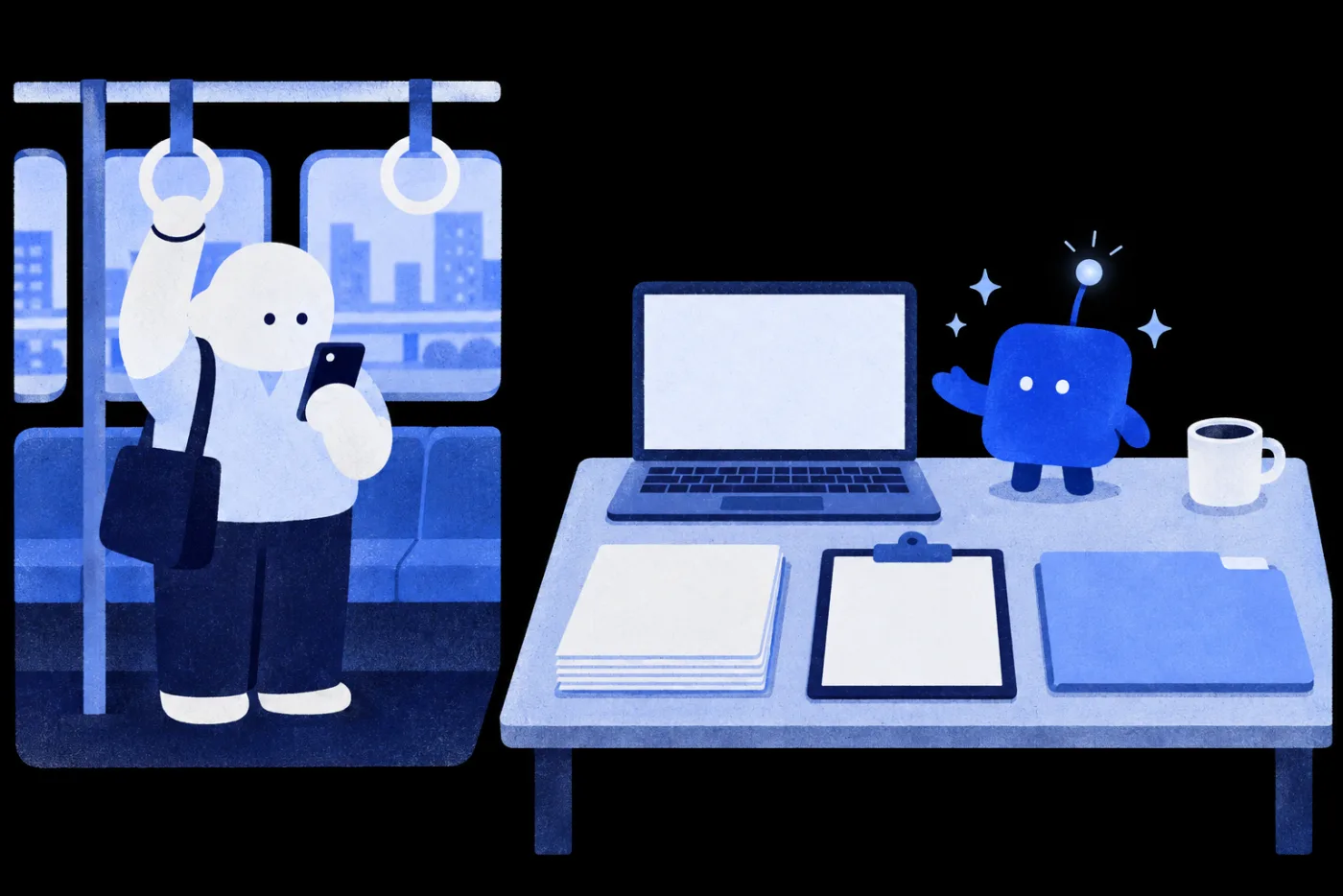
It already has today's work ready for you

On the left, a person holds a strap on the metro while looking at their phone; on the right, a laptop, a stack of documents, a clipboard and a folder are ready on the desk, with a small assistant standing beside them
Your assistant 08:09 Today's work is ready
Today's briefing 3items Your preferences applied
Competitor updatese.g. Done
Customer feedback summarye.g. Done
Weekly data summarye.g. Done

Raise your first super AI assistant from scratch.

POINT 2

You already have AI.
So why are you still doing everything yourself?

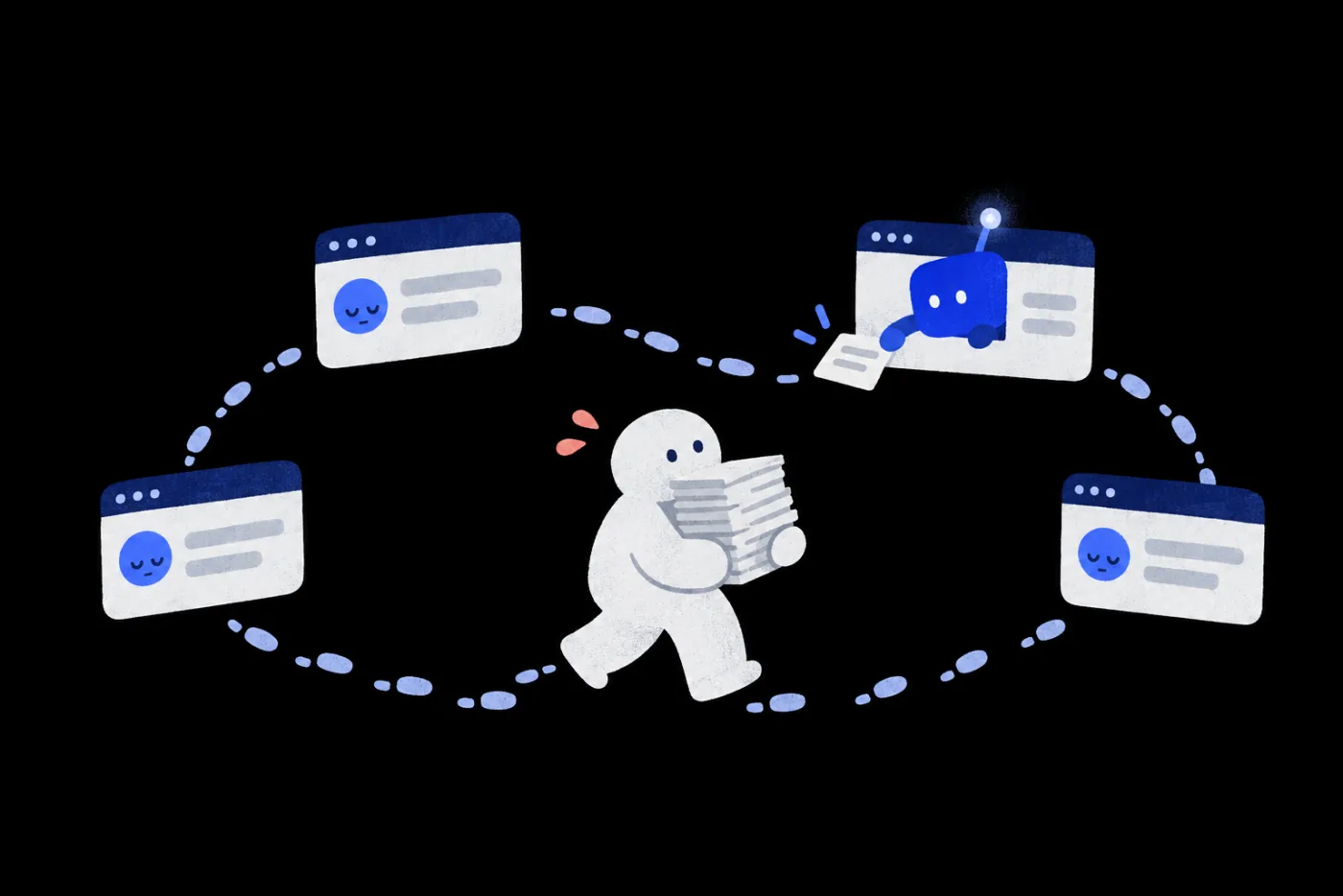
A person carries a tall stack of documents along a dotted line past four AI windows; the AI in three windows is dozing, and only one small assistant leans out to hand back a slip of paper Re-explain every time 1 step by AI 8 steps by you Stops when you're away

Same work, now driven by your assistant

You driveAssistant drives

POINT 3

Finds the news, remembers what you like, starts on schedule.
Brief it once, get the work back

01Knows you

You saidEvery morning at 8, pick out AI news relevant to my work.

Read your role and scoring criteriaFind leads in chosen sourcesVerify with official announcementsRecommend only 7+

AssistantI read the role and scoring criteria you wrote in Notion, checked official announcements, and picked 3 items scoring 7+.

SourceSites you choseCriteriaYour scoring criteria in Notion
02Remembers you

You saidFor news like this, I'd like more enterprise adoption examples.

Read your feedbackAdjust the next picksNote which preference was usedMark the feedback as applied

AssistantGot it. Next time I'll include more enterprise adoption examples and note which of your preferences I used.

FeedbackNotion feedback fieldSaved toYour knowledge base
03Gets work done

You saidSchedule's set. From tomorrow, run on your own at 8 every day.

Start on its own at the scheduled timePull data from chosen sourcesFilter by your criteriaWrite to Notion and log the run

AssistantIt's time, so I've started. New items are in Notion, and this run is logged.

TriggerDaily at 8:00Writes toYour NotionLogThis run's log

You skipRe-explaining context and criteria daily

You skipRepeating the same request

You skipOpening a dozen sites daily to copy and paste

Everything lands in your Notion, where you pick what matters and make the call.Illustrative · You set data sources and permissions

POINT 4

It scores by your standards
and keeps only what's worth reading

You write its role and scoring criteria in Notion; it rereads them on every run.

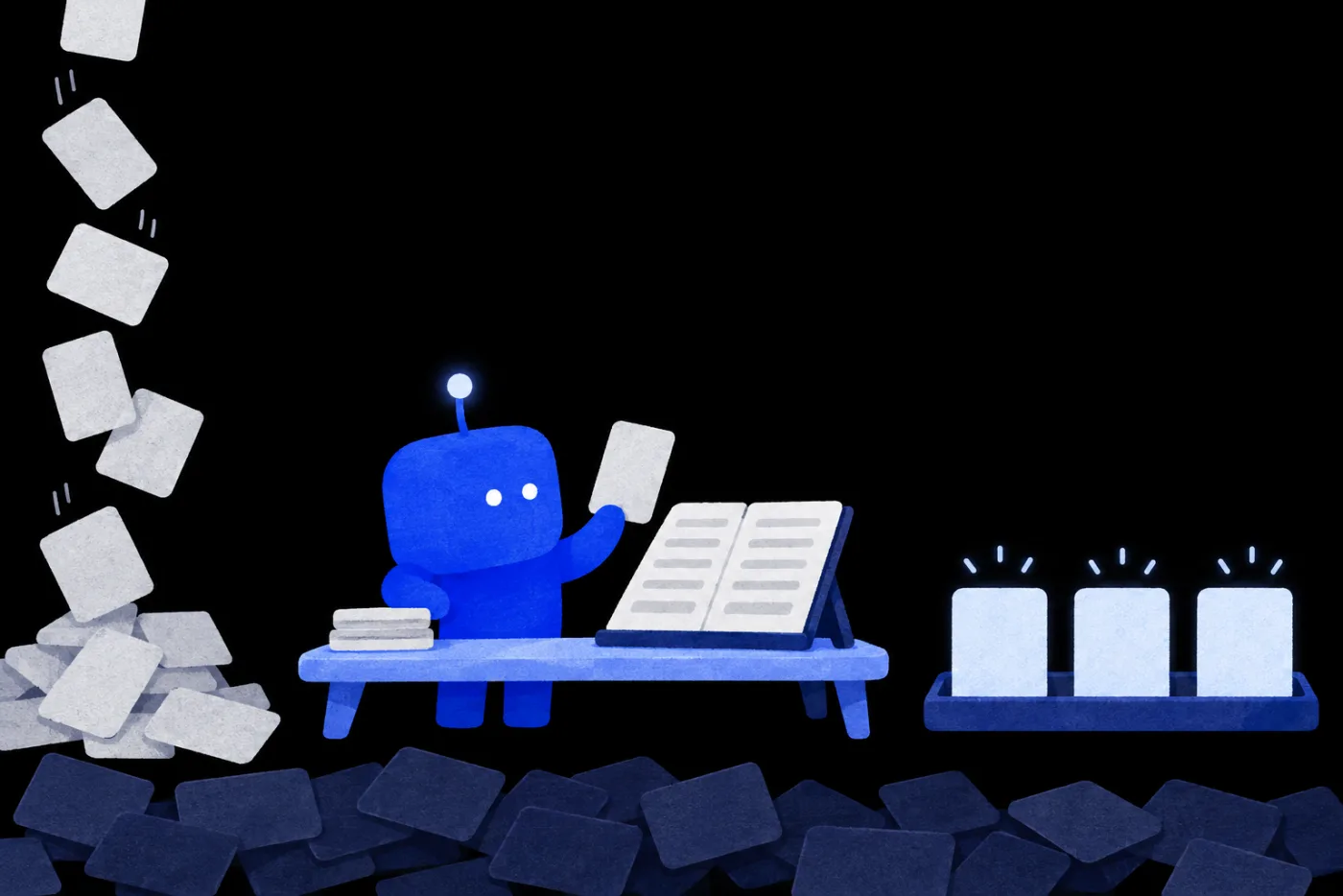
On the left, a stack of cards falls; at a desk, the blue assistant holds up a card against an open notebook; on the right, three glowing cards stand on a tray while the other dark cards pile up on the floor 01 In8 items today 02 ScoreBy your 4 criteria 03 Keep3 items at 7+ SkippedBelow 7 9pts 8pts 7pts
Your scoring criteriaIn your Notion knowledge base
How-to3 Enterprise use3 Fresh info2 Evidence2
Recommend only 7+ Up to 5 items at a time Find leads, then verify with official sources

Leave one line of feedback, and next time it adjusts

POINT 5

Three stages,
from getting to know you to delivering its first task

If you can use ChatGPT, you can start training one.

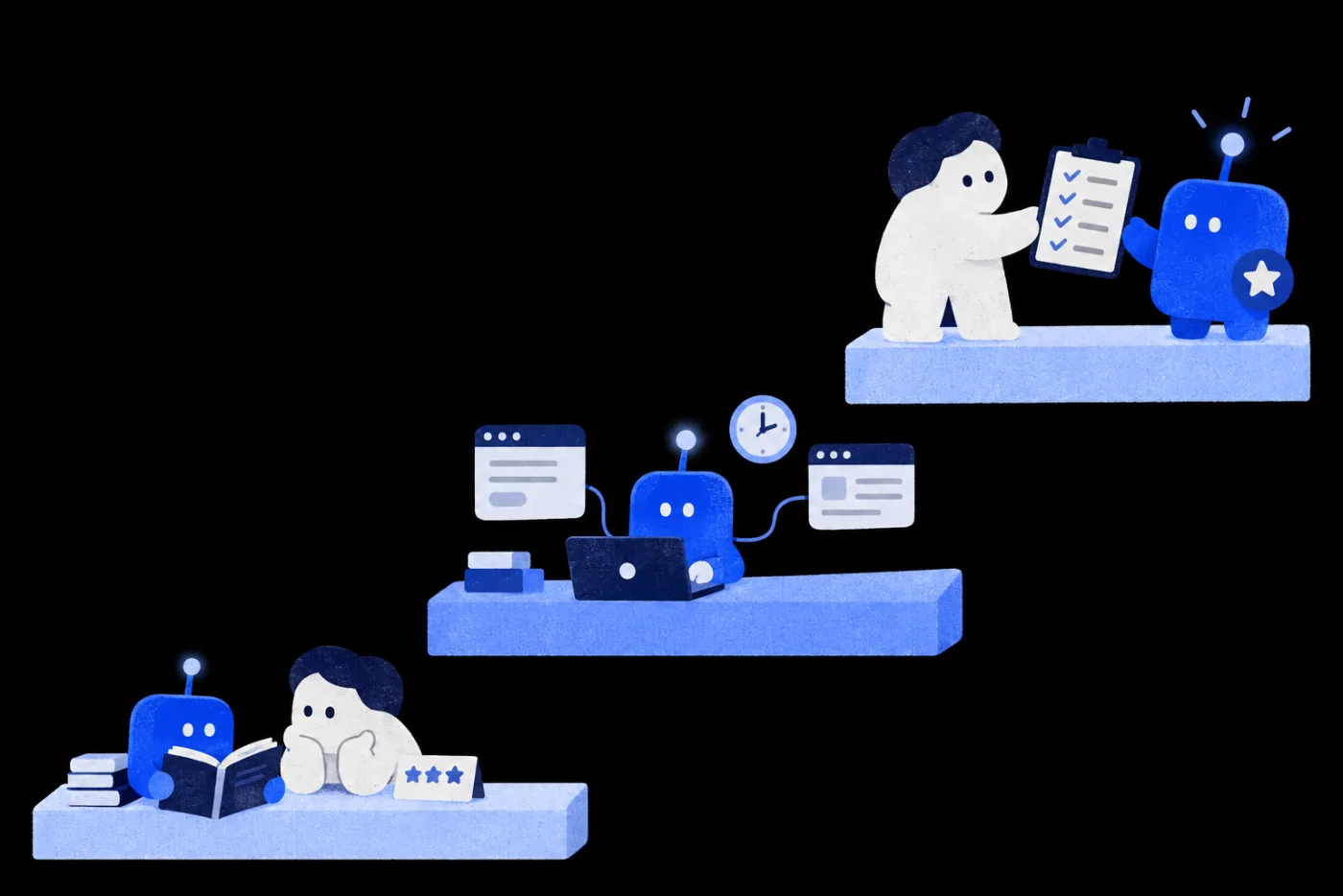
Three steps rising from lower left to upper right: the assistant studies with a person, the assistant works with a connected computer and schedule, and the person hands a checked-off list to the assistant wearing a star badge 01Get familiar 02Start work 03Pass review
Learn your workPersonal memory and knowledge sources, so it knows where to find the right information
Take on real workConnect tools, set task conditions, complete a handoff
Become reliableTest results, check edge cases, tune with feedback

Step by step, toward the day
you hand it a real task to finish.

POINT 6

You open Notion,
and today's briefing is already sorted

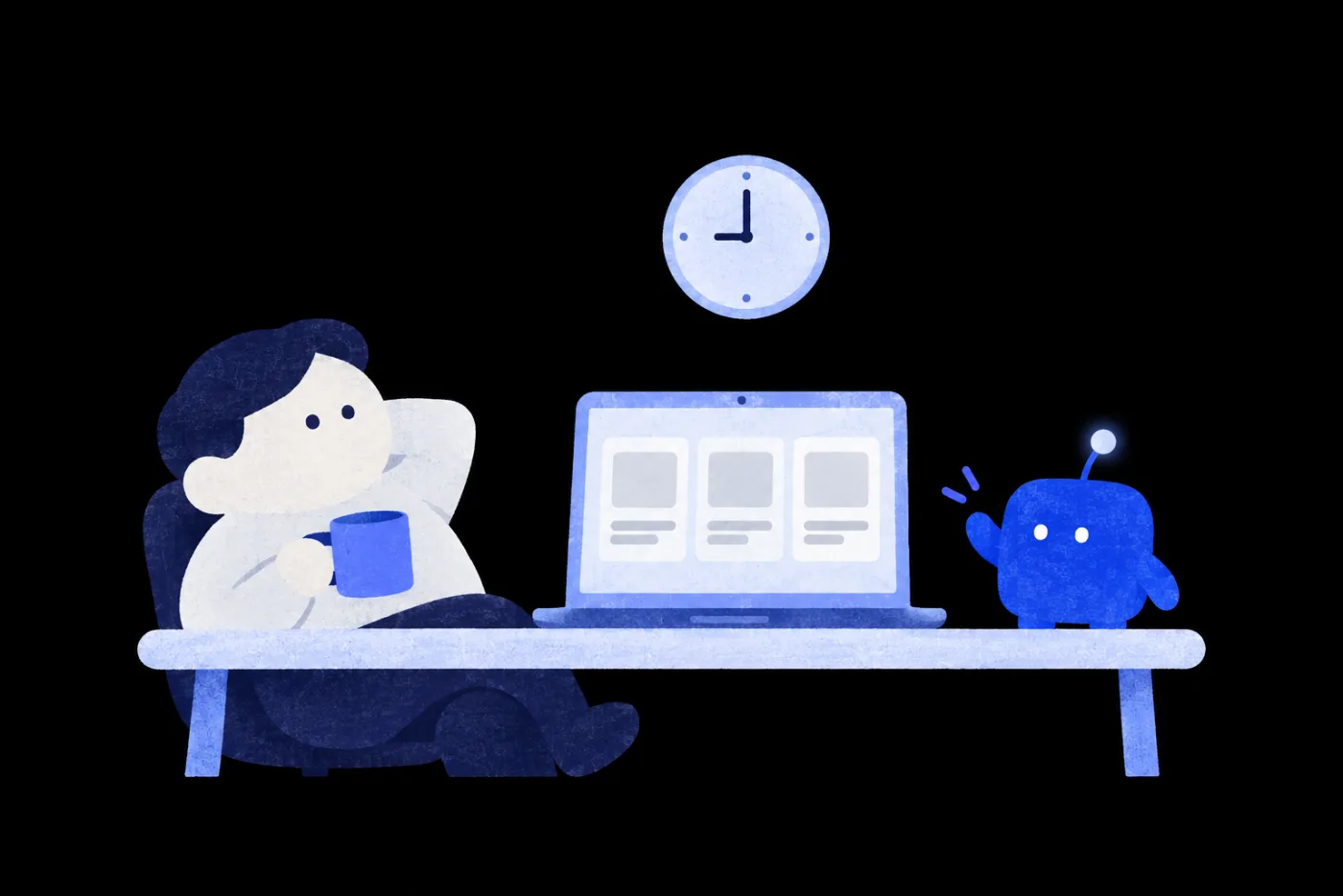
At nine, a person leans back with a coffee; three news items are already lined up on the laptop, and the assistant waves from the desk Ready when you sit down
08:00 added by assistant·Picked by your criteria
Today's briefing3 itemsIllustrative
  1. Only what's relevant to youRelevant to youYour training next week covers scheduling, so this makes a ready example

    Key point: it runs at a set time each day and notifies you when done.

    Sourced and checkableSource · Official announcement ↗
  2. Relevant to youMatches the client adoption topic you're tracking

    Key point: data access, unowned processes, and results that are hard to verify.

    Source · Industry report ↗
  3. Relevant to youCould help your knowledge base workflow

    Key point: AI can fill in the new field types directly.

    Source · Official docs ↗

These four morning steps are now its job

You'll build this assistant yourself in Lesson 03: a daily briefing assistant made with ChatGPT × Notion.

NT$ 3590 NT$ 7980
POINT 7

After four lessons,
it's already on the job for you

At dawn, a person is still fast asleep; the large phone by the bed lights up as the assistant sits on the floor working on a small laptop, sending notifications to the phone one by one
Brief it onceThe day before
Saved to Notion08:00
Your preference applied08:00
Today's task is done08:00
Each lesson and its teacher → Courses tab
POINT 8

Four lessons,
two teachers guiding you in turn

Eugene Wang
Vivi Chen
Eugene WangTeaches 01, 03, 04
Vivi ChenBrand, Marketing and AI Consultant
  1. 01Concept mapEUGENE WANG
  2. 02All-purpose Agent workflowsVIVI CHEN
  3. 03Daily briefing assistantEUGENE WANG
  4. 04Super AI assistantEUGENE WANG
POINT 9

The work you repeat every day,
now done before you get to it

4 lessons, 2 teachers. Build a complete daily briefing assistant, then learn to pick the weekly tasks you repeat and hand them over.

A person sits on a bench with coffee, watching the sunrise, as the small blue assistant behind them sends a string of paper birds into the distance
NT$ 3590 NT$ 7980 Planned start: Nov 30, 2026
COURSE4 lessons · 2 teachers
  1. 01

    How AI works, mapped: Models, data, tools and agents

    See what models, data, tools and agents each do, so you know what to give your assistant.

    Eugene Wang
  2. 02

    All-purpose agent workflow: Pick one task to trigger and automate

    Use four criteria to pick a task for your assistant, map the flow, and grant only the access it needs.

    Vivi Chen
  3. 03

    Build a daily briefing assistant with ChatGPT × Notion

    Build a briefing assistant with ChatGPT and Notion that picks sources by your standards, remembers feedback and starts on its own every day.

    Eugene Wang
  4. 04

    Super AI assistant: Daily briefings, meeting notes and scheduling

    Build a super assistant that prepares your morning briefing, writes up meeting notes and lines up your work each day.

    Eugene Wang

Onboarding, training and troubleshooting drills come in the next stage, with Nebi

Q&A
  1. 01

    I can't code. Can I keep up?

    Yes.The course first explains the terms through an event-planning example, with no coding; the hands-on work happens in the web versions of Claude or ChatGPT, together with Notion.

  2. 02

    Will the assistant touch data it shouldn’t?

    You decide.You set which data it can read and which tools it can use. The course shows you how to open only what the task needs, and which actions should pause for your approval.

  3. 03

    Do I need Foundation and Maker before Twin?

    No.Each galaxy is a standalone series. Pick by the work you want to get done.

  4. 04

    Does the assistant have to run fully on its own, unattended?

    That's up to you.You set a daily 8 a.m. schedule and run it once unattended. The course also helps you pick work that suits automatic triggers, and decide which actions should pause for your approval.

  5. 05

    How is Twin different from Maker and Workflow?

    It depends on what you want to hand off.Maker teaches you to create articles, social graphics, short-video scripts and small tools with AI. In Twin, you train an assistant: brief it once, and it starts work on its own every day. Workflow teaches you to break a process apart and set checkpoints so the results are ready to deliver.

  6. 06

    Can I take the course on my phone? What computer do I need?

    Set up on a computer, check results on your phone.Your phone works for watching and checking what the AI hands back. Setting up schedules, connectors and the Notion link needs an up-to-date browser on a computer; Notion's web version is fine. Once set up, the schedule runs in the cloud, so your computer doesn't need to stay on. To watch lessons, use Chrome 111, Safari 16.4 (iOS 16.4), Firefox 128 or later.

  7. 07

    Which AI tools will I use? Can I switch?

    Pick Claude or ChatGPT.Lesson 02 uses Claude scheduled tasks with the Gmail and Google Drive connectors; lesson 03 uses scheduling in ChatGPT on the web, together with Notion.

  8. 08

    Do I need to pay for anything else?

    A paid plan is recommended for automation.Notion's free plan is enough to create pages. On free AI plans, scheduling and the email and Google Drive connectors may be limited or require a paid plan, so your assistant may not finish or may stop. Paying unlocks these features or adds usage; check each tool's official website for current plans and limits. Whenever a lesson uses a paid feature, we'll flag it.

Want your whole team to join?

Learn about team plans →

Plans

This price ends in 0d06:06:12
NT$3,590List priceNT$7,980
  • Super AI Assistant Training Program, 4 lessons
  • 12-month access, counted per lesson
  • Includes 1 AI skills assessment
  • 0% installments: 3, 6 or 12 months (not for foreign cards)

Multi-buy2 items 10% OFF · 3+ items 15% OFFSee multi-buy

Courses open 2026/11/30 17:00

This price ends in 0d06:06:12

All six galaxies, one price

  • All 6 galaxies, all 35 lessons unlocked
  • 12 months of access, counted per lesson
  • Includes 6 AI skills assessments
  • 0% installments over 3, 6 or 12 months (not valid for foreign cards)
NT$12,800Bought separately List priceNT$50,090 Save NT$9,000 vs. buying separately
NT$3,590List priceNT$7,980 See plans