- AI Content Studio, 6 lessons
- 12-month access, counted per lesson
- Includes 1 AI skills assessment
- 0% interest on 3, 6, or 12 installments (non-US cards excluded)
Multi-buy|2 items 10% OFF · 3+ items 15% OFFSee multi-buy
Courses open 2026/11/30 17:00
| Starts | 2026/11/30 |
| For | Marketers, social media editors, brand owners, freelancers, instructors and consultants who create their own content |
| Courses | 6 courses |
| Teachers | Hai Tseng、fOx Hsiao、Hans Lin、Dahao Wang、Vivi Chen、Karen |
With AI, write articles, design social key visuals, plan short videos, and even build interactive pieces.
An article in your own voice
One 1:1 social graphic with a clear focal point
A 60-second script (about 320 Chinese characters)
A quoting Skill that runs on your rules
One spec each for FB, IG and Threads
A group sign-up page for your own use
76%of marketers spend at least three hours a week revising, fact-checking or fixing AI output.Optimizely 2026 study · 2,000+ marketing leaders · conducted by Savanta
One week before the event · Thursday
23:50
Article, social graphic, post, short-video script: none checked off
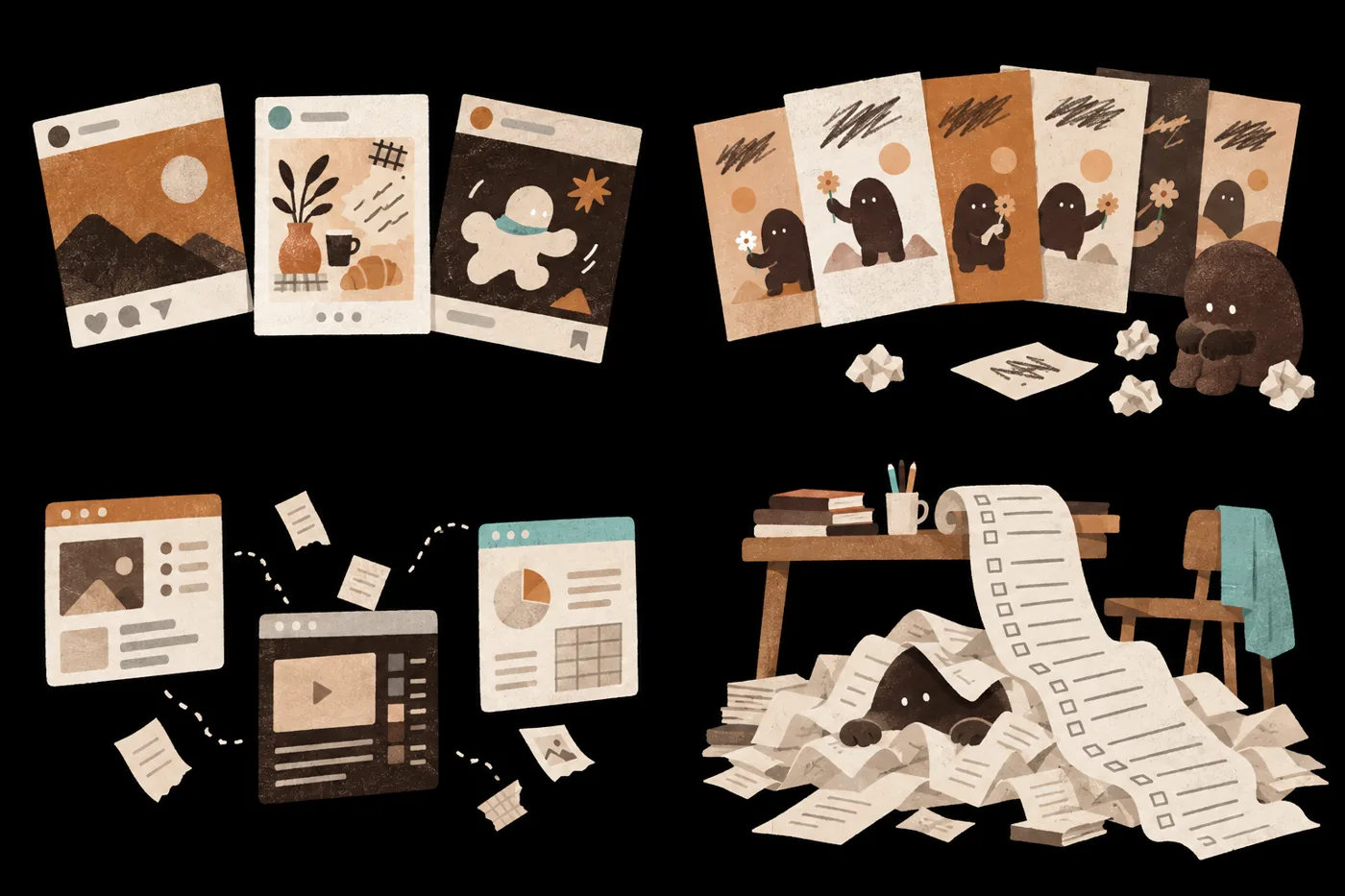
Can’t find the assets. Script’s in ChatGPT, images in Midjourney. Paste it all again
key_visual_v5.pngHands still warped, Chinese text still blurry
Grid previewMonday, Wednesday and Friday posts look like three different accounts
Each of these four sticking points
has a method you can learn.
Next morning
08:00
Turn one key visual into a social graphic with a clear focal point and editable text
Revise against the style spec and acceptance criteria
Write one content master into specs for each platform
Turn a repeated process into a reusable Skill
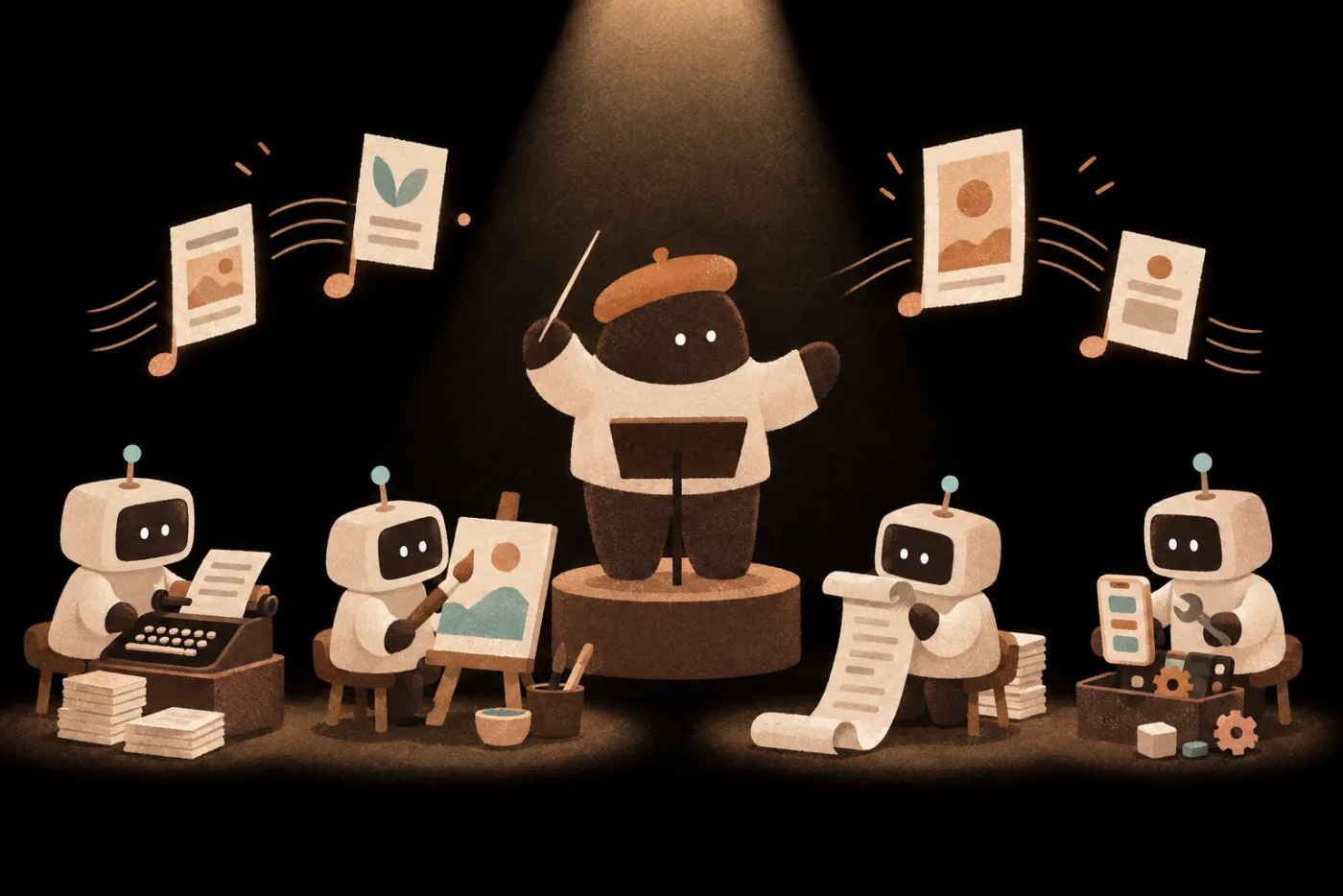
You plan and control quality; AI does the hands-on work.
BeforeArticles you’ve written
AfterWriting spec + a new piece
BeforeOne key visual
AfterOne polished social graphic
BeforeOne transcript
After60-second short-video script
BeforeA ready-made Skill
AfterA Skill that runs on your rules
BeforeOne piece of research
AfterContent master + specs for 3 platforms
BeforeOne need
AfterA mini tool for your own useWhichever piece you want first,
start with that lesson
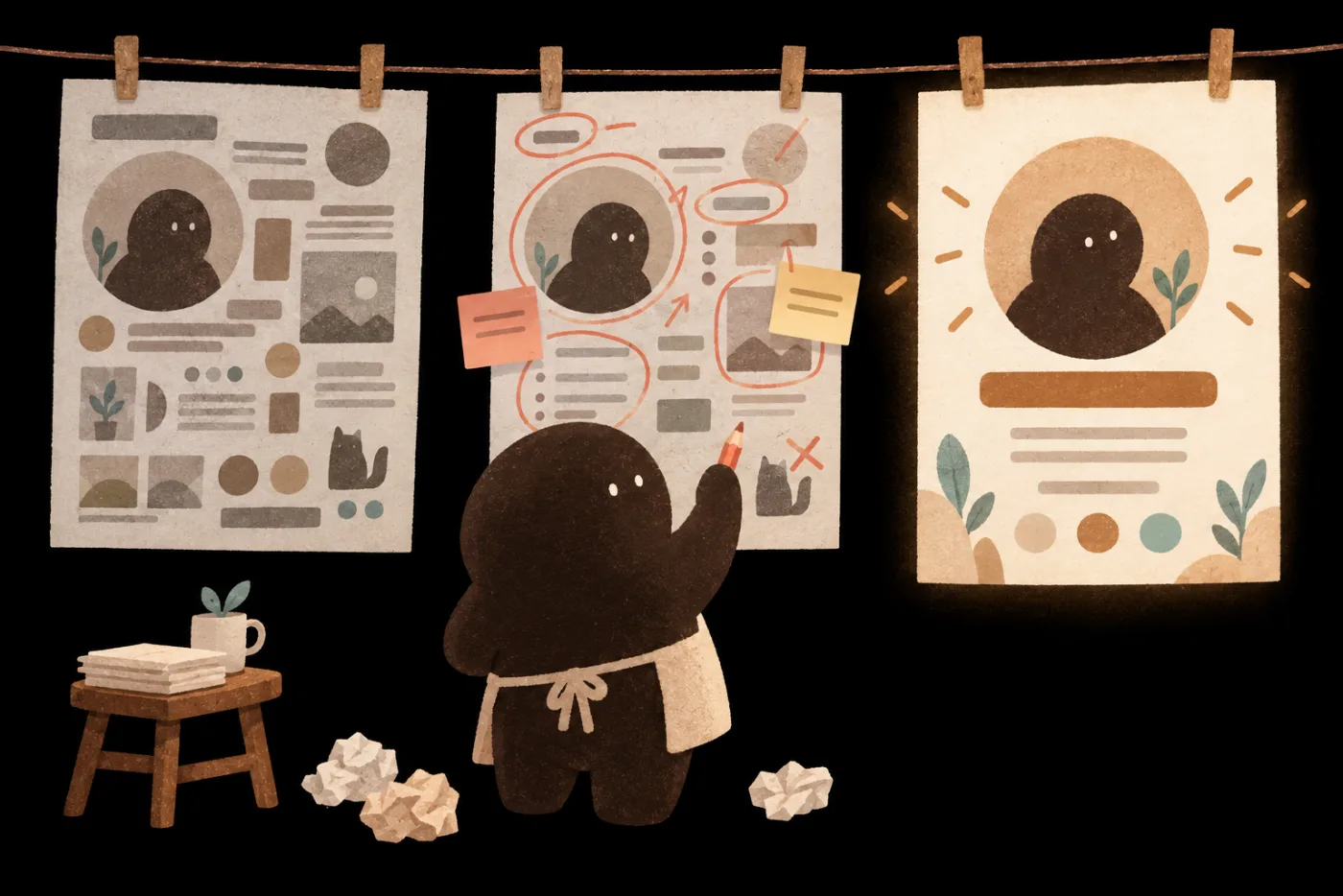
Revision listCheck each C.R.A.P. item
Follow the revision list, and fix it item by item.
Which topic is worth doing, and for whom
How to give references and specs
What to change, and how far
Which rules stay the same on every platform
Which methods to keep for next time
Save what works as a Skill, and use it on the next piece.
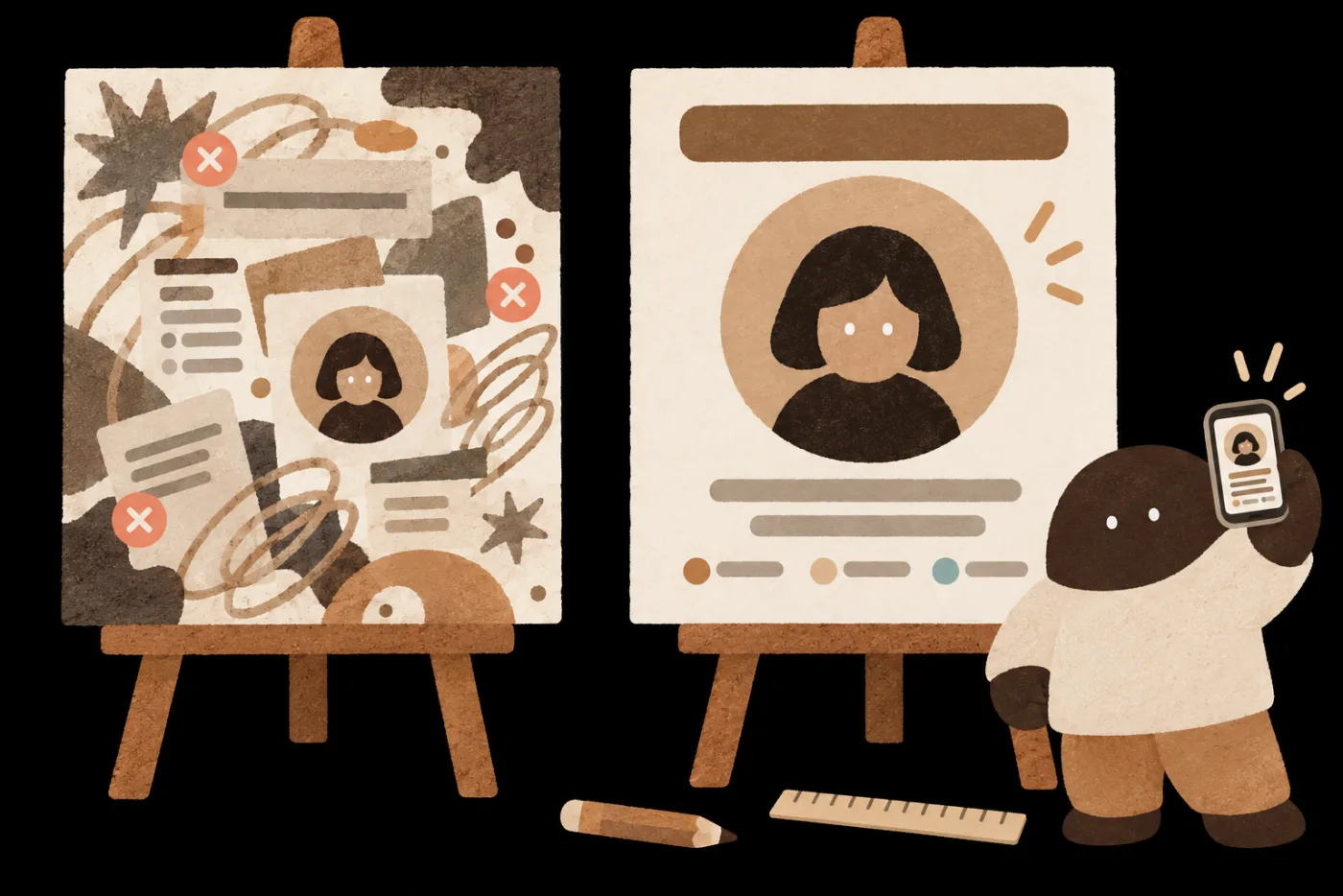
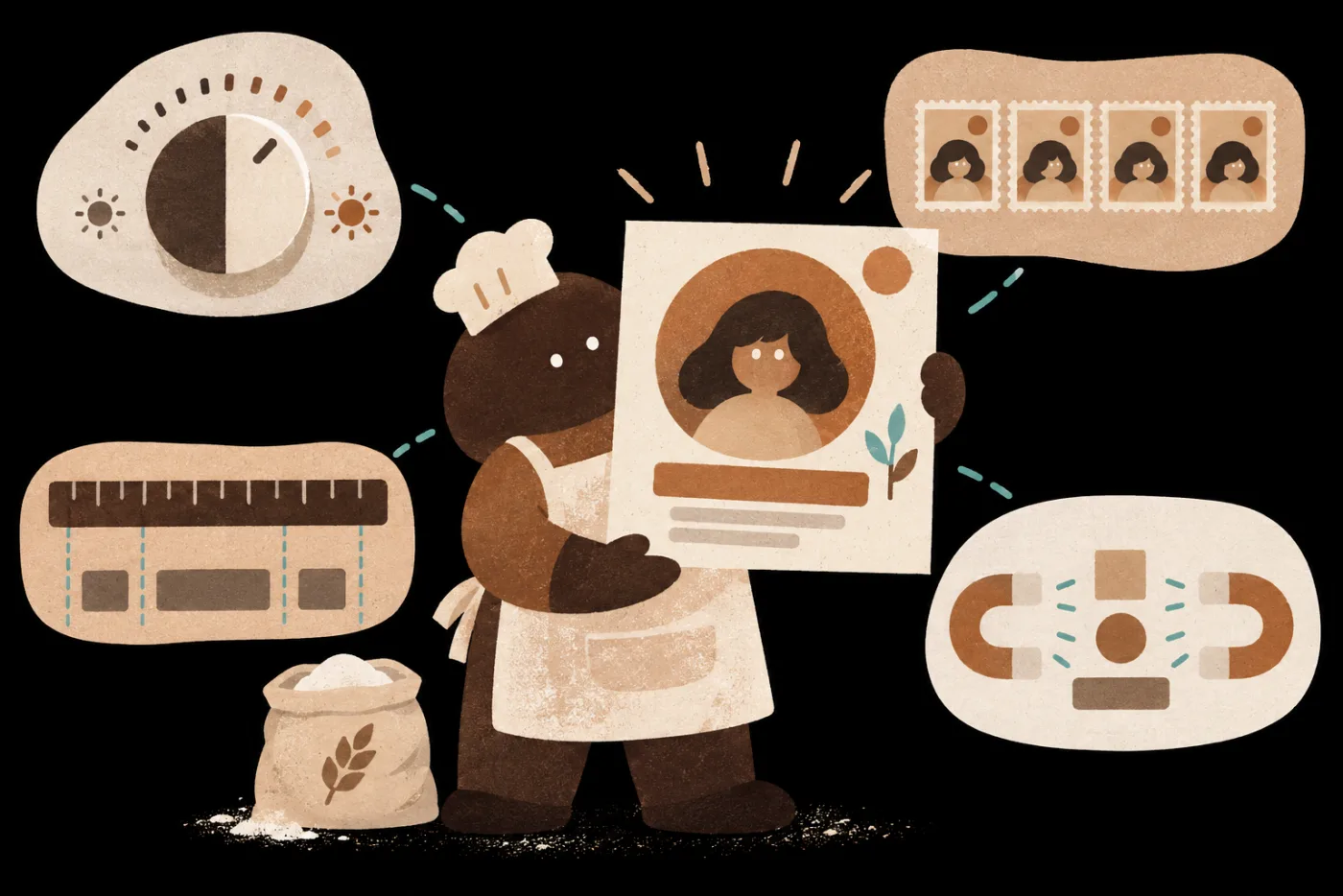
Never studied design?C ContrastPush the title and background apart in light and dark, so the key point stands out at a glance.
R RepetitionRepeat the same colors and type so it all looks like one set.
A AlignmentLine every element up on the same edge, and the layout looks tidy.
P ProximityKeep related information together so readers don’t have to hunt.
Every check is demonstrated in class, so you can tell whether you’ve got it right.
Start from one piece of material and finish your own content work,
with a production method you can use again next time.
Your work
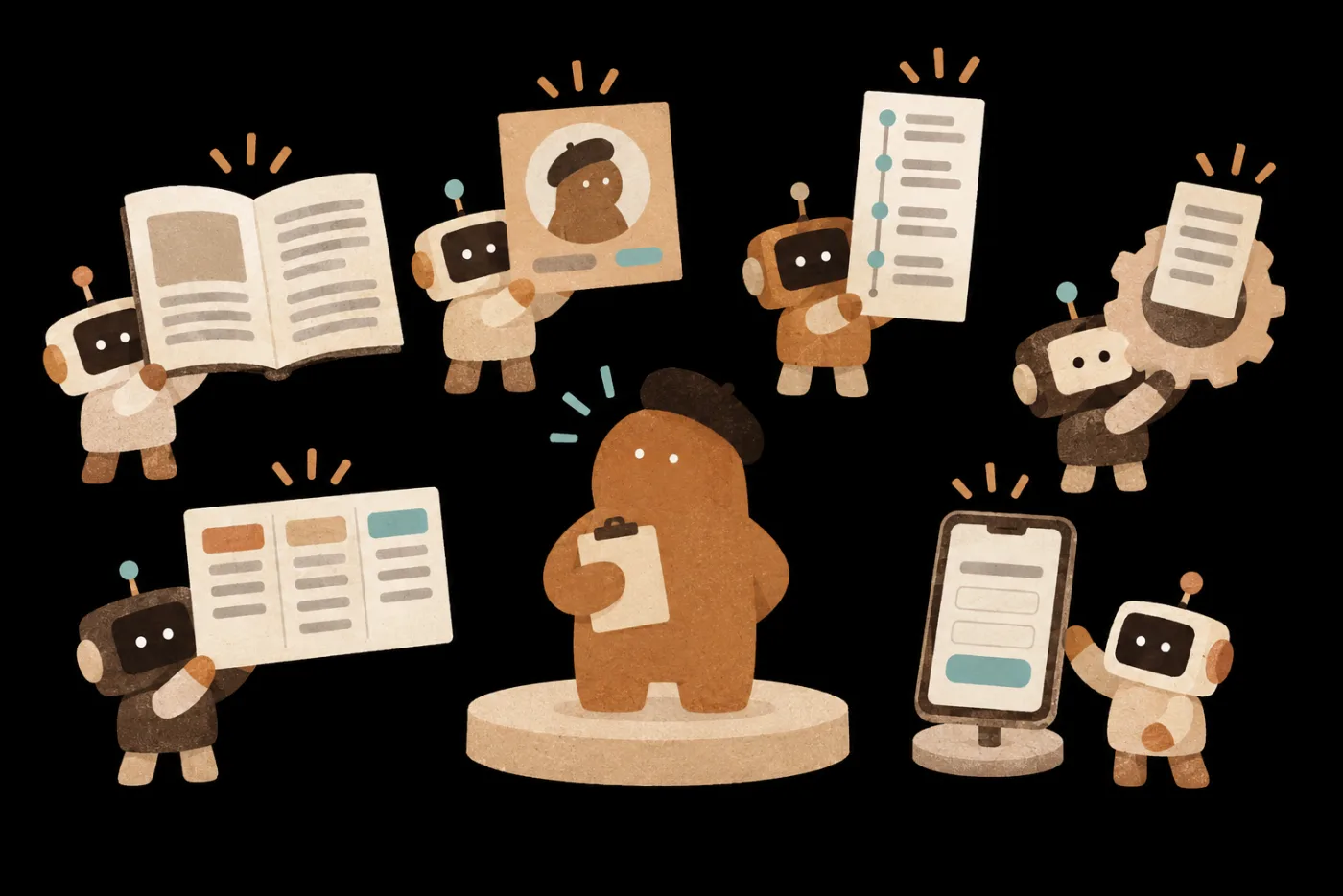
You: plan
AI writing
AI scripts
AI visuals
AI mini tools
6 lessons
Starts Nov 30, 2026
Start with the lesson you’d use most, then follow it for your next piece.
Turn your past writing into a writing spec and keep your voice on any new topic.
Build a content master from one piece of research, then write specs for each platform and a 60-second video script.
Use the C.R.A.P. design principles to turn a key visual into a clear social post with editable text.
Start from something you love and vibe-code a mini tool you'll actually use.
Add your own rules to a ready-made Skill and retest it with new data, so AI repeats your method.
Vibe-code four kinds of works with the instructor, from a front-end-only site to a tool that calls AI.
People who need to keep producing content without a full production team: marketers, social media editors, brand owners, small business owners, freelancers, and instructors and consultants who want to turn their expertise into finished work.
Yes.The course teaches you to say clearly what you need, give the right references, tell good from bad, and work with AI until you're satisfied. Video editing isn't part of this series: for short video, you go as far as a 60-second script, then compare it with the teacher's finished video to learn how to prepare the storyboard, assets and voiceover.
This series focuses on the work itself: making it good, giving each platform its own specs, and making it faster next time. Traffic and conversion also depend on topic choice, paid promotion and channels, which other courses cover.
No.Each galaxy is a standalone series. Pick by the work you want to get done.
Watch on your phone; build on a computer.Your phone works for watching and checking what the AI hands back. Editing images, reviewing assets in three sizes and building Vibe Coding mini tools need a computer. Web-based AI just needs an up-to-date browser; desktop apps: Claude needs macOS 13 or Windows 10 or later, ChatGPT needs macOS 14 or Windows 10 or later. To watch lessons, use Chrome 111, Safari 16.4 (iOS 16.4), Firefox 128 or later.
Yes, you can switch tools.Lesson 03 uses ChatGPT for images and connects to Canva; lesson 05 uses Claude Skills. You can make images with ChatGPT, Claude or another AI; Skills are an open format, and other platforms offer similar features.
Start free; pay for more usage.Free plans let you start generating images, writing long pieces and building mini tools, and Claude Skills work on the free plan once you turn on code execution. Rounds of revisions can use up the free allowance, so we suggest a paid plan such as ChatGPT Plus or Claude Pro for at least one tool to get more usage. Whenever a lesson uses a paid feature, we'll flag it.
Want your whole team to join?
Learn about team plans →Multi-buy|2 items 10% OFF · 3+ items 15% OFFSee multi-buy
Courses open 2026/11/30 17:00