








Foundation galaxy

AI 協作 101

A new way to work with AI

From using AI tools to defining tasks, giving context, steering the work and signing off on results.

NT$ 1840 NT$ 4190
See plans
Starts2026/11/30
ForPeople who handle information, communication and content: planning, marketing, operations, project management, admin
Courses5 courses
TeachersHai Tseng、Waki、Carmen Hsueh
POINT 1

You already use AI.
But has the way you work really changed?

POINT 2

You use AI every day.
Why are you still this busy?

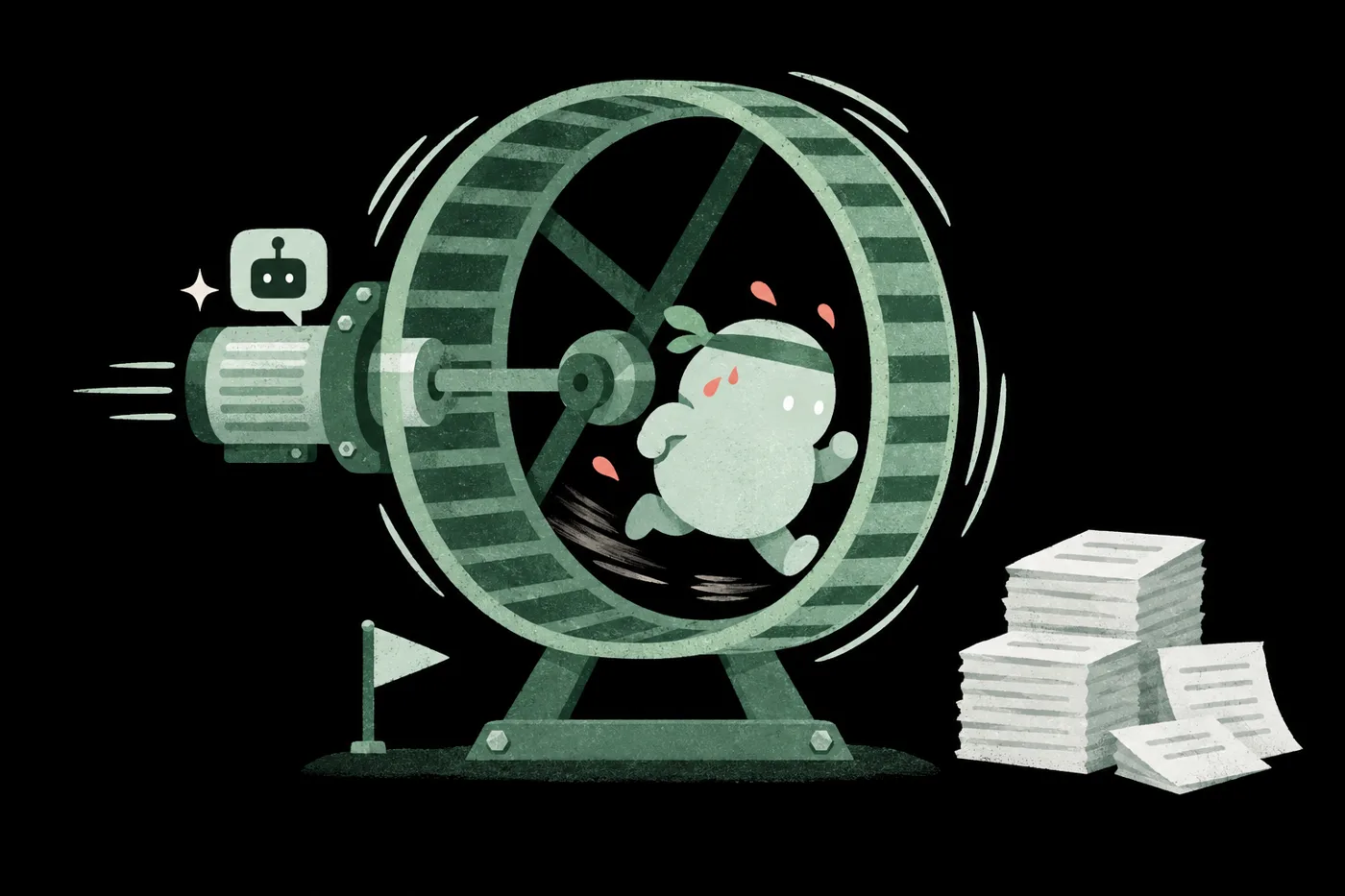
A person at a laptop, head in hands

AI wrote a full proposal, but right before sending you found the numbers and examples were unusable

Lesson 05Check numbers and sources before you send

You saved a hundred prompts, yet for a new task you still don't know which to use

Lesson 03State the need with five elements

Switching from ChatGPT to Claude or Gemini means pasting all the context again

Lesson 04Keep context in your playbook

AI drafted a client reply that reads oddly, and you can't say why

Lesson 02Check facts, direction and tone

Three rounds of AI edits and it's still wrong, so you delete it and rewrite

Lessons 02, 05Say what works and what doesn't, and fix the right part

A colleague finished a deck with AI in half a day; you're on your fifth round

Lesson 02Practice handing off work

Real AI skill
is knowing how to split and share the work with AI and get it done together.

The same person stretches while two AI helpers hand over finished documents
POINT 3Q&A mindsetCollaboration mindset

AI keeps getting stronger.
What we need to relearn is the whole way we work

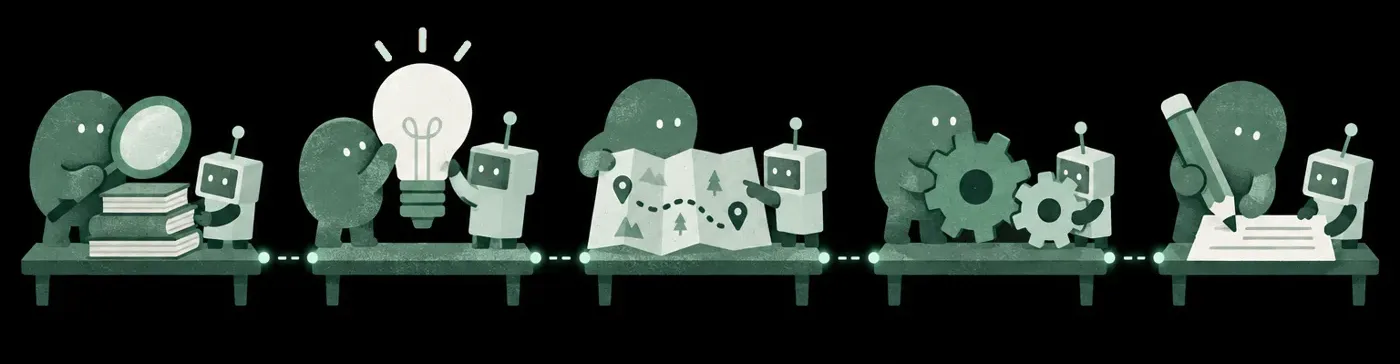
Five desks in a row where a person and an AI helper pick the task, give context, brief clearly, check and revise together 01Pick 02Context 03Brief 04Check 05Revise

One question, one answer, and it endsFrom picking the task to revising it, you work with AI at every step

POINT 4Prompt tricksTask thinking

How well AI works for you
comes down to your AI work skills

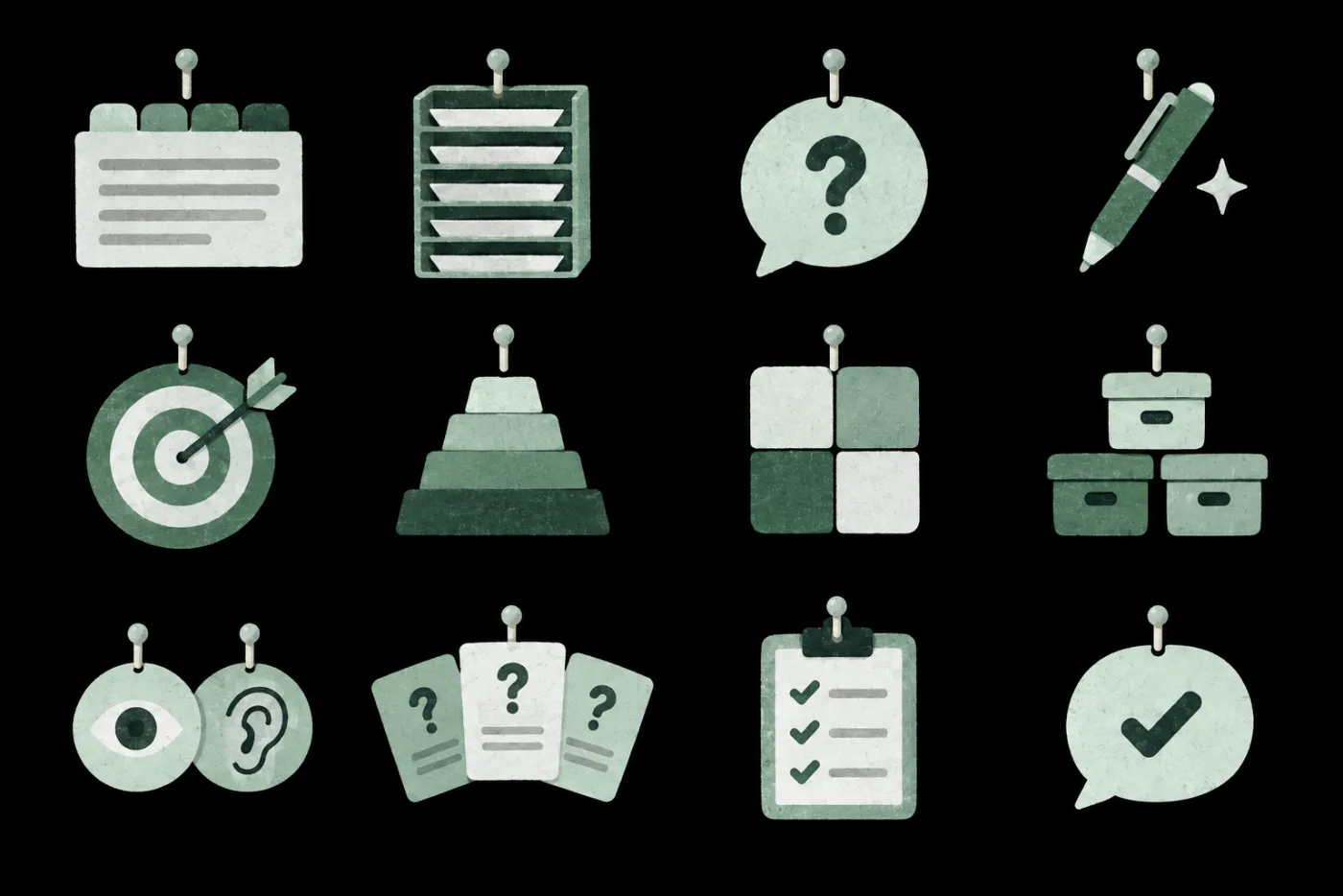
12thinking toolsUseful for any task
Twelve thinking tools hanging on a pegboard

SCORETurn a vague idea into a full request

POINT 5Speed up stepsSplit the work

Redesign your work

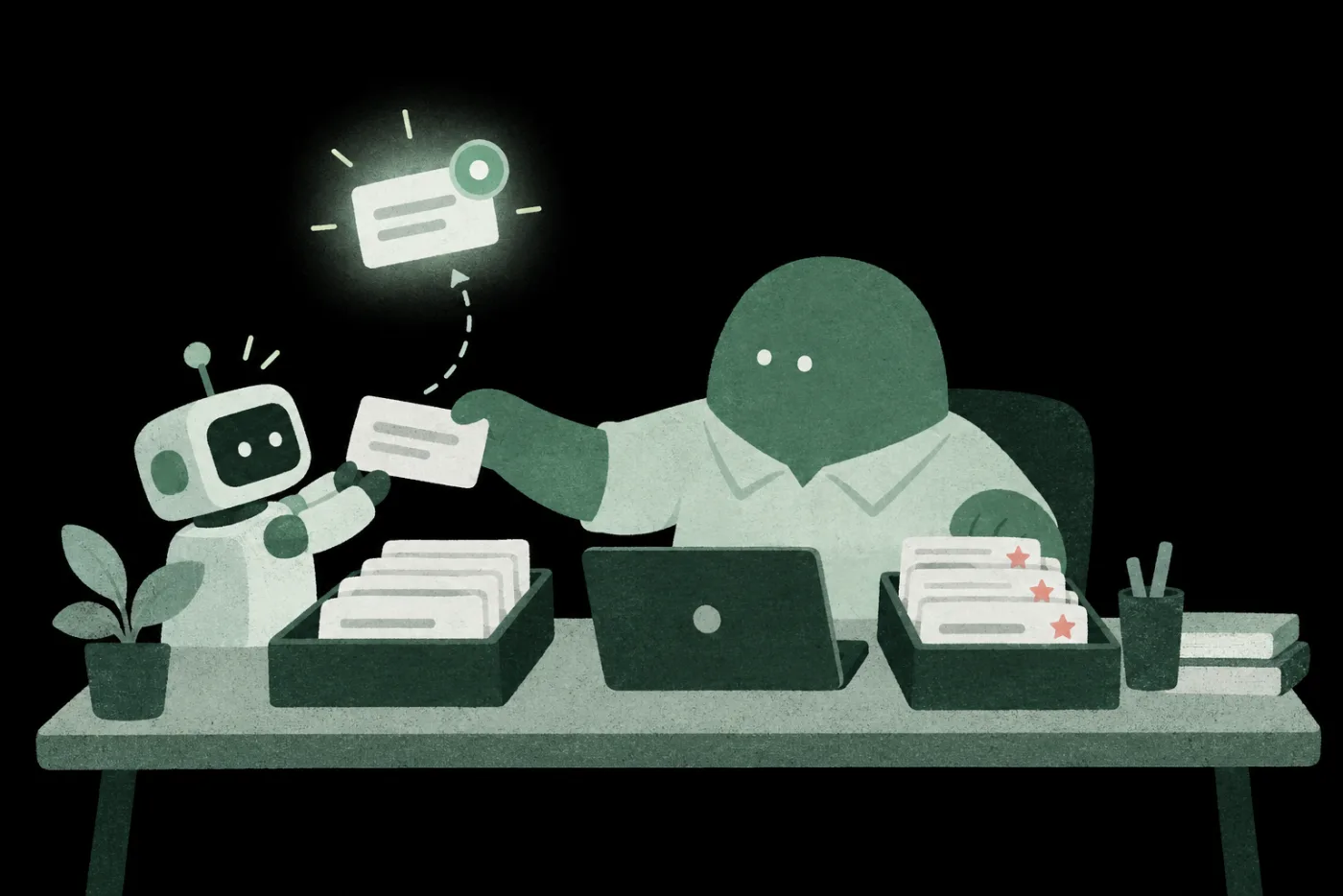
A person sorts task cards into two trays: the left goes to a robot, the starred right tray stays with them; one card glows To AI I decide
First handoffMeeting notes Happens often You know what done looks like Low cost if wrong
POINT 6HesitantHand off with confidence

Know what to share and how,
and you can hand more work to AI

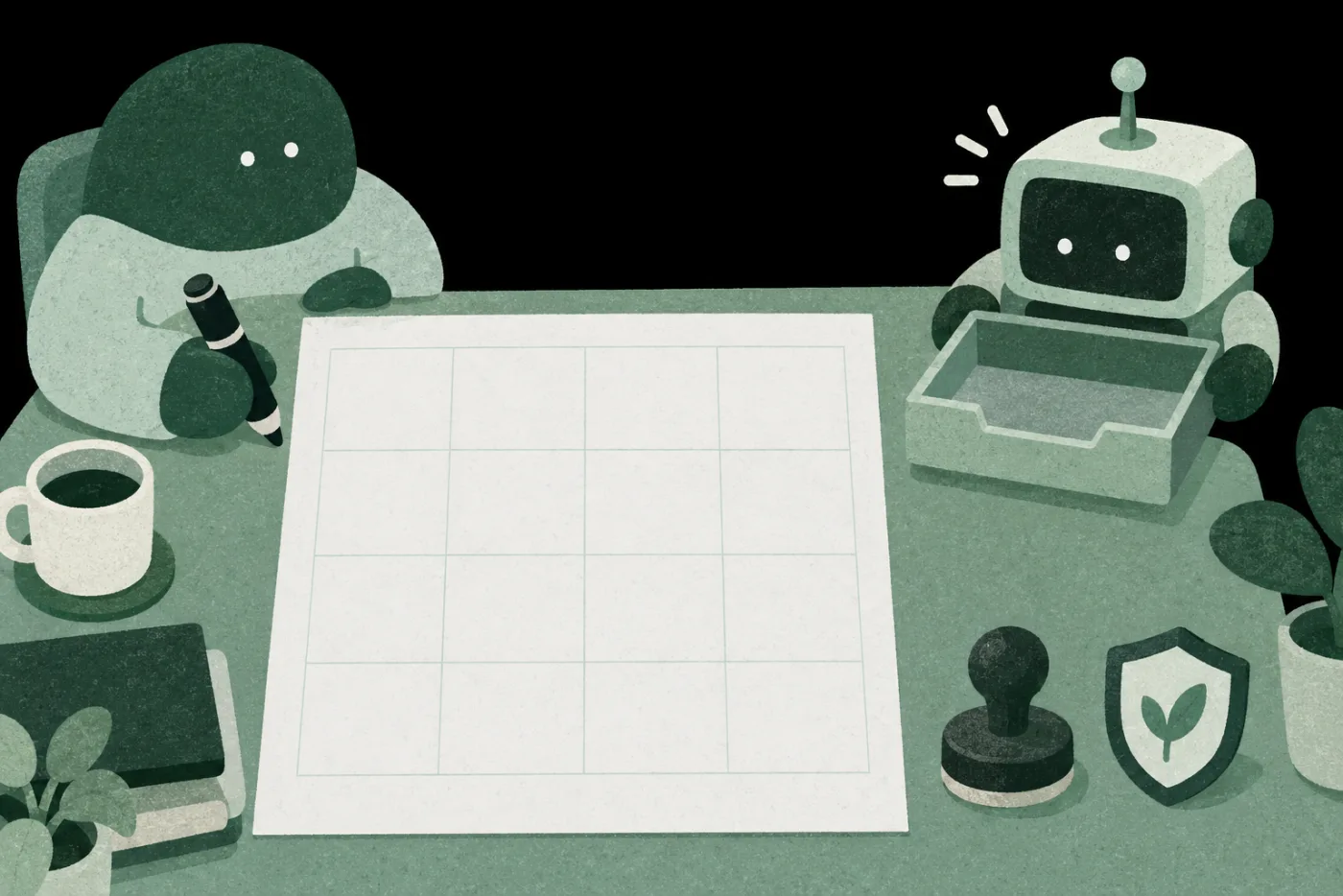
A client list on the desk with a person, a stamp and a shield; a robot waits with an inbox tray
NamePhoneKeep IDKeep Order totalShare
陳美玲 0912-345-678 A2234… 12,800
林志明 0928-111-222 F1345… 8,400
王小華 0955-666-777 H2456… 21,000
SourceOct orders export · 10/15
Checked
POINT 7

Starting overBuilding up

Set it up once,
take it to any tool or task

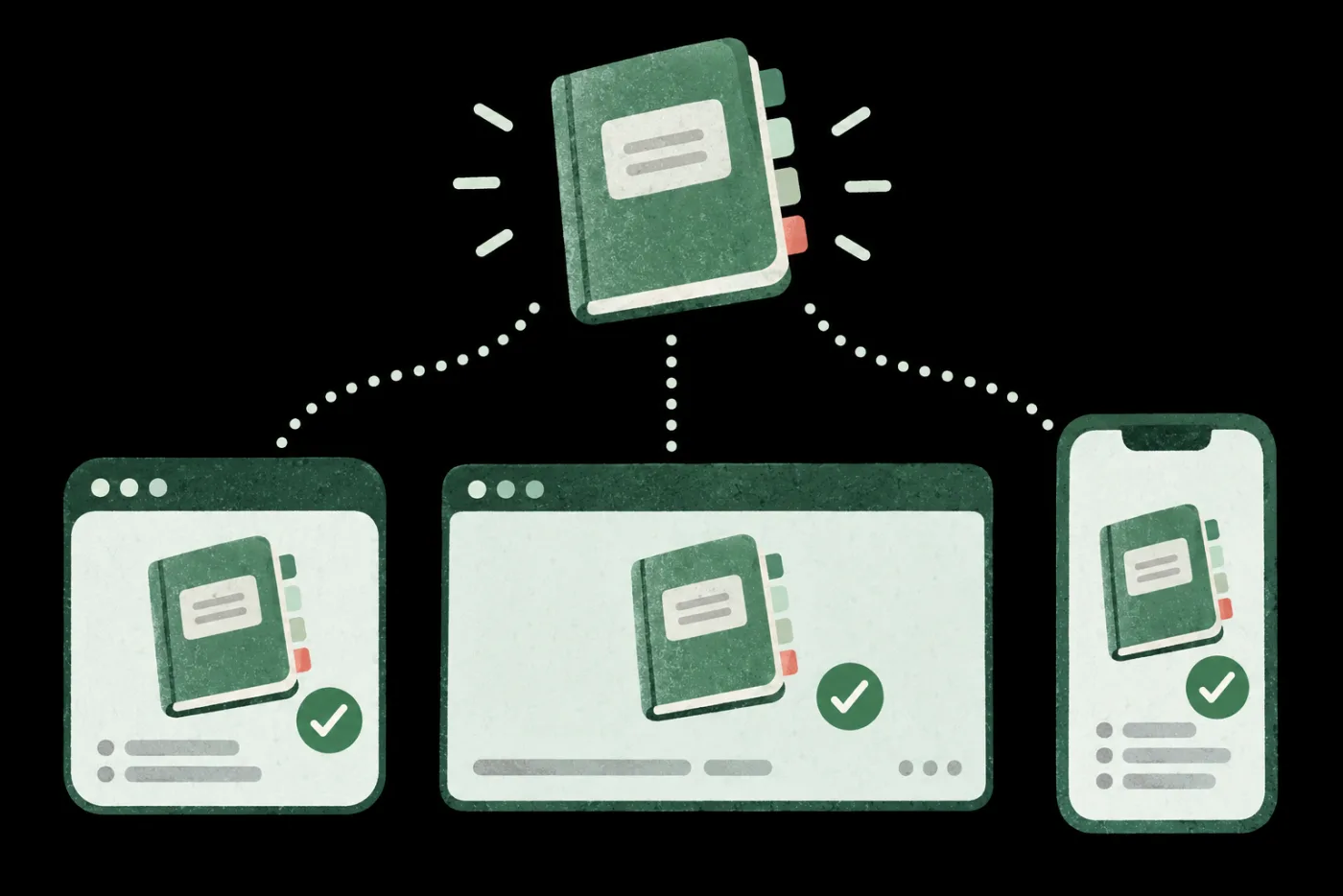
A tabbed manual at the top, linked by dotted lines to three different windows, each showing the same manual with a check mark My AI playbook ChatGPT Claude Gemini Still works Still works Still works

When you switch tools, re-upload your files

POINT 8

Three things you take away

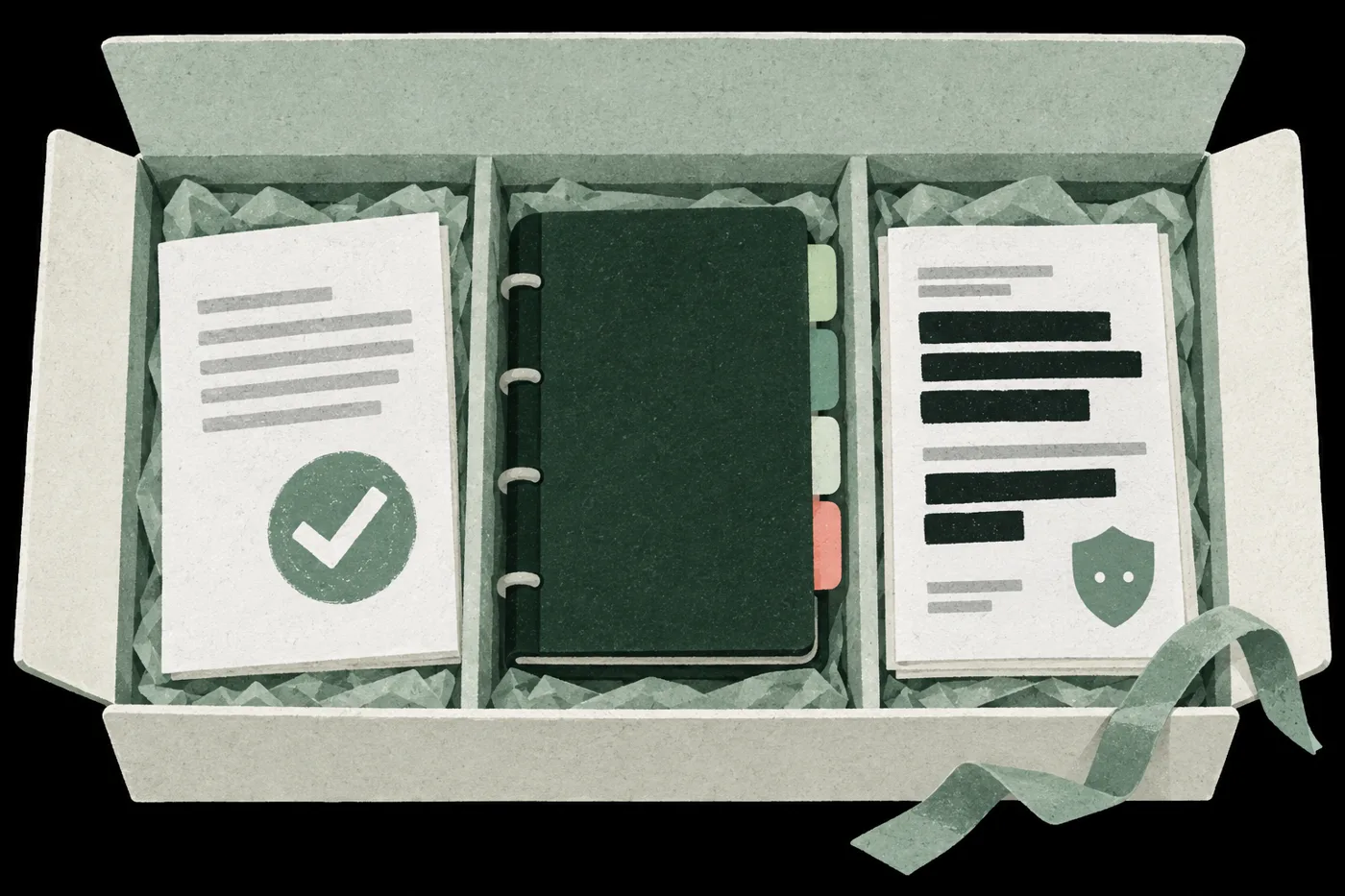
An open box seen from above with three compartments: a proposal stamped with a check, a tabbed playbook, and a document with sensitive data blacked out beside a shield
01A checked piece of workLesson 05 | Brief, check and fix, start to finish
02Your AI playbookLesson 04 | Context, rules and checks you keep updating
03A pre-upload routineLesson 04 | What to share, how to de-identify, what to check first

Also: a record of using the playbook on another task and in another tool (lesson 04)

Along the way: hand off one of your own tasks (lesson 02) and compare two versions of a request (lesson 03)

POINT 9

From your first handoff to finished work,
someone practices with you all the way

Hai Tseng
Lesson 01|What AI is good forHai TsengDean, SAT Knowledge AI Academy
Waki
Lessons 02, 03|Requests and questionsWakiRecord Holder for Online Knowledge Course Sales in Taiwan
Carmen Hsueh
Lessons 04, 05|Setup, data and practiceCarmen HsuehCOO, SAT Knowledge
POINT 10

Your edge now is
how much good work you get done with AI

5 lessons, 3 teachers, starting Nov 30.
Leave with a checked proposal, your AI playbook and a pre-upload routine.

NT$ 1840 NT$ 4190
COURSE5 lessons · 3 teachers
  1. 01

    Set your AI expectations: What AI is and isn't good for

    Sort out which work suits AI and make your own reference chart for every handoff.

    Hai Tseng
  2. 02

    AI asking essentials: Build an AI partner you can trust

    Move from asking to delegating: pick your first task and refine it with assign, review, return until it works.

    Waki
  3. 03

    Say what you need: SCORE and letting AI ask back

    Use SCORE to state what you need and let AI ask questions first, so the first draft lands closer.

    Waki
  4. 04

    Build your personal AI playbook, ready for any task or tool

    Write how you work with AI into a playbook, including how to prep files before upload, and take it to any task or tool.

    Carmen Hsueh
  5. 05

    Use your playbook to deliver a checked proposal

    Apply your playbook to a proposal, check figures and sources, and hand in verified work.

    Carmen Hsueh
Q&A
  1. 01

    Who is this for?

    People who handle information, communication and content: planning, marketing, operations, project management, admin.

  2. 02

    Do I need Foundation before other galaxies?

    No.Each galaxy is a standalone series. Pick by the work you want to get done.

  3. 03

    I've only used ChatGPT. Can I keep up?

    Yes.Lesson 01 starts with what AI is good for, then builds up to handing off work.

  4. 04

    How is this different from Twin and Workflow?

    It's the groundwork.Foundation teaches you to brief one task clearly and check it until it's usable. Twin hands off whole tasks; Workflow makes an entire job run reliably.

  5. 05

    Can I take the course on my phone? What computer do I need?

    Phone works for lessons and prompting.You can watch on your phone and use an AI app to practice prompting and delegating in lessons 01–03. Lessons 04 and 05 involve uploading files, building your own collaboration handbook, and using Claude Code or Codex, so you'll need a computer: Claude Code needs macOS 13 or Windows 10 (version 1809) or later and at least 4GB of RAM; the Codex desktop app needs an Apple silicon (M-series) Mac, or on Windows, install it from the Microsoft Store. To watch lessons, use Chrome 111, Safari 16.4 (iOS 16.4), Firefox 128 or later.

  6. 06

    Which AI tools will I use? Can I switch?

    Use the chat AI you already know.The collaboration method carries over when you switch tools. Lesson 04 uses Claude Code or Codex; one is enough, both is fine too. The lesson shows what carries over when you switch and what you need to provide again, such as re-uploading files.

  7. 07

    Do I need to pay for anything else?

    Early lessons free; later ones depend on the tool.Free plans are enough for lessons 01–03. For lessons 04 and 05, Claude Code requires a paid Claude Pro plan or higher; with Codex you can start on ChatGPT's free trial allowance, then upgrade to Plus or higher once it runs out. Whenever a lesson uses a paid feature, we'll flag it.

Want your whole team to join?

Learn about team plans →

Plans

This price ends in 0d05:54:34
NT$1,840List priceNT$4,190
  • Working with AI 101, 5 lessons
  • 12 months of access, counted per lesson
  • Includes 1 AI skills assessment
  • 0% interest installments: 3, 6 or 12 (not for foreign cards)

Multi-buy2 items 10% OFF · 3+ items 15% OFFSee multi-buy

Courses open 2026/11/30 17:00

This price ends in 0d05:54:34

All six galaxies, one price

  • All 6 galaxies, all 35 lessons unlocked
  • 12 months of access, counted per lesson
  • Includes 6 AI skills assessments
  • 0% installments over 3, 6 or 12 months (not valid for foreign cards)
NT$12,800Bought separately List priceNT$50,090 Save NT$9,000 vs. buying separately
NT$1,840List priceNT$4,190 See plans