















- AI Developer Program, 8 lessons
- 12-month access, counted per lesson
- Includes 1 AI skills assessment
- 0% installments: 3, 6 or 12 months (non-local cards excluded)
Multi-buy|2 items 10% OFF · 3+ items 15% OFFSee multi-buy
Courses open 2026/11/30 17:00
| Starts | 2026/11/30 |
| For | For people who have built a Demo with AI but haven't launched it yet |
| Courses | 8 courses |
| Teachers | Hai Tseng、Eddie Kao、Eric Wu、Allen Own、Richard Lee |
From spec to deployment, follow the teachers and ship a product to a URL others can open
Sound familiar?

AI fixes one thing and breaks another. When does it end?
In this course:Lessons 03, 06 | Save versions with Git to roll back, and catch breakage with tests

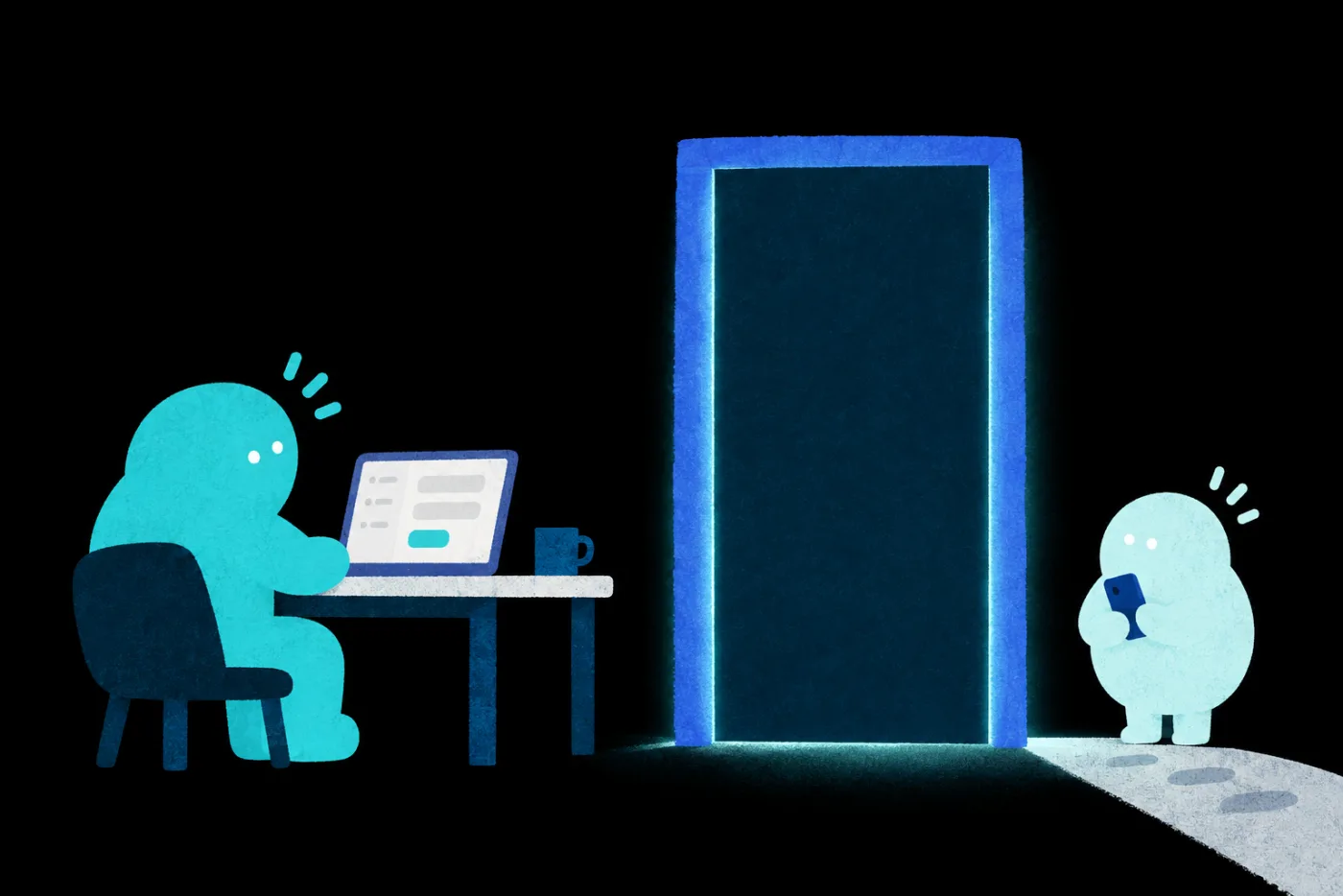
It works fine on my computer, but my friend can't open it or log in.
In this course:Lesson 07 | Deploy to a URL others can open

If AI can query members and orders, will it see fields it shouldn't?
In this course:Lesson 04 | Limit what AI can query and verify the results

The API key sits right in the code, and you'd never know if it leaked.
In this course:Lesson 05 | Manage Secrets and run a leak check

After connecting payments, have you tested success, failure and duplicate notifications?
In this course:Lesson 07 | Run pre-launch cases through test payments

AI says it's done, but give it the same prompt again and you get something different.
In this course:Lesson 02 | Write the spec first and define what done means
The last 20% is specs, data, permissions, testing and deployment.
You can learn every one of them
You lead AI
and take a product from spec to launch.
STARTWorking Demo
GOALSecond user
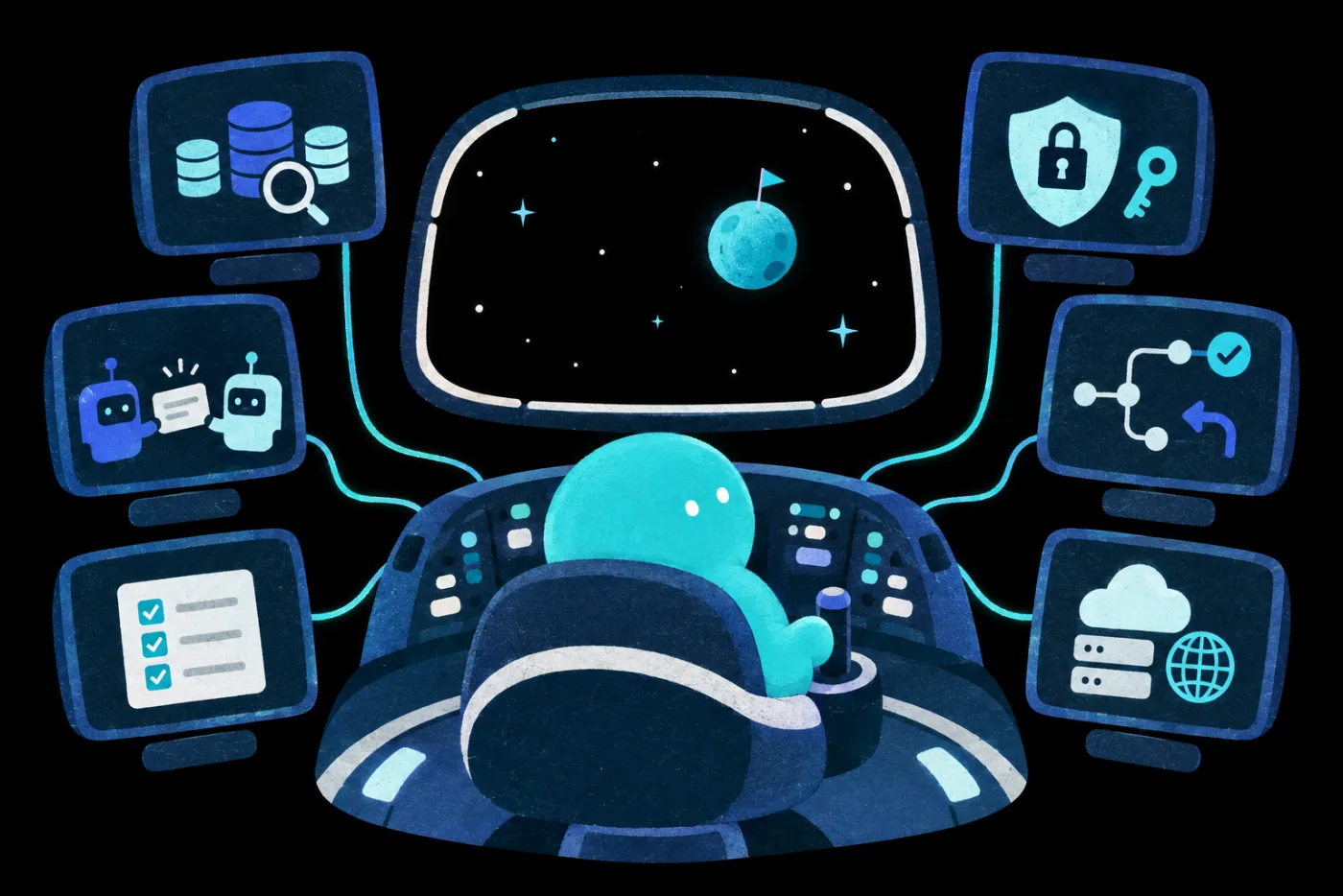
Know what each gate needs and how to check it, and you'll see what your product still lacks
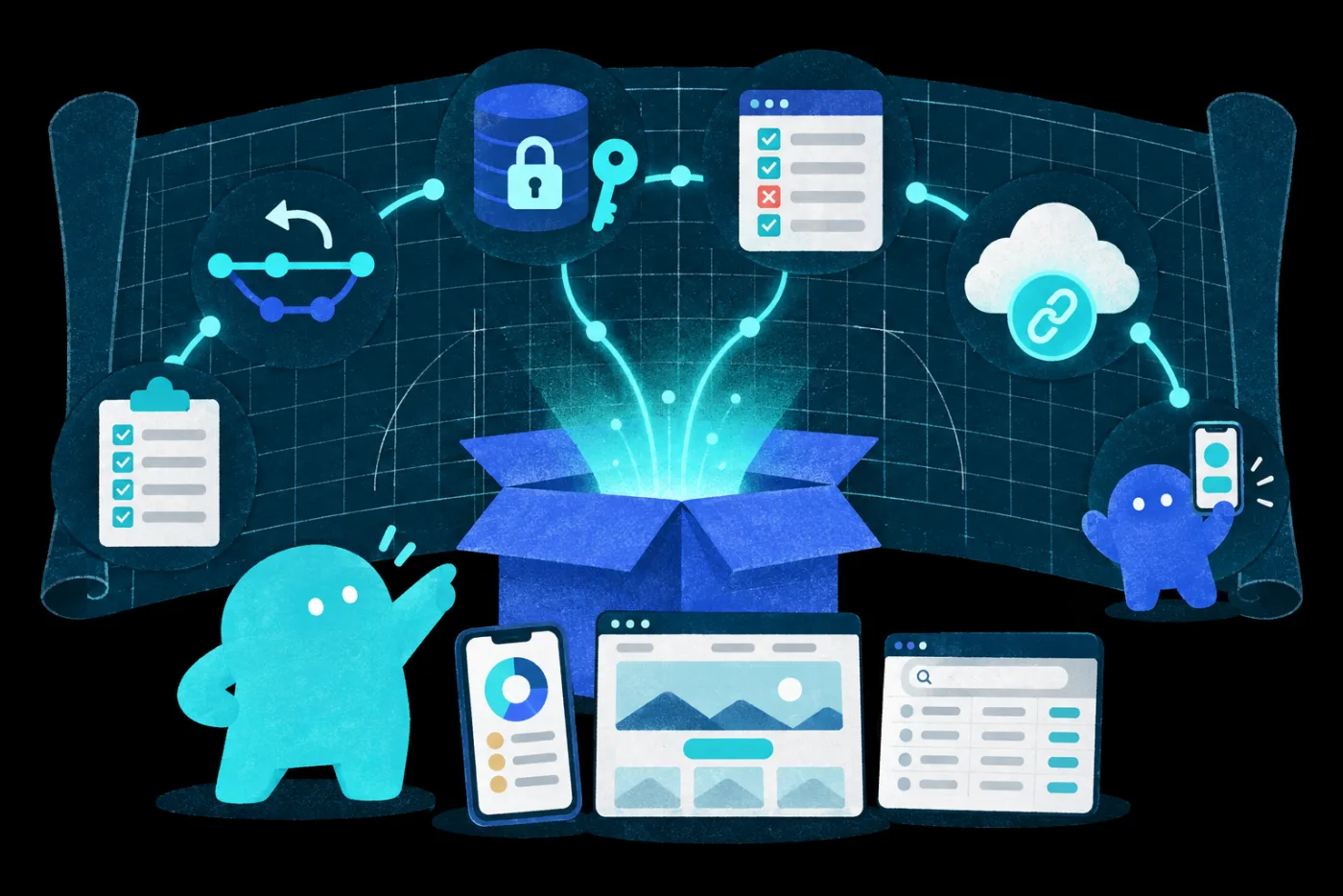
In class, the teachers built these with the same method:

Watch the teachers do it step by step, and you'll know where to start your own product
You understand the purpose, risks and definition of done at every step, and know how to have AI handle it
← Swipe to see it all → Solid: lessons available now Dashed: lessons coming soon
Walk through a real development process once with a guide, and your first product can leave your computer.
Hai TsengLessons 01, 08The big picture
Eddie KaoLessons 02, 03SpecVersion control
Richard LeeLesson 06Testing & verification
Allen OwnLesson 05Security
Eric WuLessons 04, 07DatabaseDeployFive teachers each own one checkpoint. Finally, one small product runs through all six stages
Vibe Coding lets anyone start building. This course gives you the skills to actually finish
Bringing your team?Learn about team plans →
See the full path from spec through development and testing to launch, and spot what your project still needs.
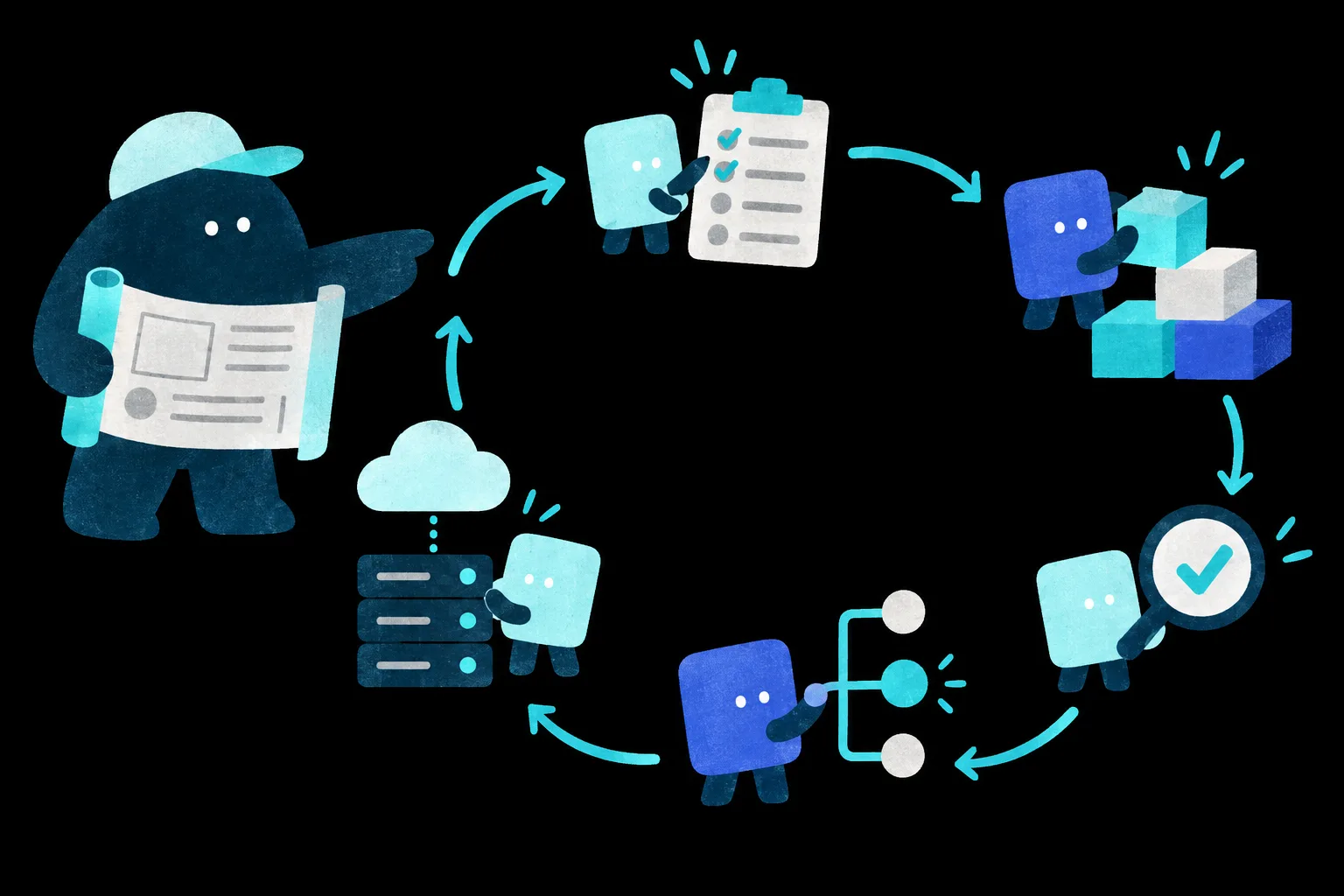
Write the spec, split the tasks, let AI build to it, then check each item.
Save versions and branch with Git, so you can recover when something breaks.
Limit what AI can query, understand what each field means, and check the results.
Protect keys and permissions and run a security check before launch.
Write tests for core features and rerun them after every change, so old features keep working as you add new ones.
Deploy to a URL others can open, with login and test payments.
Take a small product from spec to launch with the instructor, and have a second person use it.
The lesson starts with a small web product and works through spec, development, data, security, testing and deployment. Then someone who took no part in building it opens the URL and completes the core task. Use these nine checks on your own product.
A second user completes the assigned core task
People who have tried Vibe Coding, maybe even built a Demo, but haven't launched it yet. For example: PMs and designers who want to build a testable product themselves, founders and solo businesses validating ideas on a small budget, people turning forms and processes into internal tools, and teachers and creators turning their expertise into interactive lessons or quizzes.
No.Each galaxy is a standalone series. Pick by the work you want to get done.
You don't need to become an engineer first.The course covers the software concepts you need, from specs, versions and data to permissions, testing and deployment, so you can judge what AI hands back.
You build a product other people can use.Maker helps you create high-quality cross-media work. Twin lets an AI assistant take over your personal tasks. Workflow makes an AI workflow deliver reliably. Product takes a small web product to the point where real users can try it.
A small web product.One with clear core features that can be tested and opened to the public or a controlled group of testers. Large-scale system architecture and enterprise operations are outside the scope of this course.
A computer is required.Phones and tablets work for watching but not for following along. Your computer must allow you to install software, so check installation permissions on a work computer first. Claude Code needs macOS 13 or Windows 10 (version 1809) or later and at least 4GB of RAM; the Codex desktop app needs an Apple silicon (M-series) Mac, or on Windows, install it from the Microsoft Store; Spectra supports Apple silicon (M-series) Macs and Windows, not yet Linux; update Git to a recent version. To watch lessons, use Chrome 111, Safari 16.4 (iOS 16.4), Firefox 128 or later.
Pick Claude Code or Codex.You're not locked into one tool. You'll also use VS Code, a recent version of Git and the instructor's Simple SDD prompts; Spectra is optional. The database shown in lesson 04 is SAT. Knowledge's internal system, which students can't log in to; the instructor explains how to bring the approach into your own environment.
Developer tools are paid.Claude Code isn't available on the free plan; it requires Claude Pro or higher, or API billing. Codex's free trial allowance is limited, so we suggest Plus or higher to follow the whole series. VS Code, Git and Spectra are free. Hosting, domains and payment services for launching may cost extra, and many offer a free tier to try. Whenever a lesson uses a paid feature, we'll flag it.
Want your whole team to join?
Learn about team plans →Multi-buy|2 items 10% OFF · 3+ items 15% OFFSee multi-buy
Courses open 2026/11/30 17:00