Maker galaxy

AI Content Studio

Build your super production team with AI

Write articles, design social key visuals, write short-video scripts, organize multi-platform specs, build interactive mini tools, and save your methods as Skills.

NT$ 2660 NT$ 6980
See plans
Starts2026/11/30
ForMarketers, social media editors, brand owners, freelancers, instructors and consultants who create their own content
Courses6 courses
TeachersHai Tseng、fOx Hsiao、Hans Lin、Dahao Wang、Vivi Chen、Karen
POINT 01

One person,
a whole team's worth of work

With AI, write articles, design social key visuals, plan short videos, and even build interactive pieces.

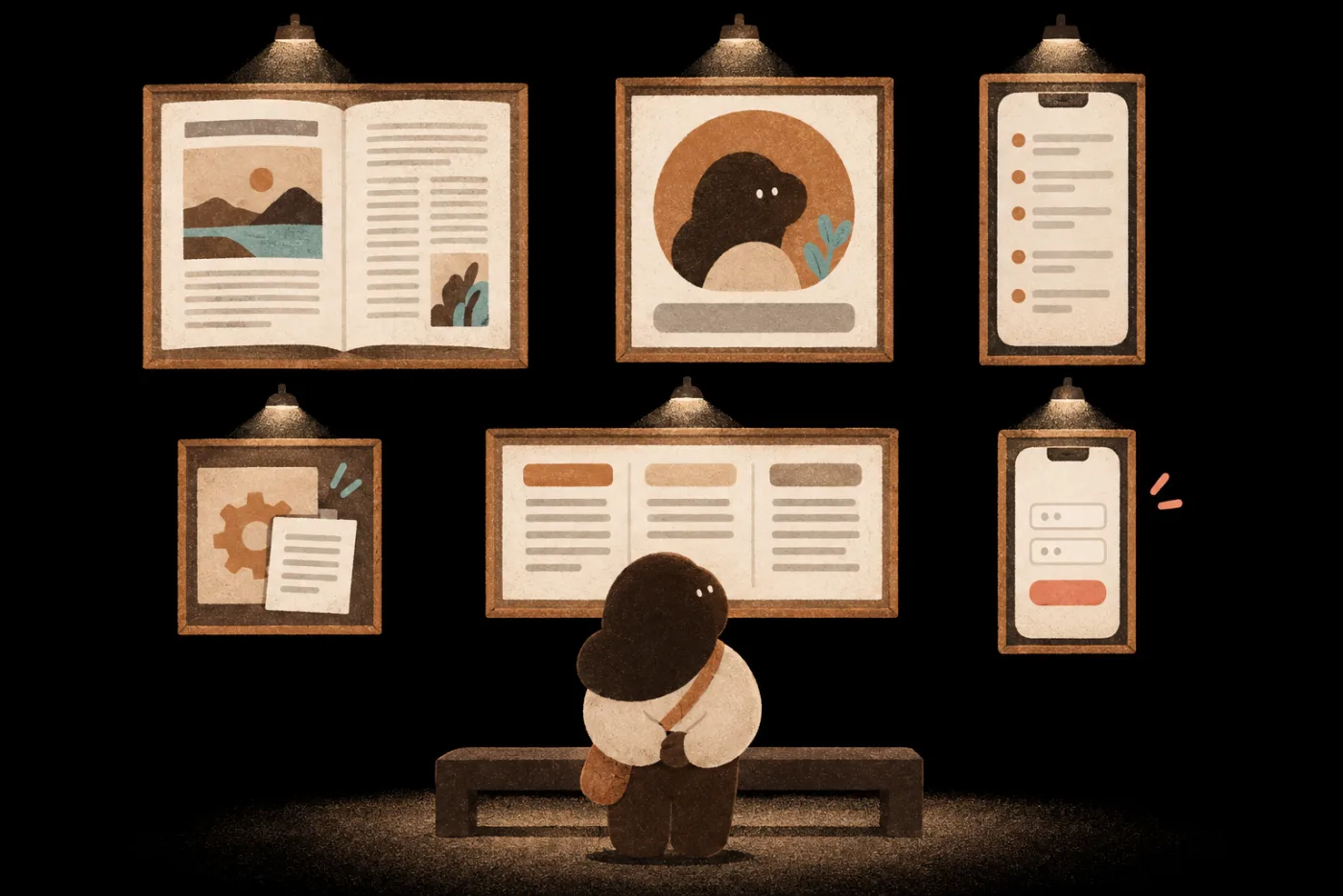
A person stands in a gallery looking at six pieces on the wall: a long-form article, a social key visual, a short-video script, a Skill, multi-platform specs and an interactive mini tool
No.01Long-form article

An article in your own voice

No.02Social key visual

One 1:1 social graphic with a clear focal point

No.03Short-video script

A 60-second script (about 320 Chinese characters)

No.04Skill

A quoting Skill that runs on your rules

No.05Multi-platform specs

One spec each for FB, IG and Threads

No.06Interactive mini tool

A group sign-up page for your own use

POINT 02

Eleven at night,
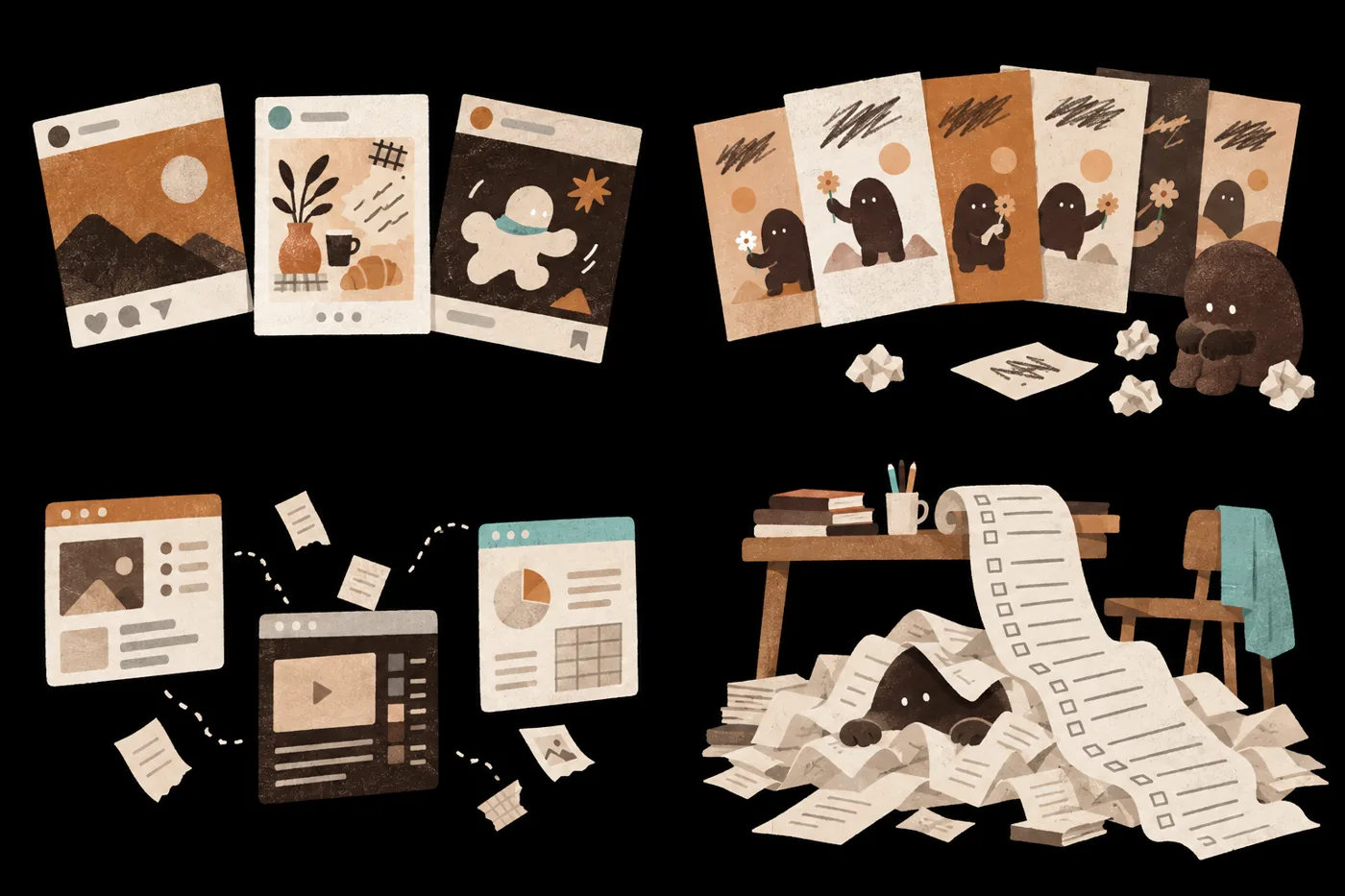
and version five still isn’t right

76%of marketers spend at least three hours a week revising, fact-checking or fixing AI output.Optimizely 2026 study · 2,000+ marketing leaders · conducted by Savanta

NEXT MORNING

Each of these four sticking points
has a method you can learn.

POINT 03

From doing everything yourself
to production director of an AI team

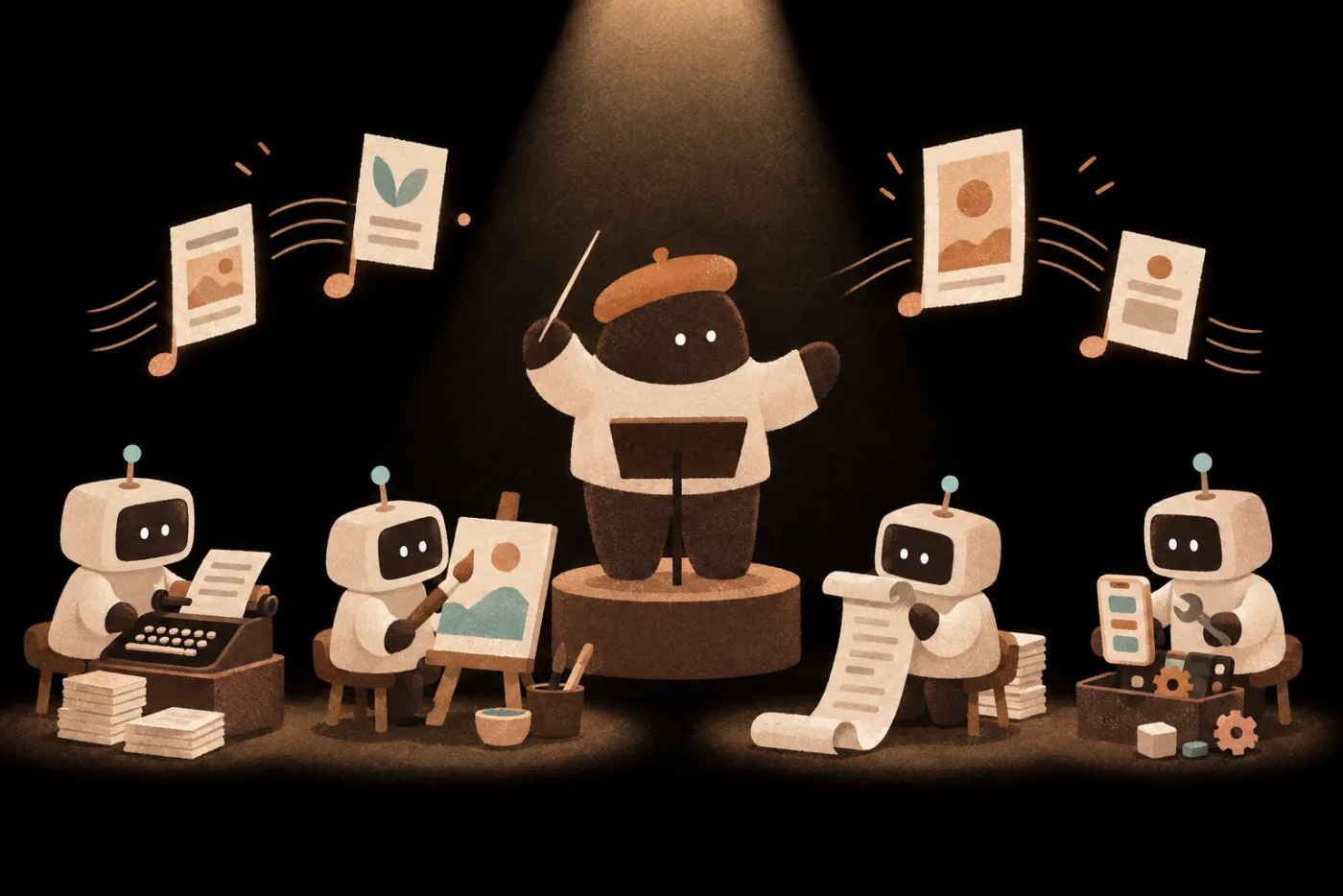
Under a spotlight, a character in a beret stands on a podium waving a baton; four small AI assistants sit in a semicircle playing a typewriter, an easel, a long script scroll and a toolbox, with finished drafts and posters floating above

You plan and control quality; AI does the hands-on work.

POINT 04

Articles, key visuals, transcripts:
all can become work you’re proud to show

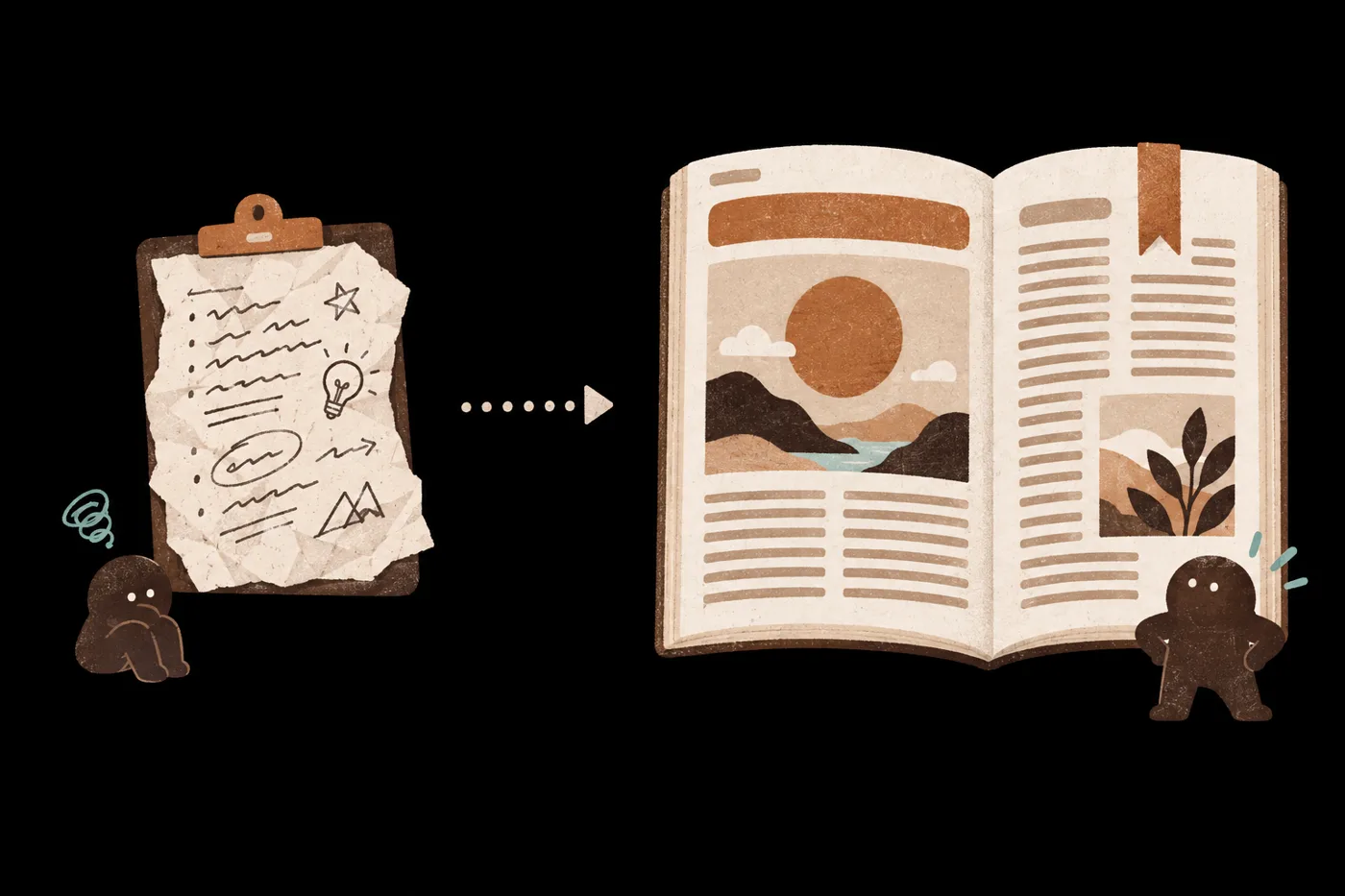
Crumpled lecture notes become a neatly laid-out long-form article BeforeArticles you’ve written AfterWriting spec + a new piece
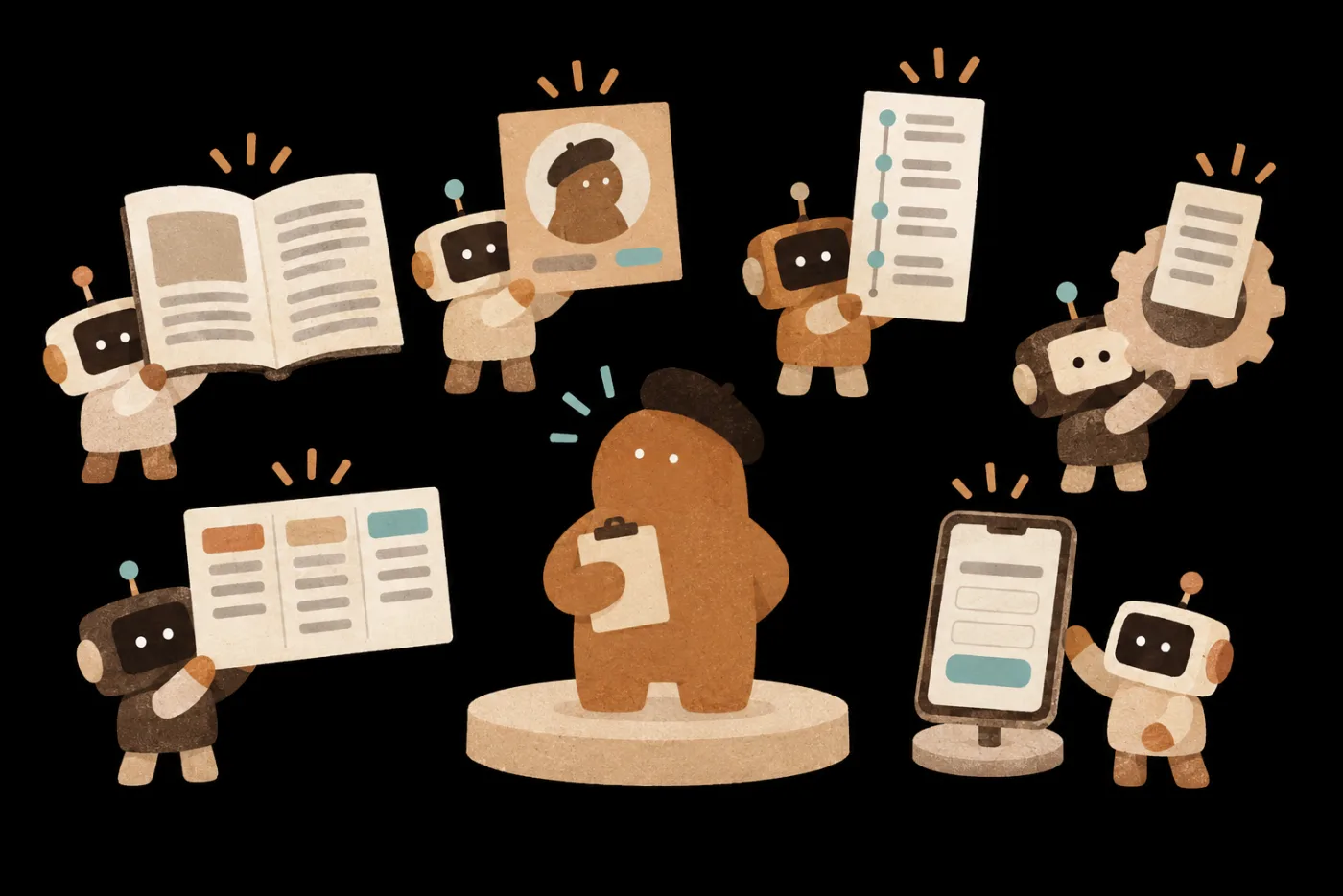
01AI Writing Room海總理
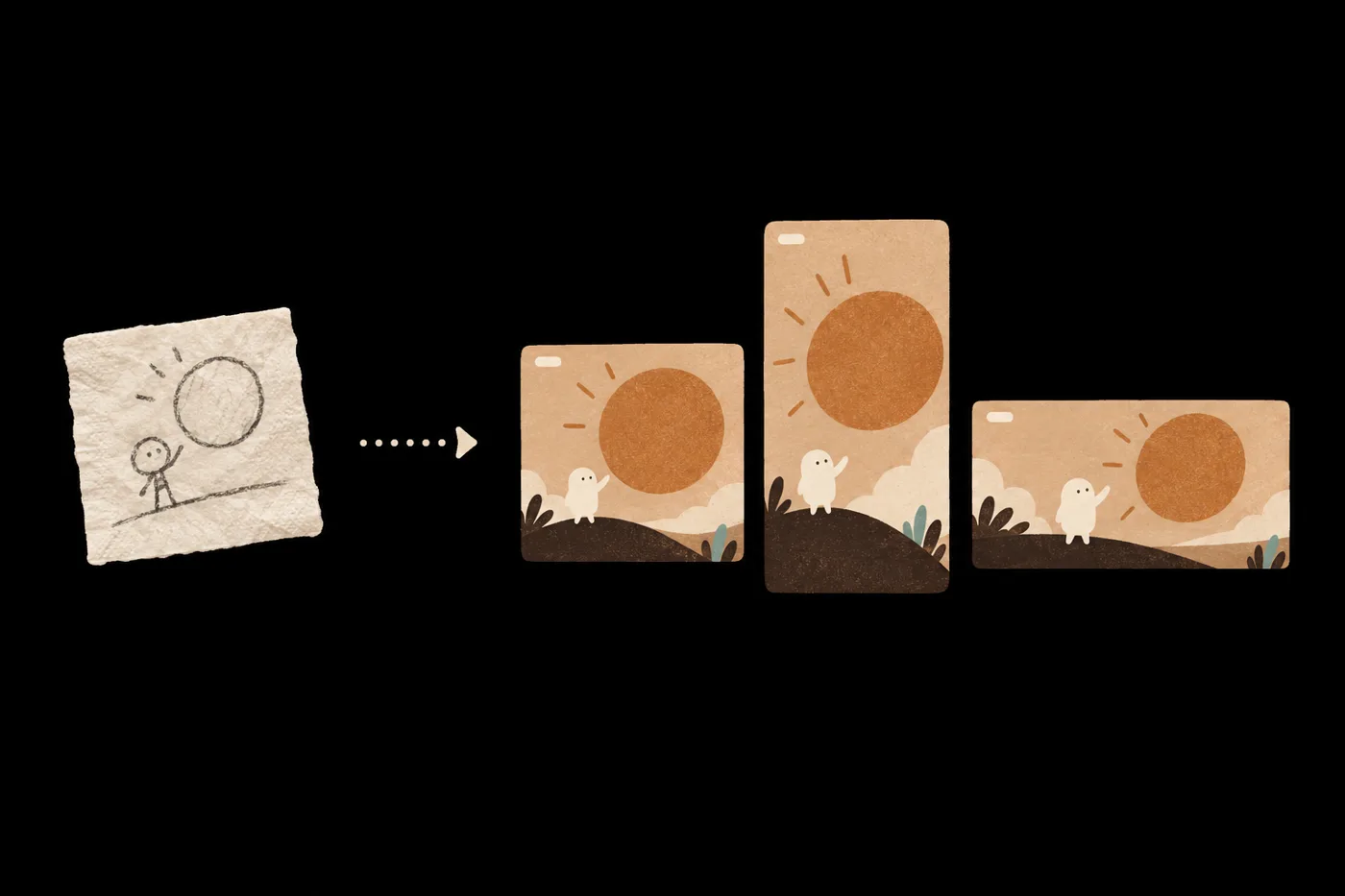
A sketch on a napkin becomes three images in one design: square, portrait and landscape BeforeOne key visual AfterOne polished social graphic
02AI Visual Design Room林思翰
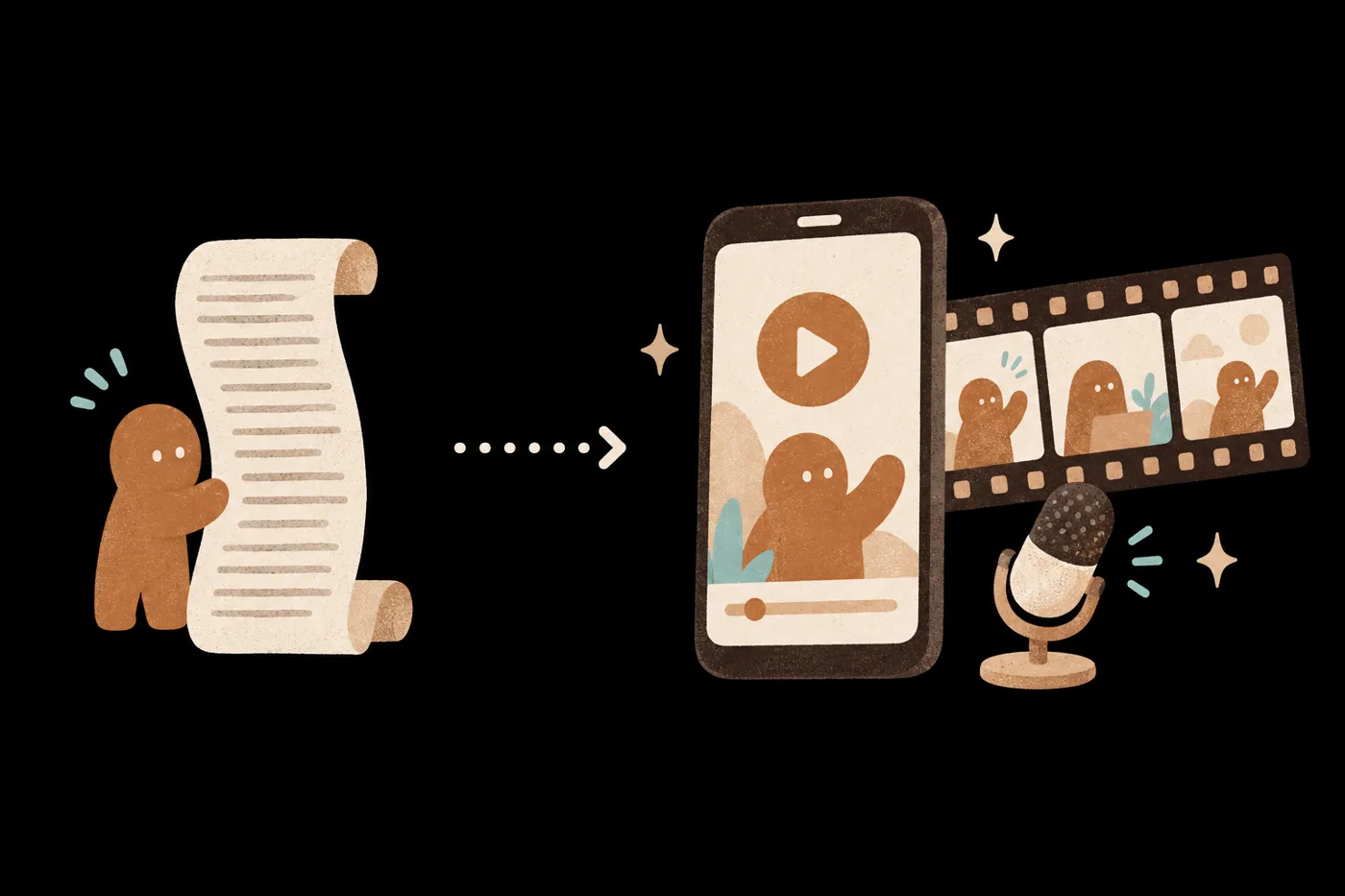
A long transcript scroll becomes a phone short-video screen, a three-panel storyboard and a voiceover mic BeforeOne transcript After60-second short-video script
03AI Short-Video Planning Room蕭上農
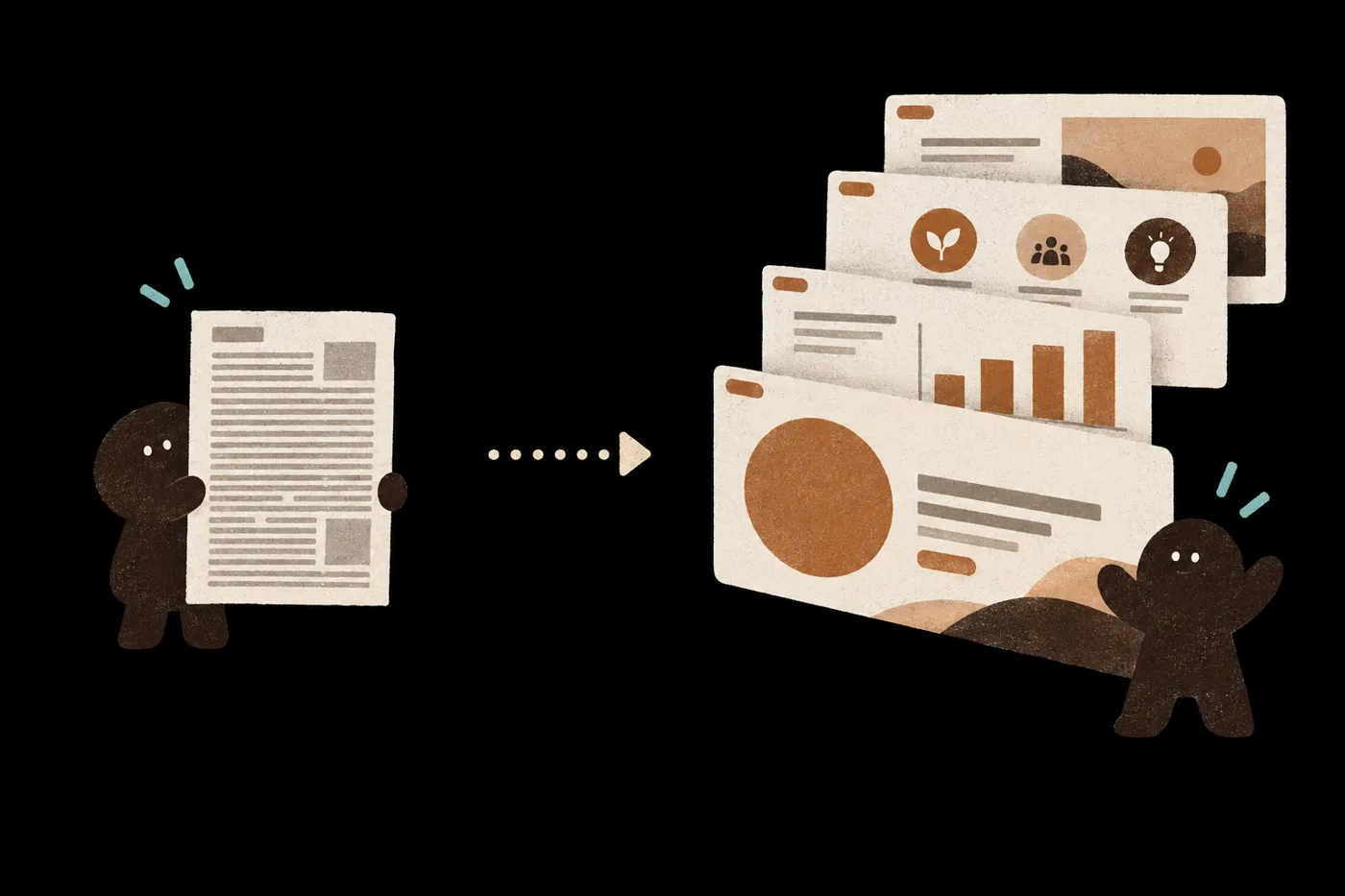
A dense handout page becomes four clean slides BeforeA ready-made Skill AfterA Skill that runs on your rules
04AI Skill StudioVivi
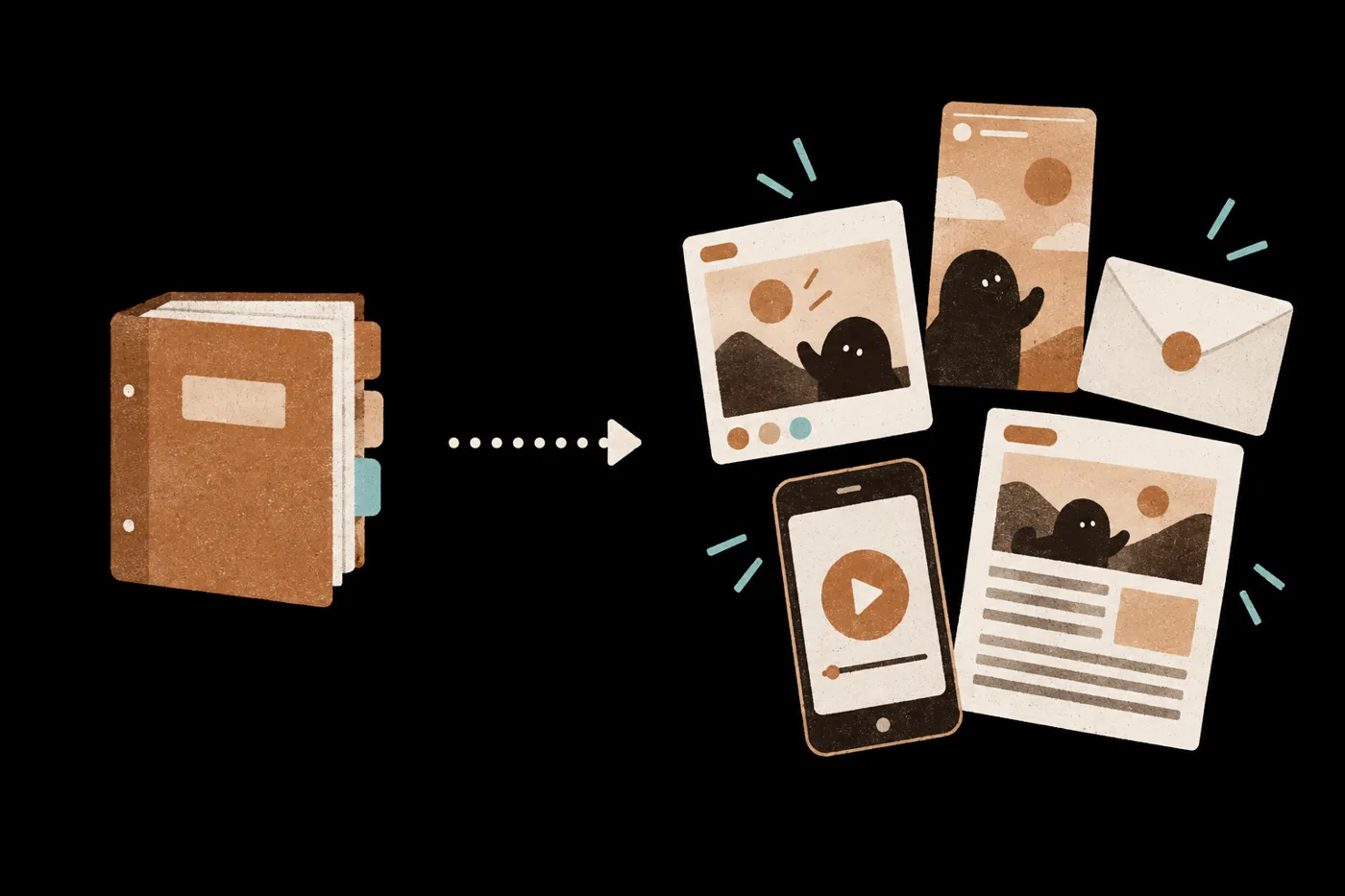
A research binder becomes five versions: social cards, stories, a newsletter, a short video and an article BeforeOne piece of research AfterContent master + specs for 3 platforms
05AI Content Repurposing Room蕭上農
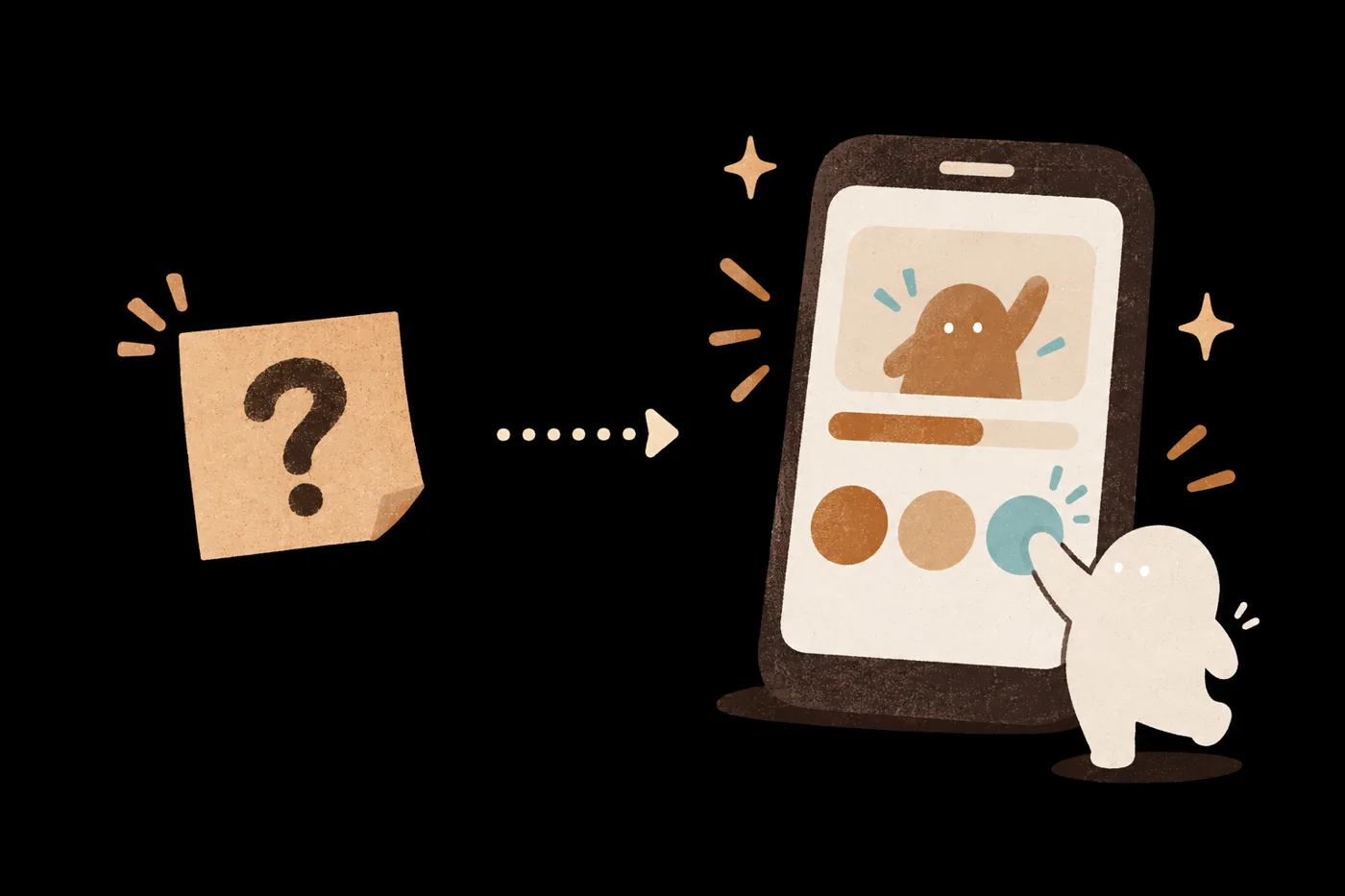
A sticky note with a question mark becomes a tappable phone quiz BeforeOne need AfterA mini tool for your own use
06AI Interactive Room王大皓 · 少女凱倫
How to choose

Whichever piece you want first,
start with that lesson

POINT 05 · Quality breakthrough

Say exactly what to change,
and work with AI until it’s right

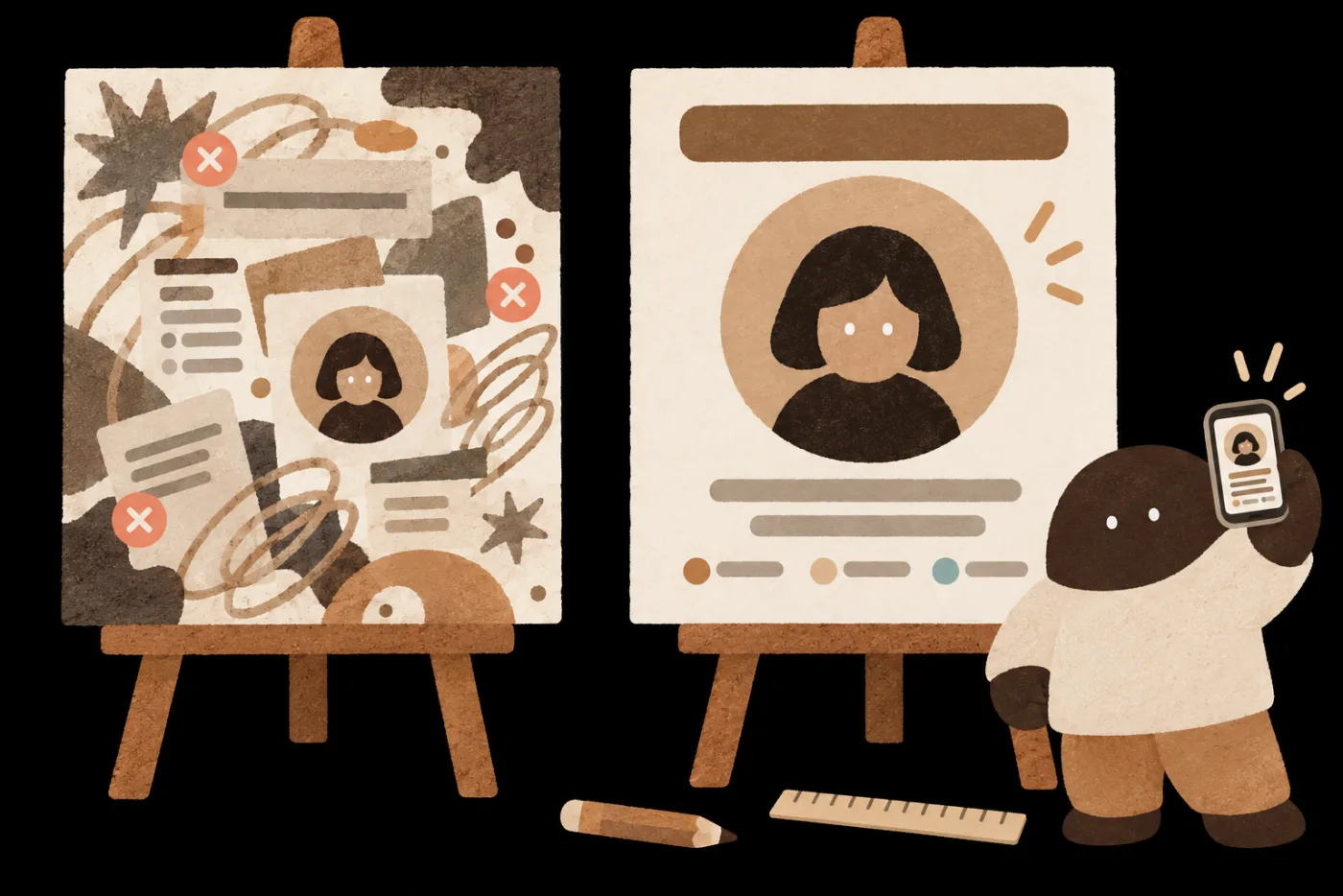
Two easels: on the left, AI’s first-draft course poster with a cluttered background, a tiny headshot and a thin title, marked with three red Xs; on the right, the same poster fixed, with a clean background, a large headshot and a bold title; at bottom right, a character holds up a phone to view the shrunken poster

Revision listCheck each C.R.A.P. item

Follow the revision list, and fix it item by item.

POINT 06 · Production method

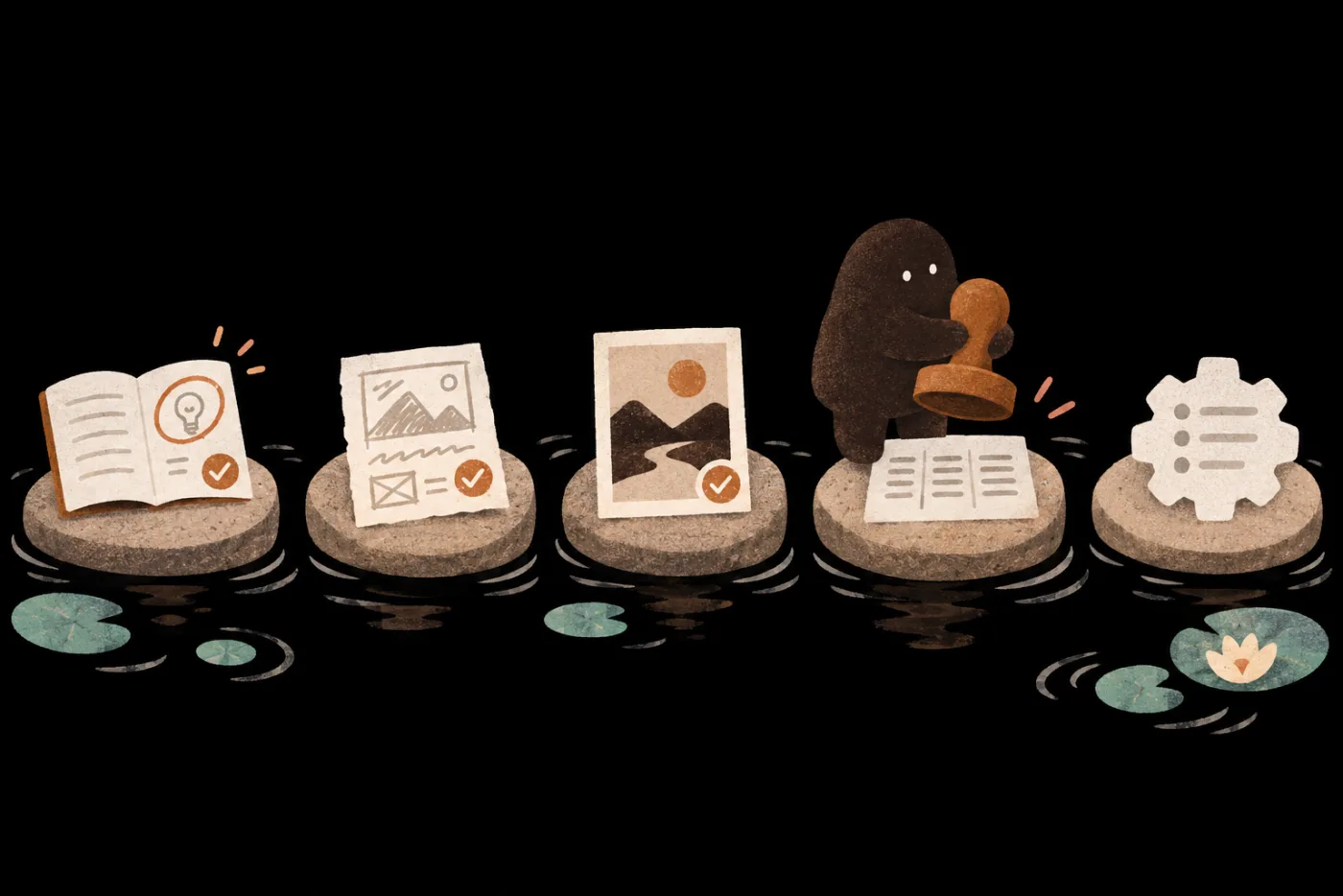
Every piece goes through these five steps,
and you call the shots at each one

Five stepping stones across a river hold, from left to right, a notebook, a draft, a framed finished piece, a three-column spec sheet and a gear recipe card; a character stands on the fourth stone, raising a stamp
04
Extend · You decide

Which rules stay the same on every platform

Save what works as a Skill, and use it on the next piece.

POINT 07

From a draft you’re not happy with
to work ready to publish

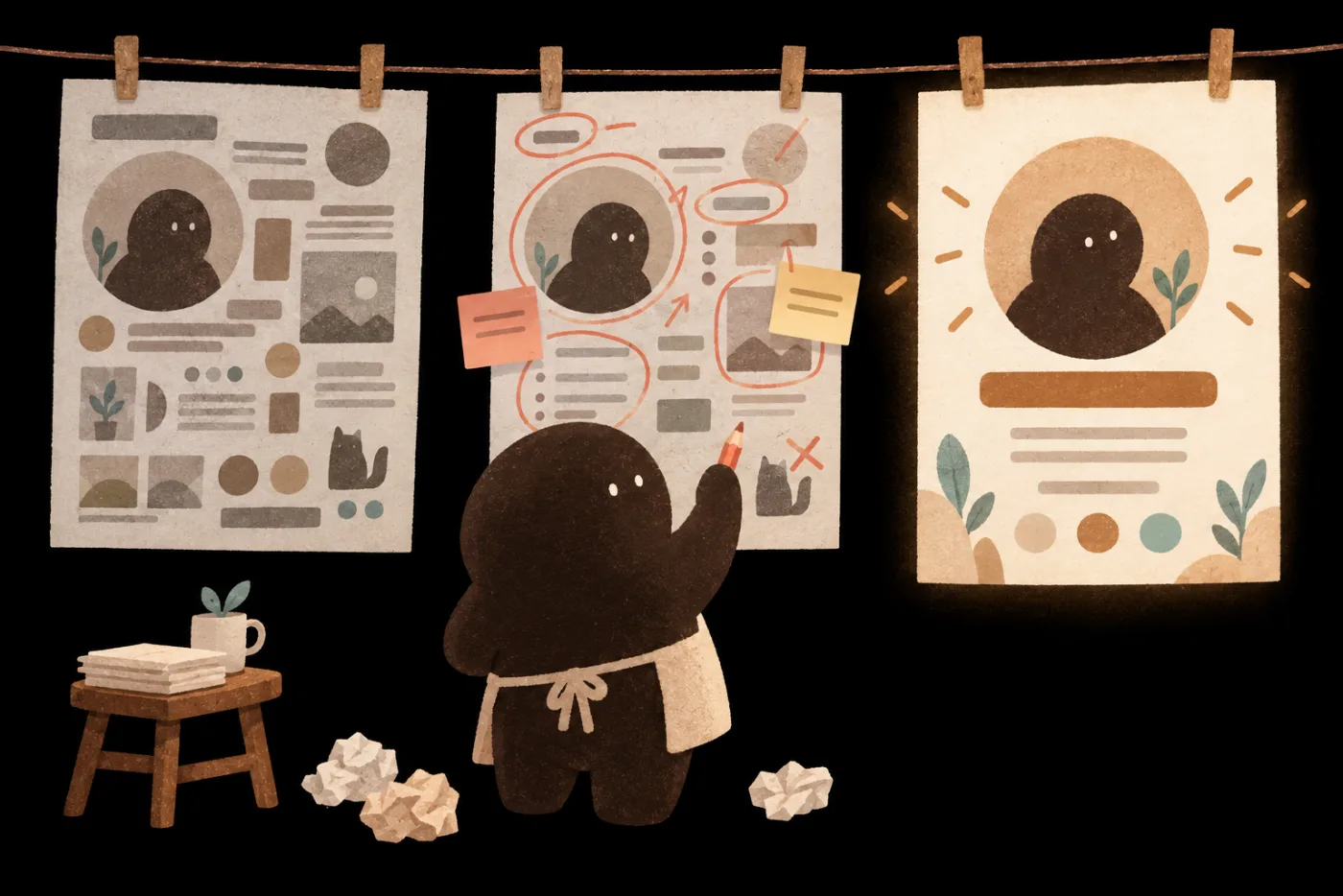
Three posters hang on a clothesline: on the left, a gray first draft crammed with elements; in the middle, the same poster covered in red circles and sticky notes; on the right, a clean, well-lit finished piece; a character holding a red pen stands under the middle one
The same process, once for each of four piecesLong-form articleSocial key visualShort-video scriptSkill
POINT 08

No design background?
You can still make your own work

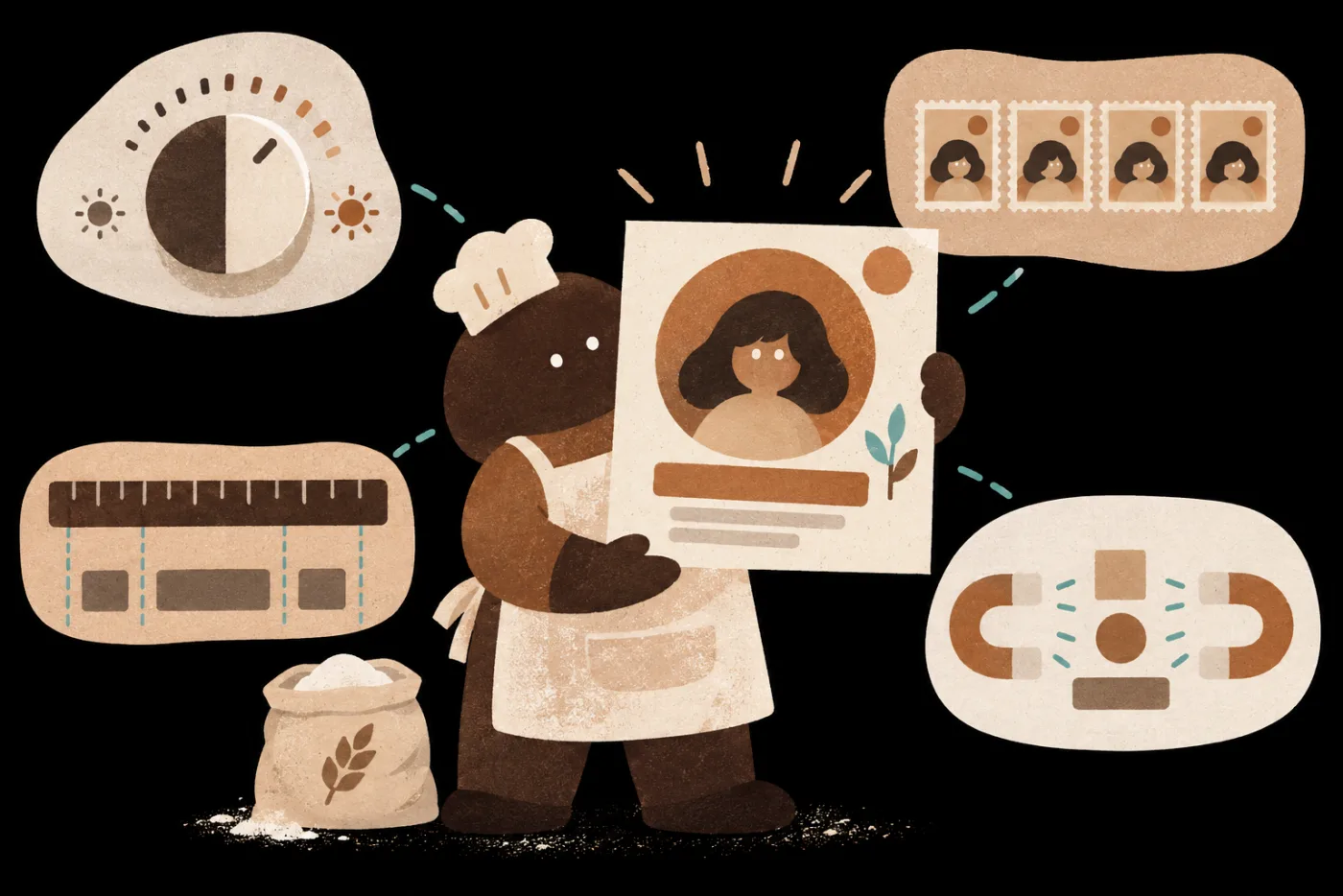
A character in a baking apron and chef’s hat, with a bag of flour at their feet, holds up a finished social graphic; around them float a contrast dial, a row of repeating stamps, a ruler with alignment lines, and a magnet pulling elements together Never studied design?
You can still do it

C ContrastPush the title and background apart in light and dark, so the key point stands out at a glance.

R RepetitionRepeat the same colors and type so it all looks like one set.

A AlignmentLine every element up on the same edge, and the layout looks tidy.

P ProximityKeep related information together so readers don’t have to hunt.

Every check is demonstrated in class, so you can tell whether you’ve got it right.

POINT 09

The ideas are yours,
and so is the whole production team

Start from one piece of material and finish your own content work,
with a production method you can use again next time.

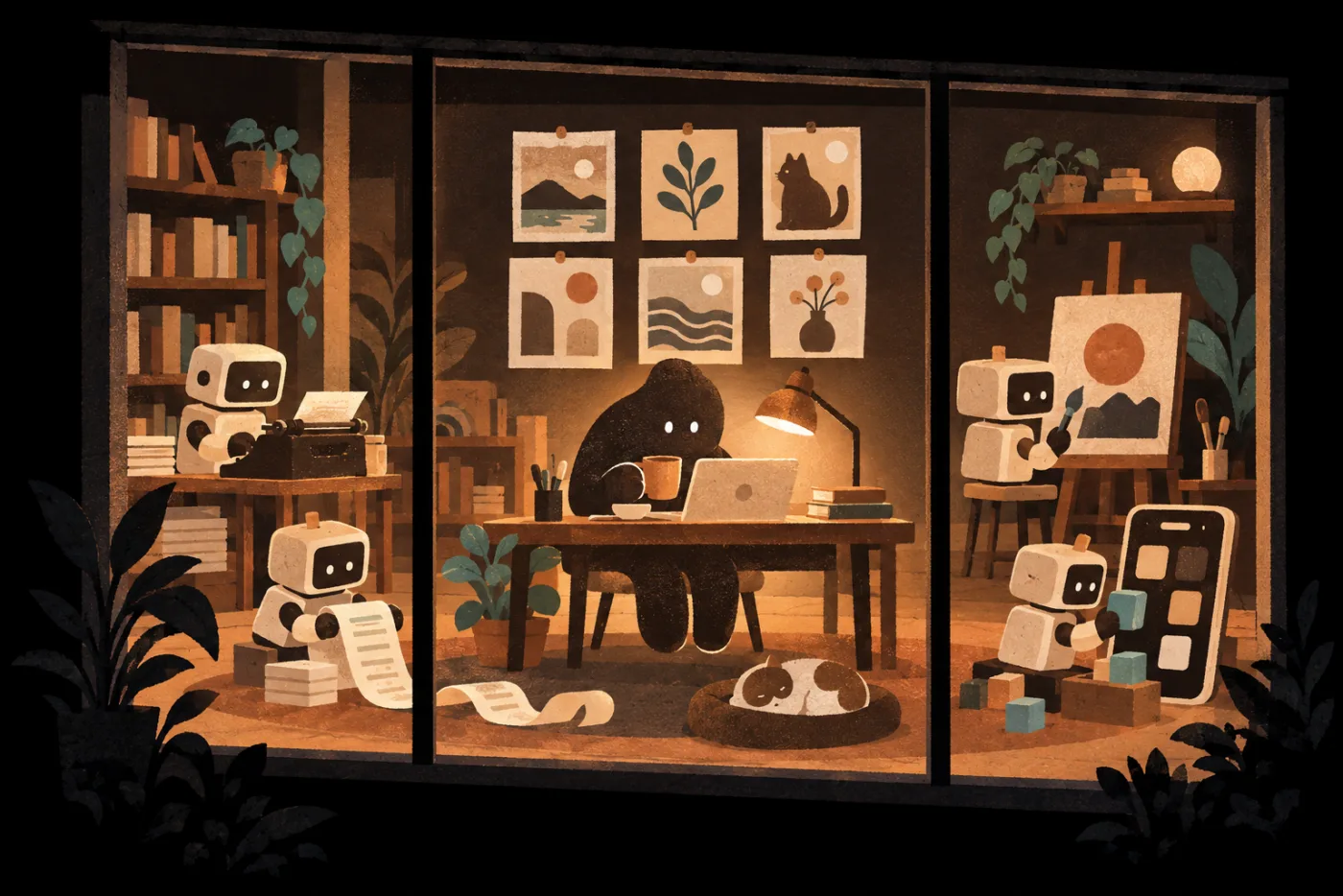
A one-person studio lit up at night: the character works under a desk lamp with six pieces pinned on the wall; four small robots help out, one typing, one painting a poster on an easel, one rolling a script strip, and one building a phone screen out of blocks Your work You: plan AI writing AI scripts AI visuals AI mini tools
AI Content Studio · Maker Galaxy
NT$ 2660 NT$ 6980

6 lessons
Starts Nov 30, 2026

Start with the lesson you’d use most, then follow it for your next piece.

COURSE6 lessons · 6 teachers
  1. 01

    AI writing desk: Your own spec and voice

    Turn your past writing into a writing spec and keep your voice on any new topic.

    Hai Tseng
  2. 02

    One research doc, many platforms: From content master to short-video script

    Build a content master from one piece of research, then write specs for each platform and a 60-second video script.

    fOx Hsiao
  3. 03

    From key visual to social post: Fix AI images with design principles

    Use the C.R.A.P. design principles to turn a key visual into a clear social post with editable text.

    Hans Lin
  4. 04

    Vibe Coding in practice (the pickleball experiment)

    Start from something you love and vibe-code a mini tool you'll actually use.

    Dahao Wang
  5. 05

    Remix a ready-made Skill: Turn a quoting process into a reusable method

    Add your own rules to a ready-made Skill and retest it with new data, so AI repeats your method.

    Vivi Chen
  6. 06

    Four vibe-coded works that grow your creator studio

    Vibe-code four kinds of works with the instructor, from a front-end-only site to a tool that calls AI.

    Karen
Q&A
  1. 01

    Who is this for?

    People who need to keep producing content without a full production team: marketers, social media editors, brand owners, small business owners, freelancers, and instructors and consultants who want to turn their expertise into finished work.

  2. 02

    I can't design or edit video. Can I keep up?

    Yes.The course teaches you to say clearly what you need, give the right references, tell good from bad, and work with AI until you're satisfied. Video editing isn't part of this series: for short video, you go as far as a 60-second script, then compare it with the teacher's finished video to learn how to prepare the storyboard, assets and voiceover.

  3. 03

    Will my content get more traffic after the course?

    This series focuses on the work itself: making it good, giving each platform its own specs, and making it faster next time. Traffic and conversion also depend on topic choice, paid promotion and channels, which other courses cover.

  4. 04

    Do I need Foundation before Maker?

    No.Each galaxy is a standalone series. Pick by the work you want to get done.

  5. 05

    Can I take the course on my phone? What computer do I need?

    Watch on your phone; build on a computer.Your phone works for watching and checking what the AI hands back. Editing images, reviewing assets in three sizes and building Vibe Coding mini tools need a computer. Web-based AI just needs an up-to-date browser; desktop apps: Claude needs macOS 13 or Windows 10 or later, ChatGPT needs macOS 14 or Windows 10 or later. To watch lessons, use Chrome 111, Safari 16.4 (iOS 16.4), Firefox 128 or later.

  6. 06

    Which AI tools will I use? Can I switch?

    Yes, you can switch tools.Lesson 03 uses ChatGPT for images and connects to Canva; lesson 05 uses Claude Skills. You can make images with ChatGPT, Claude or another AI; Skills are an open format, and other platforms offer similar features.

  7. 07

    Do I need to pay for anything else?

    Start free; pay for more usage.Free plans let you start generating images, writing long pieces and building mini tools, and Claude Skills work on the free plan once you turn on code execution. Rounds of revisions can use up the free allowance, so we suggest a paid plan such as ChatGPT Plus or Claude Pro for at least one tool to get more usage. Whenever a lesson uses a paid feature, we'll flag it.

Want your whole team to join?

Learn about team plans →

Plans

This price ends in 0d06:06:11
NT$2,660List priceNT$6,980
  • AI Content Studio, 6 lessons
  • 12-month access, counted per lesson
  • Includes 1 AI skills assessment
  • 0% interest on 3, 6, or 12 installments (non-US cards excluded)

Multi-buy2 items 10% OFF · 3+ items 15% OFFSee multi-buy

Courses open 2026/11/30 17:00

This price ends in 0d06:06:11

All six galaxies, one price

  • All 6 galaxies, all 35 lessons unlocked
  • 12 months of access, counted per lesson
  • Includes 6 AI skills assessments
  • 0% installments over 3, 6 or 12 months (not valid for foreign cards)
NT$12,800Bought separately List priceNT$50,090 Save NT$9,000 vs. buying separately
NT$2,660List priceNT$6,980 See plans